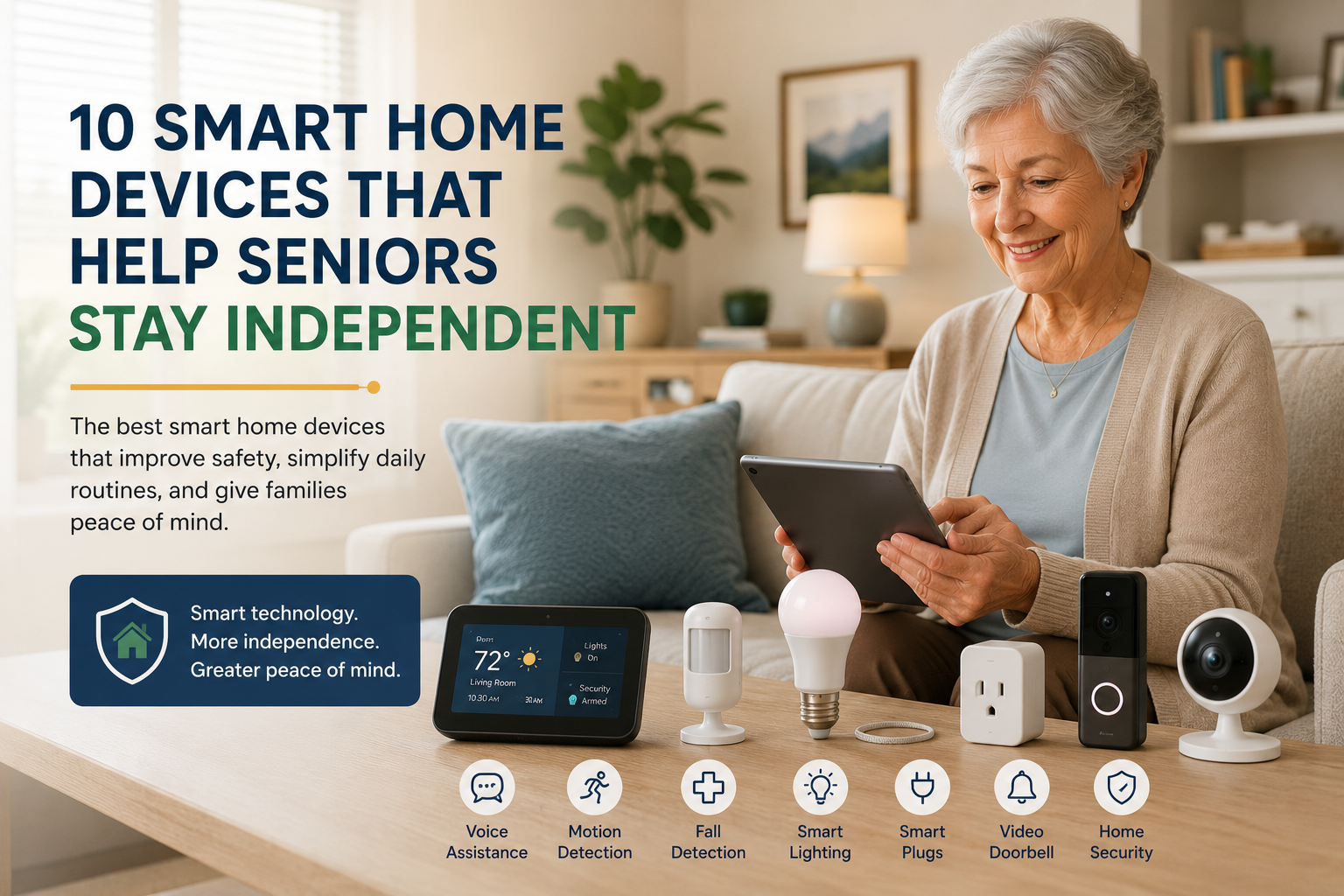
10 Smart Home Devices That Help Seniors Stay Independent
When families start exploring smart home devices for seniors, they are usually trying to solve a very practical problem. They want an older parent to stay safe, keep more independence, and continue living at home with less daily stress. They also want tools that make life easier, not more confusing.
The challenge is that the phrase “smart home” can sound bigger and more technical than it needs to be. In reality, many helpful devices are simple. Some add reminders, some improve lighting, some make communication easier, and some quietly reduce risk in the background. The best options are the ones that fit naturally into a senior’s routine.
This guide walks through ten categories of smart home devices that can support independence without turning the home into a complicated tech project. We are not focusing on brands yet. Instead, we are looking at what each device type actually does and who it may help most.
Table of Contents
- How to Think About Smart Home Tools
- 10 Smart Home Device Types
- How to Introduce New Technology
- When Less Tech Is Better
- FAQ
- Conclusion
How to Think About Smart Home Tools
Not every senior needs the same setup. A parent who is active and socially engaged may want convenience and communication tools. Another may need stronger support around mobility, reminders, or home security. Start with daily challenges, not with shopping lists.
A good smart device should do at least one of these things: reduce risk, save physical effort, support memory, improve communication, or give family members more confidence without being intrusive. If a tool does not clearly help in one of those areas, it may not be worth adding.
It also helps to think about comfort with technology. Some older adults will gladly use voice commands, routines, and notifications. Others will do better with devices that work quietly in the background. If you are building the larger safety picture, our article on home safety for elderly parents is a useful companion.
10 Smart Home Device Types
1. Voice assistants
Voice assistants can make a home feel easier to manage. They allow seniors to set reminders, make calls, ask about the weather, listen to music, and control other connected devices without walking across the room or using a phone menu. For many households, this is one of the best starting points because it reduces friction in everyday tasks.
If you want a full walkthrough of how voice tools fit into a senior’s life, read our Alexa for seniors beginner’s guide.
2. Smart lights and motion-activated lighting
Lighting matters more than many families realize. Better lighting can reduce fall risk, improve visibility at night, and make the home feel calmer and safer. Smart bulbs or motion-triggered lights work especially well in hallways, bathrooms, and bedrooms. For families who also want to reduce fall risks at home beyond lighting alone, our room-by-room checklist is a practical next step.
This device type is helpful for seniors who wake up during the night, move more slowly in dim spaces, or simply forget to turn lights off and on.
3. Smart plugs
Smart plugs are small but useful. They allow lamps, fans, coffee makers, or other simple devices to run on schedules or be turned on remotely. For seniors, they can reduce bending, reaching, and the mental load of remembering small routines.
They are especially helpful for adding convenience without changing a familiar household item. A favorite bedside lamp can stay the same while becoming easier to control.
4. Video doorbells
Many older adults feel uneasy answering the door, especially if they live alone. A video doorbell can make visitors more predictable and help screen unexpected knocks. Family members may also feel better knowing that package deliveries and front-door activity are easier to track.
The key is to use it for confidence and communication, not to create a sense of constant surveillance.
5. Door and window sensors
Door and window sensors are quiet background tools that can help families notice unusual patterns. They may be useful if an older adult sometimes forgets to close a door, goes outside late at night, or needs general entry alerts for safety reasons.
These sensors are often more acceptable than cameras because they give information without recording private spaces.
6. Fall detection or activity monitoring devices
Some families want support that goes beyond basic home automation. Fall detection wearables or simple activity monitoring tools can help create awareness when routine patterns suddenly change. These tools can be especially useful when a parent lives alone and family members are trying to balance support with distance.
They should never be presented as medical guarantees, but they may improve response time and peace of mind.
7. Medication reminder tools
Missing or delaying medication can affect daily wellbeing and routine. Smart reminder systems can provide voice prompts, timed alerts, or structured schedules that make medication routines easier to follow. For some seniors, a reminder alone is enough. For others, a more visible cue works better.
This kind of support can be especially useful when memory is mostly good but routines are becoming harder to keep consistent.
8. Smart thermostats or climate controls
Temperature is not just a comfort issue. It affects sleep, daily energy, and general wellbeing. Smart thermostats can reduce the need to adjust settings constantly, maintain steady temperatures, and help family members monitor unusual heating or cooling patterns when appropriate.
This is often a good option for seniors who forget settings or who find older thermostats confusing.
9. Indoor cameras for limited situations
Indoor cameras are not right for every home, but in certain situations they can be useful. For example, one camera near an entrance or in a common area may help when there is a safety concern, frequent confusion, or a need to check on a specific issue. Privacy should always come first, and bedrooms and bathrooms should remain off limits.
Families should discuss camera use openly. A helpful tool should not damage trust.
10. Smart speakers or displays for communication
Devices with screens can make video calls, family photo sharing, reminders, and simple communication easier. For seniors who feel isolated, these tools can support connection in a way that feels more natural than a complicated tablet or smartphone interface.
They can also work as a central point for routines, calendars, or voice help with everyday tasks.
How to Introduce New Technology
The way a device is introduced matters almost as much as the device itself. Families get better results when they solve one problem at a time. Instead of saying, “We’re turning your home into a smart home,” it is usually better to say, “This will make the hallway safer at night,” or, “This can remind you about your afternoon medication.”
Start small. One voice assistant, one smart light routine, or one front-door tool is easier to accept than a full system all at once. Let your parent build confidence before adding more.
It also helps to keep familiar routines intact. Technology should support the way a person already lives whenever possible. The goal is not to force a new lifestyle. The goal is to reduce friction inside the current one.
When Less Tech Is Better
Sometimes families assume more devices always mean more safety. That is not true. Too many notifications, too many apps, and too many changes can overwhelm both the senior and the family caregiver. In some homes, three well-chosen tools are more useful than ten devices that no one enjoys using.
It is also important to remember that smart devices do not replace human support, good home design, or honest conversations about changing needs. If you are thinking more broadly about whether staying at home is the right long-term choice, our article on aging in place gives useful context.
Frequently Asked Questions
What is the best first smart home device for a senior?
A voice assistant or better smart lighting is often the easiest place to start because both offer clear benefits without requiring a lot of technical skill.
Are smart home devices hard for older adults to use?
Some are, but many are not. The best devices for seniors are the ones that solve one problem simply and do not require constant app management or confusing setup.
Can smart home devices really help seniors stay independent?
They can support independence by reducing physical effort, improving reminders, increasing communication, and making the home safer. They are most effective when matched to a real daily need.
Should families install cameras everywhere?
No. Cameras should be used carefully and only when there is a clear reason. In many cases, lighting, sensors, voice tools, and check-in routines provide enough support without reducing privacy.
Do seniors need a full smart home system?
Usually not. Most families do best by starting with one or two useful devices and expanding only if those tools genuinely help.
Conclusion
The best smart home devices for seniors are not the flashiest ones. They are the ones that make daily life feel easier, safer, and more manageable. A good device can support independence, reduce family worry, and remove small points of stress that add up over time.
Start with the real need, keep the setup simple, and build slowly. That approach creates more trust and better long-term results than trying to “tech-proof” a home overnight. For next steps, explore our guides to making a home safer and using Alexa with seniors.