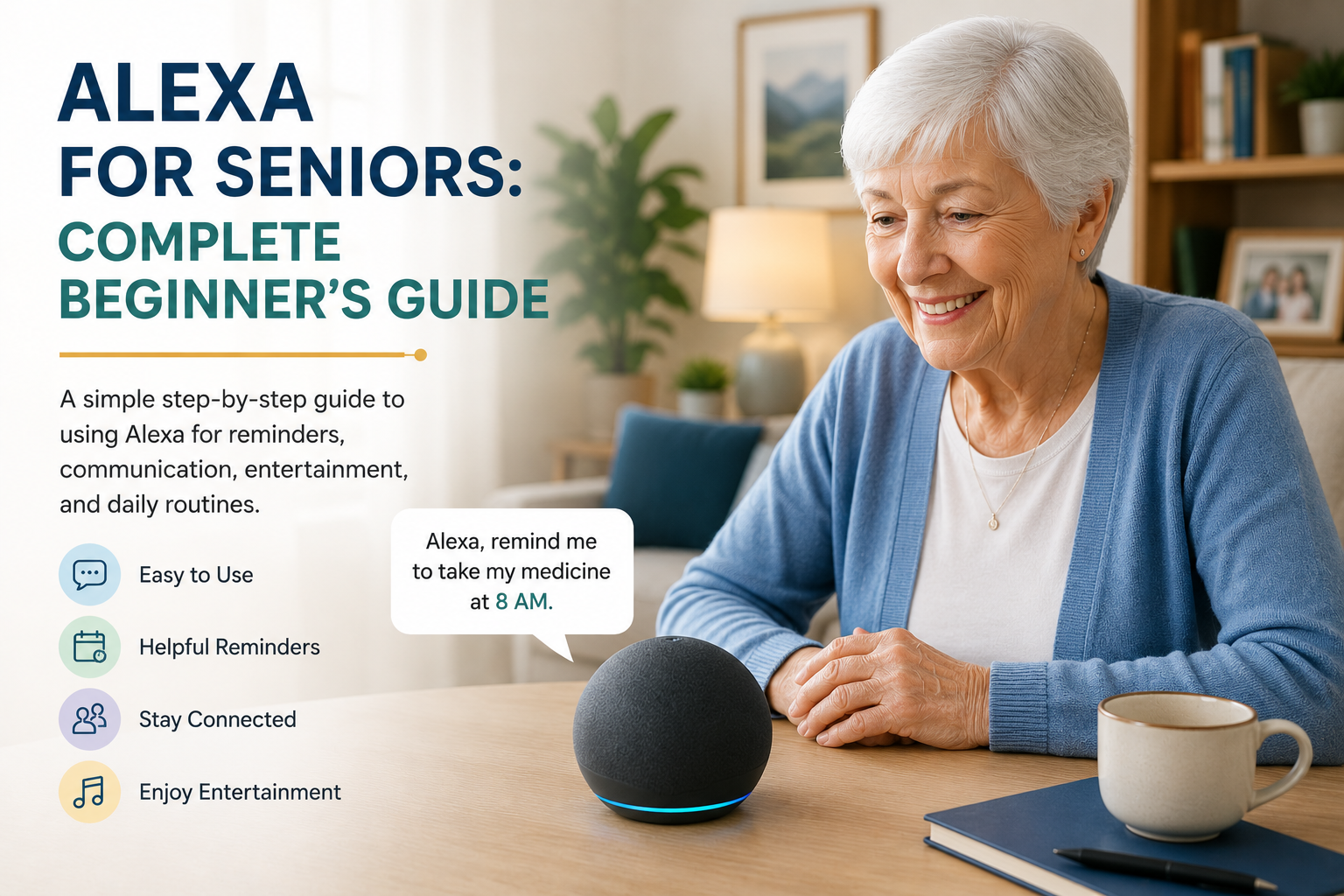
Alexa for Seniors: Complete Beginner’s Guide
If you are helping an older parent get started with Alexa, this guide is for the practical first steps: what Alexa does, which features are easiest to use, what to set up first, and where its limits are. Alexa for seniors can support reminders, calls, simple routines, music, weather updates, and hands-free smart home control when it is introduced calmly and configured around real daily needs.
It is not a replacement for family support, caregivers, emergency services, or medical advice. But for many families, Alexa can be a simple voice-first tool that makes daily living easier and helps an older adult feel more connected at home.
Quick Answer
Alexa is Amazon’s voice assistant. Seniors can ask it for reminders, calls, weather, music, simple answers, and smart home control without opening an app or using small buttons.
Families should usually start with three basics: medication or appointment reminders, easy family calling, and one or two daily routines such as morning weather or bedtime lights. Keep the setup simple first, then add more features only when your parent feels comfortable.
Table of Contents
- What Is Alexa?
- What Alexa Can Help Seniors Do
- Why Alexa Can Help Seniors
- Best First 5 Alexa Features for Seniors
- Best Uses for Daily Life
- How to Set It Up Simply
- Echo Dot vs Echo Show for Beginners
- What Alexa Cannot Replace
- Privacy and Boundaries
- Common Challenges
- FAQ
- Conclusion
What Is Alexa?
Alexa is a voice assistant that responds to spoken commands through compatible smart speakers and displays. Instead of tapping through a screen, a person can say things like, “Alexa, what’s the weather?” or “Alexa, remind me to take my pills at 8 PM.”
That voice-first approach is exactly why it can be so useful for older adults. It removes many of the frustrating steps that come with smartphones, tiny buttons, or complicated remote controls. A senior does not need to remember where an app is or navigate a menu. They can simply ask.
When connected to other smart home tools, Alexa can also help control lights, plugs, thermostats, and routines. That makes it a strong anchor device for families who are just beginning to explore smart home devices for seniors.
What Alexa Can Help Seniors Do
| Use | Example Command | Family Benefit |
|---|---|---|
| Reminders | “Alexa, remind me to take my medicine at 8 PM.” | Helps create structure around important daily tasks. |
| Calls | “Alexa, call Sarah.” | Makes family contact easier without searching through a phone. |
| Weather | “Alexa, what’s the weather today?” | Helps a senior plan clothing, errands, or outdoor walks. |
| Music | “Alexa, play relaxing music.” | Adds comfort, entertainment, and familiar routines at home. |
| Routines | “Alexa, start my morning routine.” | Combines simple actions like weather, reminders, and lights. |
| Smart lights | “Alexa, turn on the living room light.” | Reduces walking in the dark and makes the home easier to use. |
Why Alexa Can Help Seniors
The biggest benefit is ease. Many older adults do not need more technology in their lives. They need less friction. Alexa reduces the steps required to do ordinary things, and that can make a surprising difference.
It supports memory without pressure
Reminders for medication, appointments, hydration, meals, or phone calls can be scheduled and repeated. That helps seniors who want structure without relying on sticky notes or trying to remember everything at once.
It reduces physical effort
Voice control is especially useful when walking is slower, standing up is harder, or reaching across a room is inconvenient. Turning on lights, listening to the news, or checking the time does not have to involve extra movement.
It can support connection
For some seniors, using a phone or video calling app feels like work. A voice assistant can lower that barrier and make communication feel more natural. That can be valuable for families who are supporting a parent from a distance.
Best First 5 Alexa Features for Seniors
The best beginner setup is usually not the most advanced one. Start with features that solve real daily friction and are easy to explain in one sentence.
1. Reminders
Reminders are useful for medication times, appointments, trash day, drinking water, or calling a family member. They are a strong first feature because the benefit is obvious and the setup does not require extra devices.
2. Family calls
Voice calling can help a parent contact family without scrolling through contacts or remembering where the phone is. It is especially useful for seniors who already like regular check-ins but find smartphones frustrating.
3. Weather and daily information
Weather, time, date, and simple questions are low-pressure ways to practice using Alexa. These small wins help an older adult build confidence before relying on more important features.
4. Music, radio, and familiar audio
Music can make Alexa feel friendly instead of technical. For some seniors, hearing a favorite station, artist, or playlist is the feature that makes the device feel worth keeping.
5. One simple smart light
A single lamp or hallway light is often enough for a first smart home connection. It shows how voice control can reduce physical effort without making the home feel complicated.
Best Uses for Daily Life
Families who want a practical overview can also review what Alexa can do for seniors before choosing which daily uses to set up first.
Families who want to go beyond the basics can also review our guide to the best Alexa skills for seniors to choose practical options for reminders, communication, routines, and daily support.
Reminders and routines
This is often the most useful feature. Alexa can say things like, “It’s time to take your afternoon medication,” or “Don’t forget your physical therapy exercises.” It can also combine actions into routines, such as turning on a lamp, giving the weather, and reading out the day’s schedule each morning.
Hands-free calls and communication
Calling family by voice can make staying in touch feel less complicated. For seniors who do not like typing or scrolling through contacts, this can remove a lot of unnecessary effort.
Music, radio, and entertainment
Entertainment matters more than people sometimes realize. Music, radio, audiobooks, and simple trivia can reduce loneliness and create more enjoyable daily routines. A voice-first interface also makes these activities easier to access.
Smart home control
Alexa works particularly well with lighting and smart plugs. A senior can say, “Turn on the bedroom light,” or “Turn off the lamp in the living room,” which is helpful both for convenience and for safety. That can fit nicely into a broader home safety plan, especially if you are already thinking about home safety for elderly parents.
Simple information without screens
Time, weather, calendar details, timers, and basic questions become easier to access. This may sound small, but small conveniences add up and make a device feel worth keeping.
How to Set It Up Simply
If your parent is nervous about the device, a slower guide to introducing Alexa to an elderly parent without frustration can help families avoid turning setup into a technology lesson.
The worst way to introduce Alexa is to demonstrate twenty features in one sitting. The best way is to set up two or three useful habits and let those become familiar first.
Start with one device in one room
A kitchen, living room, or bedroom is usually enough to begin. Pick the room where reminders, lights, or voice help would be most useful.
Choose a few high-value commands
Start with basics such as reminders, music, weather, lights, and one calling feature. Write them down on a simple card near the device. Families who want a printable starting point can use this Alexa commands for seniors cheat sheet to keep the first phrases simple. Familiarity builds confidence.
Create routines that reflect real life
Good routines match an existing habit. A morning routine might include the date, weather, and a reminder to take medication. An evening routine might remind a parent to lock the door, turn off lights, and charge a phone.
Test volume and clarity
Some seniors need the device louder, closer, or in a less noisy room. Small setup details make a big difference in whether Alexa feels frustrating or helpful.
Echo Dot vs Echo Show for Beginners
For a beginner, the main difference is simple: an Echo Dot is voice-only, while an Echo Show adds a screen. A voice-only speaker can be enough for reminders, music, weather, and simple commands. It is usually less visually distracting and easier to place in a bedroom, kitchen, or living room.
An Echo Show can be helpful when a parent benefits from seeing information on screen, such as the time, weather, reminders, family photos, or video calls. The screen can also make some tasks feel clearer, but it may be too much for someone who wants the simplest possible setup.
Rather than choosing based on features alone, families should ask: will my parent prefer hearing the answer, or would seeing it make Alexa easier to trust?
What Alexa Cannot Replace
Alexa can support daily life, but it should not be treated as a safety system by itself. It does not replace emergency services, professional monitoring, caregivers, medical advice, or regular family involvement.
Families should also think carefully about privacy. Voice assistants work best when everyone understands what the device can hear, what features are enabled, and which routines or contacts have been set up. The goal is support, not surveillance.
If the household will depend on Alexa for daily tasks, also plan for connectivity failures. Our guide to what happens when the internet or power goes out explains which functions may stop and which manual fallbacks should remain available.
Privacy and Boundaries
Families should talk openly about what the device does and does not do. Some seniors are comfortable with voice assistants right away. Others feel uneasy about a device that is always listening for a wake word.
Trust improves when everyone is clear. Explain where the device is placed, what kinds of reminders or calls it handles, and whether it connects to any other smart home tools. Use the least complicated setup that still provides value.
It is also wise to avoid loading the device with too many family expectations. Alexa can support independence, but it should not become a way to constantly monitor someone without their understanding.
Common Challenges
Forgetting the wake word or commands
This is common at first. A short printed prompt card helps. Over time, most people develop a few favorite commands and use those repeatedly.
Speaking too quietly or from too far away
Sometimes the problem is not the senior but the room. Background TV noise, long distance, or device placement can make Alexa seem unreliable when the issue is really setup.
Expecting it to solve everything
Alexa is helpful, but it is not a complete care plan. It works best as one tool inside a broader strategy that may include safer lighting, communication routines, and thoughtful aging-in-place planning. Our aging in place guide explains that bigger picture.
Frequently Asked Questions
Is Alexa easy for seniors to use?
It can be, especially for seniors who prefer speaking over navigating phones or apps. The key is starting with a few helpful features instead of too many at once.
Can Alexa remind seniors to take medication?
Yes, Alexa can provide recurring reminders. Families should still make sure the reminder system is realistic and easy to follow, since reminders are not the same as medical supervision.
Can Alexa call family members?
Yes, Alexa can support voice calling features when set up correctly. This can make communication easier for seniors who dislike dealing with phones or small screens.
Which Alexa device is easiest for a beginner?
The easiest choice depends on the person. A voice-only Echo device can be simpler for reminders, music, and questions. An Echo Show may be easier for someone who benefits from seeing reminders, the clock, weather, photos, or video calls on a screen.
Can Alexa help seniors live independently?
Alexa can support independent living by making reminders, calls, lights, music, and routines easier to use. It works best as one part of a broader family plan, not as a replacement for caregiving, emergency help, or home safety planning.
Is Alexa safe for elderly parents?
Alexa can be safe and useful when it is set up with clear privacy boundaries, simple commands, trusted contacts, and realistic expectations. Families should review calling, purchasing, voice history, and smart home settings before relying on it for daily routines.
Does Alexa work with other smart home devices?
Yes. It can often work with lights, plugs, and other simple smart home tools, which is why it is often a strong starting point for seniors.
Is Alexa a replacement for emergency services?
No. Alexa can help with reminders, communication, and convenience, but it should never be treated as a substitute for medical care, professional support, or emergency response.
Conclusion
Alexa can be a very useful tool for seniors when it is introduced with care and connected to real daily needs. It works best when it makes life simpler, not busier. For many families, it becomes a low-stress way to support reminders, communication, and basic home control.
If you start with a few simple routines and keep expectations realistic, Alexa can support independence without overwhelming the person using it. To see where it fits in a bigger plan, continue with our guides to smart home devices for seniors and making the home safer.