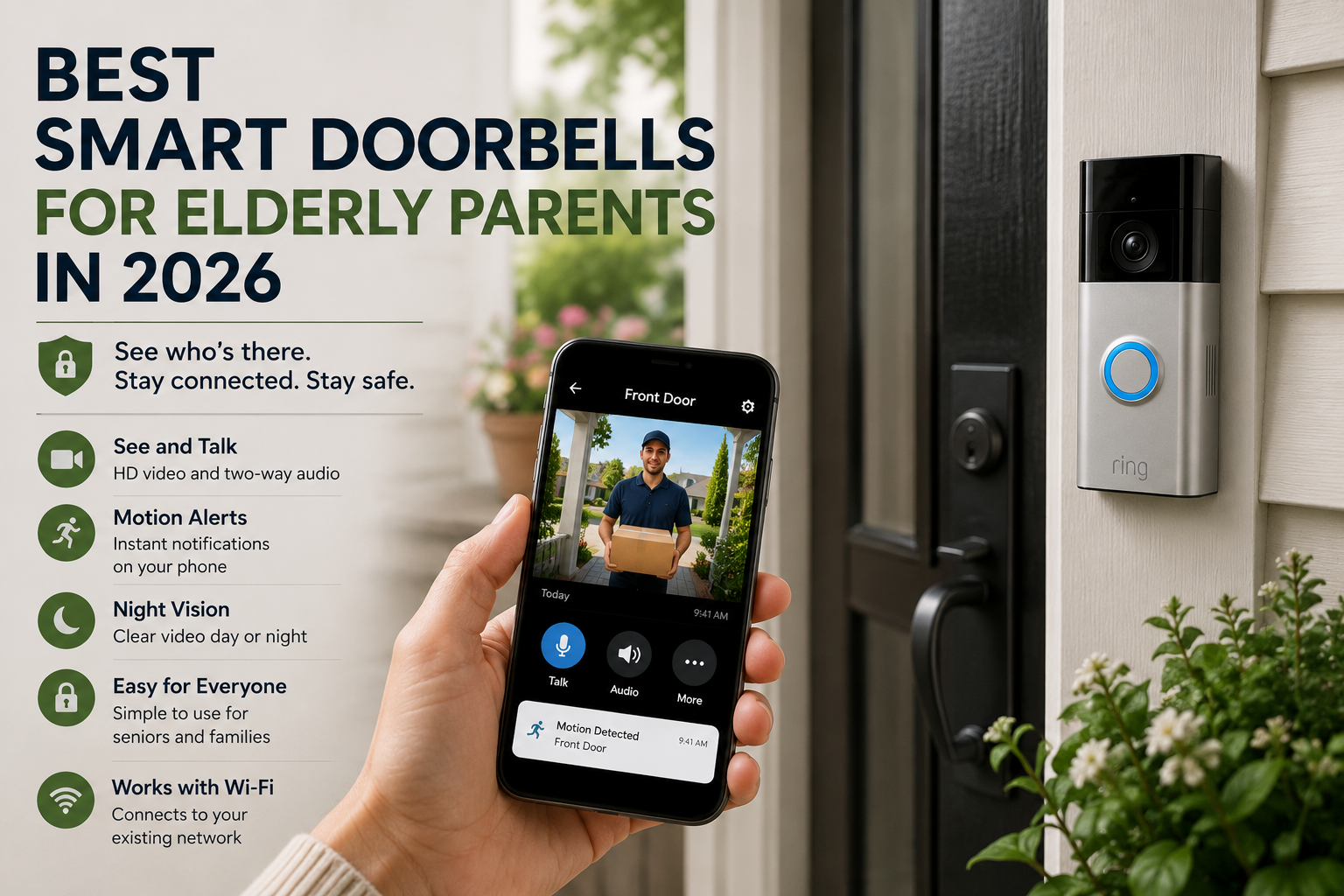
Best Smart Doorbells for Elderly Parents in 2026
Choosing a smart doorbell for an older parent is rarely about gadgets for the sake of gadgets. Most families are trying to solve a more human problem: how do you help someone answer the door safely, avoid scams, and feel less vulnerable without making daily life more complicated? A good smart doorbell can support that goal, but only if it fits the way your parent actually lives.
That matters because the best device on paper is not always the best one in practice. A model with dozens of settings may look impressive, but if the app is confusing or the alerts are too noisy, it can create friction instead of peace of mind. For many families, the right choice is the one that makes the front door easier to manage while respecting independence.
In this guide, we will break down what makes certain smart doorbells a better fit for elderly parents, which features matter most, and how to decide whether a video doorbell belongs in a broader aging-in-place plan. If you are still building a full safety strategy, this guide pairs well with How to Make a Home Safer for an Elderly Parent Living Alone and What Is Aging in Place and Why More Families Are Choosing It.
Table of Contents
- Why smart doorbells matter for older adults
- Who benefits most from a smart doorbell
- The features that actually matter
- How to choose the best smart doorbell for your family
- Setup, privacy, and daily use
- When a smart doorbell is not the first device to buy
- Frequently asked questions
Why smart doorbells matter for older adults
The front door is one of the most stressful parts of living alone for many older adults. It is where package deliveries happen, where neighbors stop by, and where unwanted visitors sometimes show up. It is also where hesitation can become a safety issue. Someone with arthritis may move slowly. Someone with hearing loss may miss the knock. Someone with memory concerns may open the door before thinking through whether it is safe.
A smart doorbell can help by making the first decision easier. Instead of opening the door immediately, the person inside can see who is there, speak through two-way audio, or ignore the visitor altogether. Adult children can also receive alerts when needed, which adds a layer of oversight without requiring constant in-person supervision.
This is one reason smart doorbells often fit naturally into the same category as locks, lighting, sensors, and other smart home devices that help seniors stay independent. They reduce small daily risks, and small risks are what usually add up over time.
Who benefits most from a smart doorbell
Not every older adult needs one. The biggest benefit usually shows up when at least one of these situations is true:
- Your parent lives alone and answers the door without checking first.
- They have mobility limits that make getting to the door slow or uncomfortable.
- They receive frequent deliveries, home health visits, or neighborhood traffic.
- They feel nervous about unexpected visitors or recent scam attempts.
- Family members want a simple way to confirm activity around the front entrance.
A doorbell can also help after a hospital stay or during a transition period when a parent is rebuilding confidence at home. In those cases, the device is not just a security tool. It becomes part of a broader routine that helps the household feel more predictable and manageable.
The features that actually matter
Marketing pages highlight a lot of extras, but families supporting older adults should focus on a shorter list. These are the features most likely to make a real difference.
1. Clear live video
The image should be easy to understand, not just technically sharp. Wide-angle coverage helps, but clarity in daylight and at night matters more than impressive specifications. Your parent should be able to glance at the video and quickly recognize whether the person outside is a friend, a delivery driver, or someone unfamiliar.
2. Simple two-way audio
Two-way talk is one of the most useful features because it lets someone respond without opening the door. But it only helps if the audio is clear, the delay is minimal, and the controls are simple. If you need three taps and a settings menu every time someone rings, it will not get used.
3. Reliable alerts
The best smart doorbells do not overwhelm the household with notifications. Motion alerts should be adjustable so the app is not buzzing every time a car passes by. Reliable, selective alerts are especially important when caregivers or adult children are also connected to the device.
4. Easy caregiver access
Many families need more than one person to view alerts. A daughter may handle day-to-day check-ins, while a son lives farther away but wants occasional visibility. Shared access needs to be straightforward and secure. If only one phone can realistically manage the doorbell, the system becomes harder to support over time.
5. Good night visibility
Evening visitors, porch deliveries, and poor outdoor lighting are common. A smart doorbell that performs badly at night loses value fast. Families should prioritize consistent night visibility over flashy app extras.
6. Flexible power options
Some households already have doorbell wiring. Others do not. A battery model can be easier in the short term, but it introduces one more maintenance task. Wired doorbells reduce battery management but may require a cleaner installation plan. The best option is usually the one your family can realistically maintain for years, not weeks.
7. A low-friction app
If a caregiver is going to manage the system from a phone, the app experience matters as much as the hardware. Fast loading, easy notification settings, and clear playback controls all reduce frustration. If you already use a voice assistant ecosystem at home, that can also shape the decision. Families who rely on voice routines may want to think about how the doorbell fits with a broader setup like the one explained in Alexa for Seniors: Complete Beginner’s Guide.
How to choose the best smart doorbell for your family
The right doorbell depends less on reviews and more on the situation at the front door. A practical decision usually comes down to six questions.
How often does your parent answer the door alone?
If the answer is all the time, then ease of use becomes the top priority. The device has to help in a real-world moment when someone is standing outside and your parent needs a quick, confident way to respond.
How comfortable are they with phones and apps?
Some older adults are perfectly capable of using an app themselves. Others will rely entirely on a family member. This affects which interface matters most and whether the device should be treated as a personal tool or a caregiver-supported safety tool.
Do you need recordings, or just live alerts?
Some families care mainly about seeing who is there in the moment. Others want video history for missed deliveries, suspicious visits, or pattern tracking. That changes the value of subscription features and storage options.
Will the device be part of a bigger safety setup?
A smart doorbell is often more useful when it works alongside locks, lights, sensors, or voice tools. If your family is building a full home safety plan, the doorbell should be evaluated as one part of a larger system rather than a stand-alone purchase.
How much maintenance is acceptable?
Battery charging, app troubleshooting, Wi-Fi reconnects, and subscription changes all count as maintenance. Choose the option your family can realistically manage without creating future resentment or confusion.
What problem are you actually trying to solve?
This is the most important question. Some families say they want a smart doorbell, but what they really need is a better lock, improved entry lighting, or a more complete routine around front-door screening. If the core problem is fall risk indoors or medication adherence, another device may deserve priority first. If medication routines are creating more day-to-day stress than the front door, our guide to medication reminder devices for seniors can help you compare the main support options.
Setup tips that reduce frustration later
Installation is only half the job. Long-term success depends on how you configure the device in the first week.
- Set motion zones so passing traffic does not trigger constant alerts.
- Name the device clearly inside the app if more than one caregiver uses it.
- Decide who is responsible for batteries, settings, and app notifications.
- Test two-way audio with your parent standing inside and outside the home.
- Show your parent what to do when they recognize a visitor and when they do not.
It also helps to create a simple household rule, such as If you do not know the person, speak through the doorbell first. That rule can be more valuable than any technical feature because it turns the device into a routine rather than just a gadget.
Privacy and trust matter too
Families sometimes focus so much on safety that they forget about dignity. A smart doorbell should support independence, not feel like surveillance imposed from a distance. If your parent feels monitored instead of supported, they may resist using the system or ask you to disconnect it.
The best approach is to explain the purpose clearly. The goal is not to watch every movement. The goal is to make the front door easier and safer to manage. Be specific about who can view alerts, when recordings are stored, and why the device is being installed.
That conversation is often easier when it fits into a bigger aging-in-place discussion. If your family has not had that conversation yet, the article on why more families are choosing aging in place can help frame it in a respectful way. For a more practical review of what to check around the home, our aging in place checklist is a useful follow-up.
When a smart doorbell should not be your first purchase
A doorbell is only one piece of the decision, so families should first clarify when an elderly parent needs smart home help and when a simpler habit change is enough.
Before comparing devices, it helps to review the front door safety basics: lighting, mats, locks, visibility, and backup access.
A smart doorbell is helpful, but it is not always the first thing to buy. If your parent has major indoor fall risks, poor lighting, or trouble remembering medication, those issues may deserve attention first. In some homes, a voice assistant, motion lighting, or a simpler alert device delivers more value right away than a front-door camera.
This is why it is useful to think in layers. Start with the biggest daily risks, then add tools that reduce those risks without making life more complicated. For some households, the front door is high on that list. For others, it comes after medication routines, nighttime mobility, or communication support.
So what are the best smart doorbells for elderly parents in 2026?
The best smart doorbells for elderly parents in 2026 are the ones that do five things well: they show a clear view of the front door, allow easy two-way conversation, send reliable alerts, support caregiver access, and stay simple enough to use every day. The right device is not necessarily the one with the most features. It is the one that reduces hesitation and helps your parent handle the front door with more confidence.
If your family is comparing options, use this article as a filter. Ignore fancy extras at first and focus on daily usability, clear audio, night visibility, and low-maintenance setup. That is where the practical difference usually shows up.
FAQ
Are smart doorbells good for seniors who live alone?
They can be very useful when unexpected visitors, package deliveries, or scam concerns are common. The benefit is strongest when the doorbell is simple to use and part of a wider safety plan.
Do elderly parents need to use the app themselves?
Not always. In many families, the adult child manages the app while the older adult uses the doorbell mainly as a safer way to screen visitors. Shared access is often ideal.
Is a battery or wired smart doorbell better?
Battery models are easier to install in some homes, while wired models reduce the maintenance of charging. The better choice depends on the home and on who will maintain the device.
Can a smart doorbell replace other home safety tools?
No. It helps with front-door awareness, but it does not replace indoor fall prevention, medication support, lighting, locks, or communication tools.
What should families look for first?
Prioritize clear video, easy audio, reliable notifications, good night visibility, and a caregiver-friendly app. Those features matter more than long lists of premium extras.