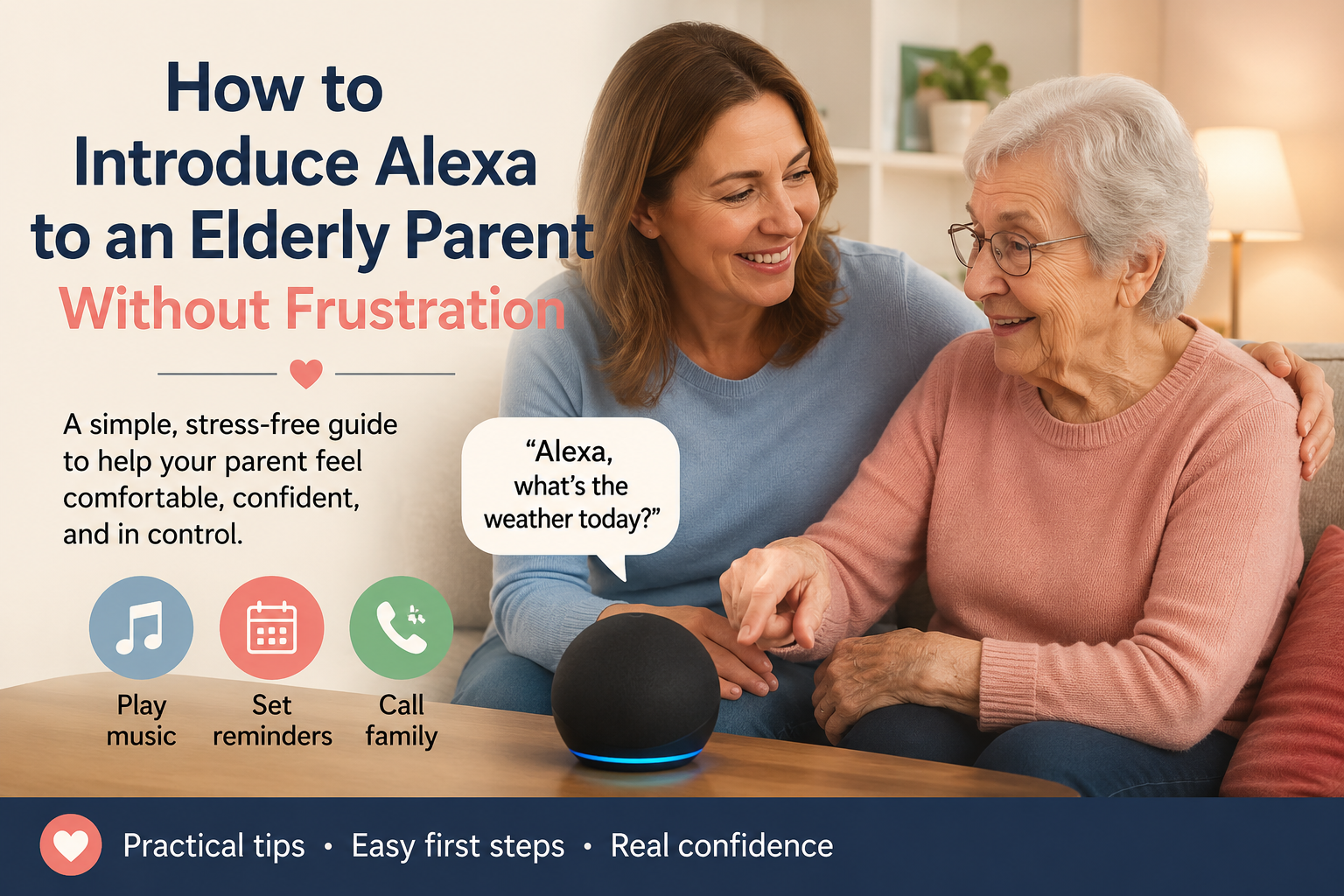
How to Introduce Alexa to an Elderly Parent Without Frustration
Quick Answer
The best way to introduce Alexa to an elderly parent is to set it up before handing it over, start with only two or three useful commands, and connect Alexa to one daily habit your parent already has. Do not begin with every feature. Begin with something simple, like weather, music, reminders, or calling family.
Older adults are more likely to use Alexa when it feels helpful, respectful, and easy. They are less likely to use it if the family rushes setup, explains too much at once, or makes the device feel like surveillance.
If your parent is completely new to voice assistants, start with our Alexa for seniors beginner guide first. Then use this article to make the first week feel calm and successful.
Why Some Seniors Reject New Technology
When an older parent resists Alexa, it does not always mean they are "bad with technology." Often, the real problem is emotional, not technical.
Your parent may be thinking:
- "I don’t want another thing to learn."
- "What if I say the wrong thing?"
- "Is it listening to me all the time?"
- "I don’t want my children monitoring me."
- "I have lived without this for years."
- "I do not want to feel dependent."
Those concerns are reasonable. A smart speaker can feel strange at first, especially if someone did not grow up talking to devices.
Families sometimes make the mistake of presenting Alexa as a solution before listening to the parent’s concern. That can make the device feel imposed instead of helpful.
A better approach is to connect Alexa to something your parent already cares about.
For example:
- If your mother likes music, start with music.
- If your father checks the weather every morning, start with weather.
- If your parent worries about missed appointments, start with reminders.
- If family connection matters most, start with calling.
The first goal is not to teach Alexa. The first goal is to create one positive moment.
This Is an Adoption Guide, Not a Setup Manual
Before teaching features, families need to earn trust. This article is not meant to replace a technical setup guide. It is about helping an older parent feel comfortable enough to try Alexa without embarrassment, pressure, or the sense that technology is being forced into their home.
Think of the first week as a confidence-building period. Your parent does not need to understand routines, skills, smart plugs, or every setting. They only need to experience one or two moments where Alexa feels useful and respectful.
For example, a parent who says, "I don’t need that thing," may still enjoy hearing a favorite song, checking the weather without standing up, or calling a daughter hands-free. The emotional doorway often opens before the technical one.
If your family needs device setup instructions, use the Alexa for seniors beginner guide. Then return here for the softer part: helping your parent actually accept and use it.
Choose the Right Alexa Device
If vision is part of the challenge, families should also review Alexa accessibility for seniors with low vision before deciding between a speaker and a display.
You do not need the most advanced device to help an older adult. The best Alexa device is the one your parent will actually accept and use. You can compare Echo devices for your parent before choosing.
| Device Type | Best For | Why Families Choose It | Possible Downside |
|---|---|---|---|
| Echo Dot-style speaker | Simple voice commands, weather, music, reminders | Small, affordable, not visually overwhelming | No screen for visual prompts |
| Echo speaker | Better sound for music and voice responses | Clearer audio in larger rooms | Still voice-only |
| Echo Show-style display | Video calls, visual reminders, photos, screen prompts | Helpful for family connection and visibility | Can feel more complicated |
| Smart display in kitchen or living room | Daily routines, calendars, video calls | Easy to place in a central area | Needs careful setup and explanation |
Echo Dot-style speaker
A small speaker is often the easiest first device. It does not look intimidating, and it can handle basic commands such as weather, music, timers, reminders, and simple questions.
This can be a good fit if your parent is hesitant about screens.
Echo Show-style display
A smart display may be better if your parent likes seeing information. It can show the time, weather, photos, reminders, and video calls.
However, a screen can also make the device feel more complicated. If your parent is easily overwhelmed, keep the home screen simple and avoid adding too many features.
Which one should families choose first?
If your parent is nervous about technology, start with a simple Echo speaker. If your parent already uses a smartphone or enjoys video calls, an Echo Show-style display may be useful.
Do not buy the device based only on features. Buy it based on your parent’s comfort.
Set Up Alexa Before Giving It to Your Parent
One of the biggest mistakes families make is handing over a boxed device and saying, "Don’t worry, it’s easy."
It may be easy for you. That does not mean it feels easy for your parent.
Set up the basics first:
- Connect Wi-Fi.
- Choose the right room.
- Set the volume.
- Add family contacts if appropriate.
- Disable or simplify features your parent does not need.
- Test weather, music, timers, and reminders.
- Write down the first few commands.
The first experience should feel smooth. If your parent watches you struggle through setup, passwords, apps, permissions, and updates, they may decide the device is too complicated before they ever use it.
Choose the right location
Place Alexa where your parent naturally spends time.
Good locations:
- Kitchen counter
- Living room side table
- Bedroom nightstand
- Small table near a favorite chair
Avoid locations where the device cannot hear clearly or where your parent has to walk across the room to use it.
Set the volume carefully
Test the volume with your parent in the room. Many older adults need Alexa to speak clearly, but not loudly enough to feel startling.
Ask:
- "Can you hear it comfortably?"
- "Is it too loud?"
- "Does the voice sound clear?"
Small adjustments matter.
Remove unnecessary friction
If there are too many notifications, skills, shopping prompts, or confusing features, simplify the setup. Your parent does not need everything on day one.
Think of the first setup as a quiet introduction, not a technology demonstration.
Teach Only a Few Commands First
The easiest way to teach seniors Alexa is to begin with a tiny command set.
Do not teach 25 commands in one afternoon. That turns a helpful device into homework.
Start with three commands:
| First Command | Why It Works | Example |
|---|---|---|
| Weather | Useful every day | "Alexa, what’s the weather?" |
| Music | Positive and familiar | "Alexa, play Frank Sinatra." |
| Timer or reminder | Practical and easy | "Alexa, set a timer for 10 minutes." |
Once those feel natural, add more.
For a larger printable list, use our Alexa commands for seniors guide.
Say the command together
Do not just explain the command. Practice it together.
Example:
"Mom, try saying: Alexa, what’s the weather?"
Then wait. Let her say it. Let Alexa respond. Let the small success happen.
Let your parent make mistakes
If Alexa misunderstands, stay calm. Laugh gently if your parent laughs. Do not take over too quickly.
The goal is not perfect command pronunciation. The goal is comfort.
Write commands on a simple card
Use large print and only a few commands.
Example:
- Alexa, what’s the weather?
- Alexa, play music.
- Alexa, set a timer for 10 minutes.
- Alexa, call Sarah.
Keep the card near the device. Do not make it look like a complicated manual.
Create a Positive Daily Habit
Alexa becomes useful when it becomes part of something your parent already does.
Do not start with abstract benefits. Start with a habit.
Morning habit
If your parent checks the weather every morning, make Alexa part of that moment.
Example:
"After breakfast, just ask Alexa for the weather."
This is easier than saying, "Alexa can help you manage your day."
Music habit
Music is often the best emotional entry point.
Imagine your father hears a favorite song from his younger years. Suddenly Alexa is not a strange gadget. It is a way to bring back something familiar.
Example:
"Alexa, play 1960s jazz."
Kitchen habit
Timers are simple and useful.
Example:
"Alexa, set a timer for 15 minutes."
This can help with tea, cooking, laundry, or short tasks.
Family connection habit
If calling is set up correctly, Alexa can make family contact easier.
Example:
"Alexa, call my daughter."
Test this before relying on it. Make sure contacts and permissions are correct.
Reminder habit
Reminders can be helpful for appointments, trash day, meals, or daily tasks.
For medication-related needs, keep expectations realistic. Alexa can remind, but it cannot confirm that the right medication was taken. If medication safety is a bigger concern, compare medication reminder devices for seniors before relying only on a voice assistant.
A Simple First-Week Alexa Plan
Use this as a gentle introduction plan.
| Day | Goal | What to Practice |
|---|---|---|
| Day 1 | Make Alexa feel friendly | Weather and one favorite song |
| Day 2 | Repeat the same commands | Weather, music, volume |
| Day 3 | Add one practical use | Timer or reminder |
| Day 4 | Practice family contact | Call or message if configured |
| Day 5 | Add one daily habit | Morning weather or evening music |
| Day 6 | Review what feels useful | Remove anything confusing |
| Day 7 | Decide what to add next | Commands, routines, or skills |
This slower pace may feel unnecessary to tech-comfortable adults, but it can make the difference between adoption and rejection.
Mistakes Families Should Avoid
Mistake 1: Giving a long demonstration
Showing every feature is tempting. It is also overwhelming.
Instead of saying, "Alexa can do weather, music, reminders, calls, lights, routines, skills, shopping lists, recipes, timers, alarms, and more," start with one useful thing.
Mistake 2: Making Alexa about safety too soon
Families often buy Alexa because they worry about safety. That is understandable. But if the first message is "We bought this because we are worried about you," your parent may feel watched or diminished.
Start with usefulness and enjoyment. Safety features can come later.
Mistake 3: Correcting too quickly
If your parent pauses, says the phrase awkwardly, or gets it wrong, resist the urge to jump in immediately.
Give them space. Confidence grows through small wins.
Mistake 4: Using childish language
Do not talk down to your parent. Alexa may be new to them, but they are still an adult with preferences, habits, and pride.
Use respectful language:
"Let’s try this together."
Not:
"See? It’s easy. You just have to learn it."
Mistake 5: Installing too many smart devices at once
Do not introduce Alexa, smart lights, cameras, sensors, plugs, and routines all in the same weekend.
Start with the speaker. Add smart home devices only when your parent understands why they are useful.
Mistake 6: Ignoring privacy concerns
If your parent asks, "Is this listening to me?" take the question seriously.
Explain in plain language what the device does, how mute works, and what settings you control. If privacy concerns remain strong, Alexa may not be the right fit.
Mistake 7: Expecting daily use immediately
Some older adults need time. They may ignore Alexa for a few days, then use it once for music, then slowly add more.
Adoption is not always instant. That is normal.
When Alexa Might Not Be the Right Solution
Alexa can be helpful for many older adults, but it is not right for everyone.
It may not be a good fit if:
- Your parent strongly dislikes voice devices.
- Privacy concerns create ongoing stress.
- Hearing or speech difficulties make Alexa frustrating.
- Cognitive changes make voice commands confusing.
- The home has unreliable Wi-Fi.
- Family members expect Alexa to replace caregiving.
- The main need is emergency response, not convenience.
For some families, a simpler phone, medical alert system, dedicated reminder device, or in-person support may be more appropriate.
Alexa should support independence, not create another source of frustration.
If your parent does like Alexa after the first week, then it may be time to explore helpful add-ons. Our guide to best Alexa skills for seniors explains how to think about skills without overwhelming the setup.
Quick Tips for a Smoother Introduction
- Set up the device before showing it to your parent.
- Start with weather, music, or timers.
- Teach only three commands at first.
- Practice together, not over the phone.
- Write commands in large print.
- Keep the device in a room your parent already uses.
- Do not lead with safety or monitoring.
- Ask what they would enjoy using it for.
- Remove confusing features.
- Add routines only after basic commands feel familiar.
Frequently Asked Questions
What age is Alexa suitable for?
Alexa can be suitable for older adults at many ages if the setup matches the person’s comfort, hearing, speech, memory, privacy preferences, and daily needs. Age matters less than whether the device feels useful and manageable.
Can seniors learn Alexa easily?
Many seniors can learn Alexa easily when families start with a few simple commands and practice patiently. The key is not to teach too much at once. Weather, music, timers, and calls are often good first uses.
Is Alexa too complicated for elderly parents?
Alexa can feel complicated if families introduce too many features at once. It usually feels simpler when the device is already set up, placed in the right room, and introduced through one daily habit.
Should I buy an Echo Show or Echo Dot?
An Echo Dot-style speaker may be better for a parent who wants something simple and unobtrusive. An Echo Show-style display may be better for video calls, photos, visual reminders, or seeing information on a screen. Choose based on your parent’s comfort, not the longest feature list.
How long does it take to get used to Alexa?
Some older adults feel comfortable after a day or two. Others need a week or more of gentle practice. A first-week plan with only a few commands can help your parent build confidence without pressure.
What should I set up first?
Start with weather, one favorite music request, a timer, and one family contact if calling is appropriate. Add reminders, routines, or skills later.
Will older adults actually use Alexa?
Many older adults will use Alexa if it solves a real problem or adds something enjoyable. They are less likely to use it if it feels like surveillance, homework, or a complicated gadget.
Conclusion
Introducing Alexa to an elderly parent is less about technology and more about trust.
Start small. Set up the device first. Teach only a few commands. Connect Alexa to something your parent already enjoys or needs. Let the first experience feel successful, not overwhelming.
Once your parent is comfortable, the next step is to build confidence with a simple command list. Start with Alexa Commands for Seniors. Later, when routines and safety features are published, this article should link naturally to Alexa routine ideas and an Alexa emergency routine guide.
The goal is not to make your parent love technology overnight. The goal is to make one part of daily life a little easier.