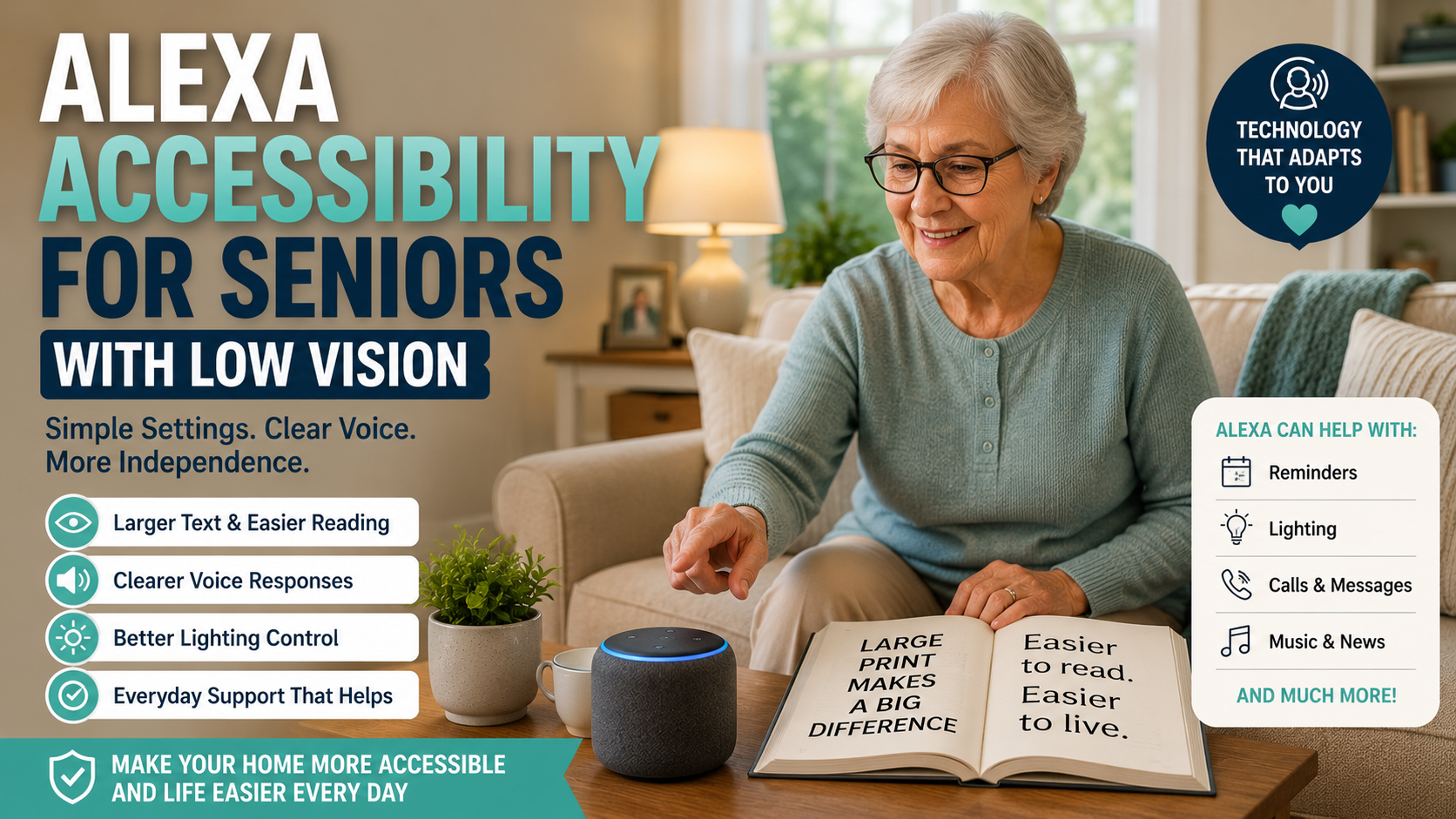
Alexa Accessibility for Seniors With Low Vision: Simple Setup Tips for Families
Quick Answer
Alexa can be helpful for seniors with low vision because many tasks can be done by voice instead of by reading small text or tapping through apps. Families should start with simple commands, clear volume, predictable routines, easy calling, and display settings if using an Echo Show.
Low vision can make everyday technology frustrating. A parent may struggle to read phone screens, find the right app, see small buttons, or check tiny reminder text. Alexa does not solve every accessibility challenge, but it can reduce the need to look at a screen for common tasks.
This article focuses on accessibility and setup. For general beginner setup, start with our Alexa for seniors beginner guide.
Table of Contents
- Why voice control can help
- Low-vision setup checklist
- What to configure first
- Echo speaker vs display
- Decision path
- FAQ
Why Voice Control Can Help Seniors With Low Vision
Voice control is useful because it removes several visual steps. A senior can ask for the time, weather, reminders, music, calls, or lights without reading a menu.
The goal is not to make Alexa complicated. The goal is to choose a few voice actions that solve real friction.
Low-Vision Alexa Setup Checklist
- Choose one main room for the first device.
- Set the volume high enough for normal conversation.
- Practice five useful phrases only.
- Use contact names that are easy to say.
- Create reminders with plain language.
- Use routines for repeated daily tasks.
- If using Echo Show, increase display readability.
- Keep the device away from loud appliances.
- Place it where the microphone can hear clearly.
- Write or print commands in large type if helpful.
What to Configure First
| Feature | Why It Helps | Family Setup Tip |
|---|---|---|
| Time and weather | Useful daily practice | Teach the same phrase each morning |
| Reminders | Reduces need to read notes | Use simple wording and repeat schedules |
| Calls | Makes contact easier | Use clear contact names |
| Music or radio | Makes the device feel friendly | Set up favorite stations |
| Smart lights | Reduces searching for switches | Use names like bedroom light or kitchen light |
Echo Speaker vs Echo Show for Low Vision
A voice-only Echo can be enough if your parent mainly wants reminders, calls, music, and simple answers. An Echo Show may help if large visual cues, photos, clocks, or video calls are useful. For model choices, compare voice-only and screen-based Echo options.
The screen is not automatically better. If it adds confusion, keep the first setup voice-only.
Voice Commands That Are Easiest to Learn
Start with phrases that are short and useful. Our Alexa commands for seniors guide has a broader list, but low-vision setup should begin with just a few.
- “Alexa, what time is it?”
- “Alexa, what’s the weather?”
- “Alexa, call my daughter.”
- “Alexa, remind me at 8 PM.”
- “Alexa, turn on the kitchen light.”
Use VoiceView and Show and Tell for Specific Tasks
Echo Show devices include the VoiceView screen reader, which can speak on-screen items as a user explores the display. Amazon documents VoiceView for supported screen devices and recommends accessibility labels for visual controls. Amazon also offers Show and Tell on Echo devices with a screen to identify some common pantry items and objects held in front of the camera.
These features solve narrow problems; they are not a general vision system. Test each task with the person who will use it, keep the number of gestures and commands small, and make sure the person can return to a familiar starting point if the screen changes.
Pair Voice Control With Better Lighting and Contrast
The National Eye Institute’s low-vision guidance recommends practical measures such as brighter lighting, reduced glare, larger text, stronger contrast, and vision rehabilitation when daily activities are affected. Voice control can reduce some screen use, but it should complement those changes rather than replace them.
Do not depend on Alexa as the only way to control an essential light, unlock a door, read medication information, or call for help. Keep physical controls and another communication method easy to reach.
Decision Path
- If reading screens is the main issue: prioritize voice reminders, calls, and information.
- If finding switches is hard: add one smart light in a key room.
- If video calls matter: consider whether a display is helpful or distracting.
- If commands are forgotten: reduce the list and practice one routine at a time.
Trust and Limits
Alexa should not replace emergency services, caregivers, medical advice, or accessibility support from professionals. It can support daily routines, but it cannot judge whether a parent is safe.
Frequently Asked Questions
Is Alexa useful for seniors with low vision?
It can be useful when tasks are voice-first and simple, such as reminders, calls, weather, music, and lights.
Is an Echo Show better for low vision?
Sometimes. A larger display can help some seniors, but a screen can also add complexity. Test what feels easier.
Can Alexa read information out loud?
Alexa can answer many questions by voice and speak reminders, timers, weather, and other simple information.
Can Alexa help with lights?
Yes, with compatible smart lights or plugs. Start with one important light before adding more.
What should families avoid?
Avoid setting up too many commands at once. Keep names, routines, and expectations simple.
Final Action Plan
- Pick one room.
- Set volume and wake word.
- Teach five commands.
- Create one reminder.
- Set up one contact.
- Test one light only if useful.
- Review after one week.