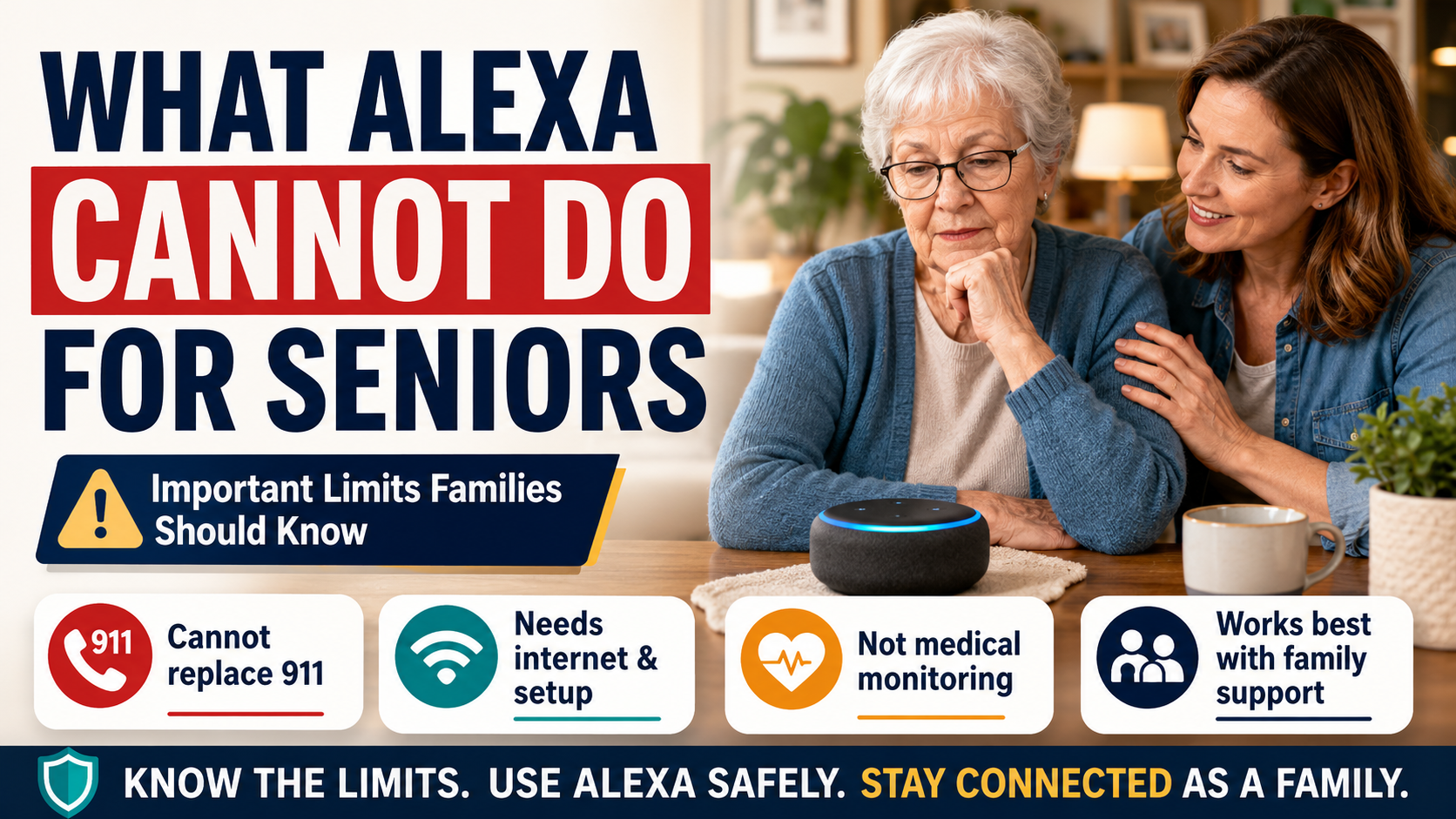
What Alexa Cannot Do for Seniors: Important Limits Families Should Know
Quick Answer
Alexa can help seniors with reminders, calls, routines, and smart home control, but Amazon Alexa cannot guarantee safety, reliably detect every fall, replace 911, or supervise medical needs. Families should treat Alexa as one support layer and keep backup plans for emergencies, medication, power outages, and human check-ins.
Why Alexa’s Limits Matter for Families
Many families first buy Alexa because it feels easy. A parent can say, “Alexa, remind me to take my medicine,” or “Alexa, call my daughter,” without opening a phone or learning a complicated app.
That is genuinely helpful.
The risk begins when a helpful tool starts to feel like a complete solution.
Alexa is a voice assistant. It can respond to commands, run routines, control compatible smart devices, and support communication features when everything is configured correctly. It is not a nurse, a medical alert pendant, a fall detection system, a home care plan, or a guarantee that someone is safe.
For families, this distinction matters because the most important safety decisions are usually not about technology alone. They are about risk, backup plans, human support, and knowing when a parent needs more help than a smart speaker can provide.
What Alexa Cannot Do for Seniors: Key Safety Limits
Here is the simple version.
| Need | What Alexa may help with | What Alexa cannot guarantee |
|---|---|---|
| Emergency response | Voice-triggered help phrases, calls, routines, some paid services | Reliable 911 access in every situation |
| Falls | Calling help if the person can speak | Automatic fall detection by itself |
| Medication | Reminders | Correct pill, dose, or confirmation that medication was taken |
| Safety | Lights, routines, reminders, communication | A safe home environment |
| Monitoring | Check-ins, routines, some connected devices | Proof that a parent is okay |
| Privacy | Settings and mute controls | Trust if features are installed without consent |
Alexa is best used as one layer. It should not become the layer that everything depends on.
Alexa Cannot Replace 911 or Emergency Services
Direct answer: Standard Amazon Alexa features should not be treated as a guaranteed way to reach 911 or emergency services. Emergency capabilities may depend on country, device, setup, subscription, and current Amazon service availability.
One of the most important limits is emergency response.
Families often ask whether Alexa can call 911. The safest answer is: do not assume standard Alexa calling can replace emergency services. Emergency calling features vary by service, location, device, account setup, and subscription availability. Amazon has offered services such as Alexa Emergency Assist, but families need to verify current availability and limitations directly through Amazon before relying on any emergency feature, including Amazon’s official guidance on Alexa features used to get help in an emergency.
If a parent has serious fall risk, heart concerns, advanced memory issues, or lives alone with limited local support, a dedicated emergency plan matters.
That plan may include:
- A mobile phone within reach.
- A landline or cellular backup if appropriate.
- A medical alert system.
- Trusted neighbors.
- Family escalation steps.
- Written emergency contacts.
- A plan for what to do if the parent cannot speak.
Alexa may help start a routine or make a family call, but families should not build an emergency plan around a single voice command.
For a practical safety setup, see the guide to creating an Alexa emergency routine for elderly parents.
Alexa Cannot Reliably Detect Every Fall
Direct answer: Amazon Alexa should not be treated as reliable fall detection by itself. If falling is a serious concern, families should consider dedicated fall detection, medical alert devices, home safety changes, or human support.
Alexa does not replace fall detection.
If an older adult falls and can speak clearly, an Echo device may help them call a family member or trigger a routine, depending on setup. But that still depends on several things going right:
- The device must be close enough to hear.
- The parent must be conscious and able to speak.
- The command must be understood.
- Wi-Fi and power must be working.
- Calling or routine features must be configured correctly.
That is very different from reliable fall detection.
If falling is a major concern, families should look beyond Alexa. A dedicated medical alert device, wearable fall detector, professional monitoring system, or home safety assessment may be more appropriate.
Alexa can support a fall-prevention plan by turning on lights, reducing the need to walk in the dark, and making communication easier. It does not remove the need to fix rugs, stairs, bathrooms, clutter, and poor lighting.
Alexa Cannot Provide Medical Supervision
Direct answer: Alexa can provide reminders, but it cannot verify health status, medical decisions, correct medication, or whether a dose was actually taken.
Alexa can remind. It cannot supervise.
That difference is especially important with medication, chronic conditions, and memory changes. A reminder can say, “It is time to take your evening medication.” It cannot verify that the right pill was taken, that the dose was correct, that the person swallowed it, or that a medication should still be used.
For low-risk reminders, Alexa may be useful. For higher-risk medication routines, families may need a dedicated medication reminder device, pharmacy packaging, caregiver visit, pill dispenser, or clinician guidance.
If medication mistakes are already happening, do not treat a voice reminder as the whole fix. Use it as a prompt, not as proof.
Alexa Cannot Guarantee Someone Is Safe at Home
Families sometimes want technology to answer one impossible question: “Is my parent okay?”
Alexa can give clues. It may support calls, reminders, routines, lights, and smart home controls. But it cannot fully know whether a parent ate, drank water, avoided a fall, made safe decisions, or felt confused during the day.
Even remote monitoring tools have limits. A motion sensor can show activity. A doorbell can show a visitor. A medication reminder can show a prompt was sent. None of those facts automatically prove wellbeing.
If your family needs a broader privacy-conscious plan, the remote monitoring guide explains how to support an elderly parent without turning the home into a surveillance system.
Alexa Cannot Work Without the Right Setup
Direct answer: Alexa depends on power, Wi-Fi, compatible devices, correct account settings, and a setup the older adult can actually use.
Alexa depends on practical conditions that are easy to overlook.
It may fail or become less useful if:
- The internet is down.
- Power is out.
- The device is unplugged.
- The volume is too low.
- The microphone is muted.
- The parent forgets the command.
- Contacts are not configured.
- A feature changed in the Alexa app.
- The device is in the wrong room.
- The parent’s voice is too soft, unclear, or far away.
That does not make Alexa bad. It makes it realistic.
Families should test the actual setup in the actual room where the parent will use it. A command that works while standing next to the device may not work from a chair across the room.
Alexa May Mishear Voice Commands
Direct answer: Alexa can misunderstand soft speech, background noise, similar names, accents, or long commands, especially during stressful moments.
Voice assistants are helpful because they reduce the need for screens. But voice control can still be frustrating.
Alexa may misunderstand:
- Soft voices.
- Accents.
- Speech changes after illness.
- Background noise.
- Similar contact names.
- Long or complicated commands.
- Commands spoken during stress.
This matters because stressful moments are exactly when families most want technology to work.
For older adults, the best Alexa setup uses short, repeatable commands. A printed command card can help. The Alexa commands for seniors guide is a better starting point than trying to teach every feature at once.
Alexa Cannot Solve Privacy Problems by Itself
Privacy is not just a setting. It is a relationship issue.
An older parent may feel differently about Alexa than an adult child does. One person may see convenience. The other may worry about listening, cameras, family control, or being watched.
Families should discuss:
- What device is being installed.
- Where it will sit.
- What it can and cannot do.
- Who can call or communicate.
- Whether voice history or privacy settings should be reviewed.
- How to mute the microphone.
- Whether a screen or camera feels acceptable.
If a parent feels pressured, the setup can damage trust. Safety should not feel like a quiet takeover of the home.
Alexa May Not Be Enough for Cognitive Decline
Direct answer: Alexa may help some people with early memory changes, but it should not be relied on as a dementia care plan or substitute for caregivers, clinicians, or structured support.
Alexa can help some people with early memory changes by supporting reminders, music, simple routines, and family calls. But dementia and cognitive decline require extra caution.
Some people may find voice assistants confusing. Others may forget what the device is, become frustrated when Alexa misunderstands, or repeat commands without getting the help they need.
Families should be especially careful with:
- Medication reminders.
- Door and stove safety.
- Financial or shopping features.
- Communication settings.
- Any feature that could create confusion or anxiety.
For dementia-related use, Alexa should be a small support layer, not a care plan.
When Alexa Is Not Enough
Alexa is probably not enough when:
- A parent has frequent falls.
- Medication errors are recurring.
- They miss meals or forget essential routines.
- They cannot reliably use voice commands.
- They are often confused or disoriented.
- They do not answer calls and there is no backup contact.
- They live alone with high medical risk.
- They dislike or distrust the device.
- A family needs confirmation, not just reminders.
Those are signs to consider more support. That may mean a home safety review, caregiver visits, neighbor involvement, medical advice, emergency alert tools, or a different living arrangement.
Backup Options Families Should Consider
The right backup depends on the risk.
| Concern | Possible backup |
|---|---|
| Falls | Grab bars, lighting, stair safety, medical alert device |
| Medication | Pill organizer, automated dispenser, pharmacy packaging, caregiver check |
| Emergency response | Medical alert system, phone, emergency contacts, neighbor plan |
| Isolation | Scheduled family calls, visits, community support |
| Confusion | Caregiver support, medical evaluation, simplified routines |
| Door safety | Smart doorbell, locks, visitor rules |
| Nighttime risk | Motion lights, clear pathways, bedside phone |
Alexa can fit into this plan, but it should not replace it.
Family Checklist Before Relying on Alexa
Use this checklist before depending on Alexa for an older parent:
- Have we tested the most important commands together?
- Can my parent remember the commands?
- Can Alexa hear them from normal sitting and sleeping areas?
- Are family contacts configured correctly?
- Do we have a backup if Wi-Fi or power fails?
- Is there a plan for falls or medical emergencies?
- Are medication reminders enough, or is a dedicated system needed?
- Does my parent understand privacy settings?
- Does my parent want this device in the home?
- Do we know when to escalate to human help?
If any answer is unclear, slow down and fix that part first.
Example Scenario: When Alexa Is Helpful but Not Enough
Example: A family sets up Alexa for lights, reminders, and easy calls for an older father who lives alone. During the review, they realize Alexa cannot detect every fall, will not work during every power or Wi-Fi problem, and cannot confirm medication was taken. They keep Alexa for convenience, but add a bedside phone, better hallway lighting, a medication plan, and a local emergency contact.
Frequently Asked Questions
Can Alexa replace a medical alert system for seniors?
No. Alexa may help with calls, routines, or reminders, but it should not be treated as a replacement for a dedicated medical alert system when emergency response is a serious concern.
Can Alexa call 911 for an elderly parent?
Do not assume standard Alexa features can call 911 reliably. Emergency capabilities depend on current services, location, device, setup, and subscription availability. Families should verify details directly with Amazon and keep another emergency option available.
Can Alexa detect falls?
Alexa alone should not be treated as reliable fall detection. If fall risk is high, consider dedicated fall detection devices, medical alert systems, and physical home safety changes.
Can Alexa remind seniors to take medication?
Yes, Alexa can provide medication reminders. But it cannot confirm that the correct medication was taken at the correct dose.
Is Alexa safe for seniors with dementia?
It depends on the person. Some seniors may benefit from simple reminders or familiar music, while others may become confused or frustrated. Families should use extra caution and involve appropriate care professionals when needed.
What is the safest way to use Alexa for an elderly parent?
Use Alexa for simple, low-risk support first: reminders, calls, lights, music, timers, and routines. For emergencies, medication, falls, and cognitive decline, build a backup plan that does not depend on Alexa alone.
Bottom Line
Alexa can make daily life easier for seniors, especially with reminders, lights, calls, and routines. But Alexa is not a safety guarantee. It cannot replace emergency services, medical judgment, fall detection, caregiver support, or a backup plan. Use Alexa for convenience and low-risk support, then protect critical needs with human help, dedicated devices, and clear family procedures.
CTA
Before adding more Alexa features:
- List the tasks your family expects Alexa to handle.
- Mark each task as convenience, safety support, or critical safety.
- Create a backup for anything that affects health, emergency response, medication, or human contact.