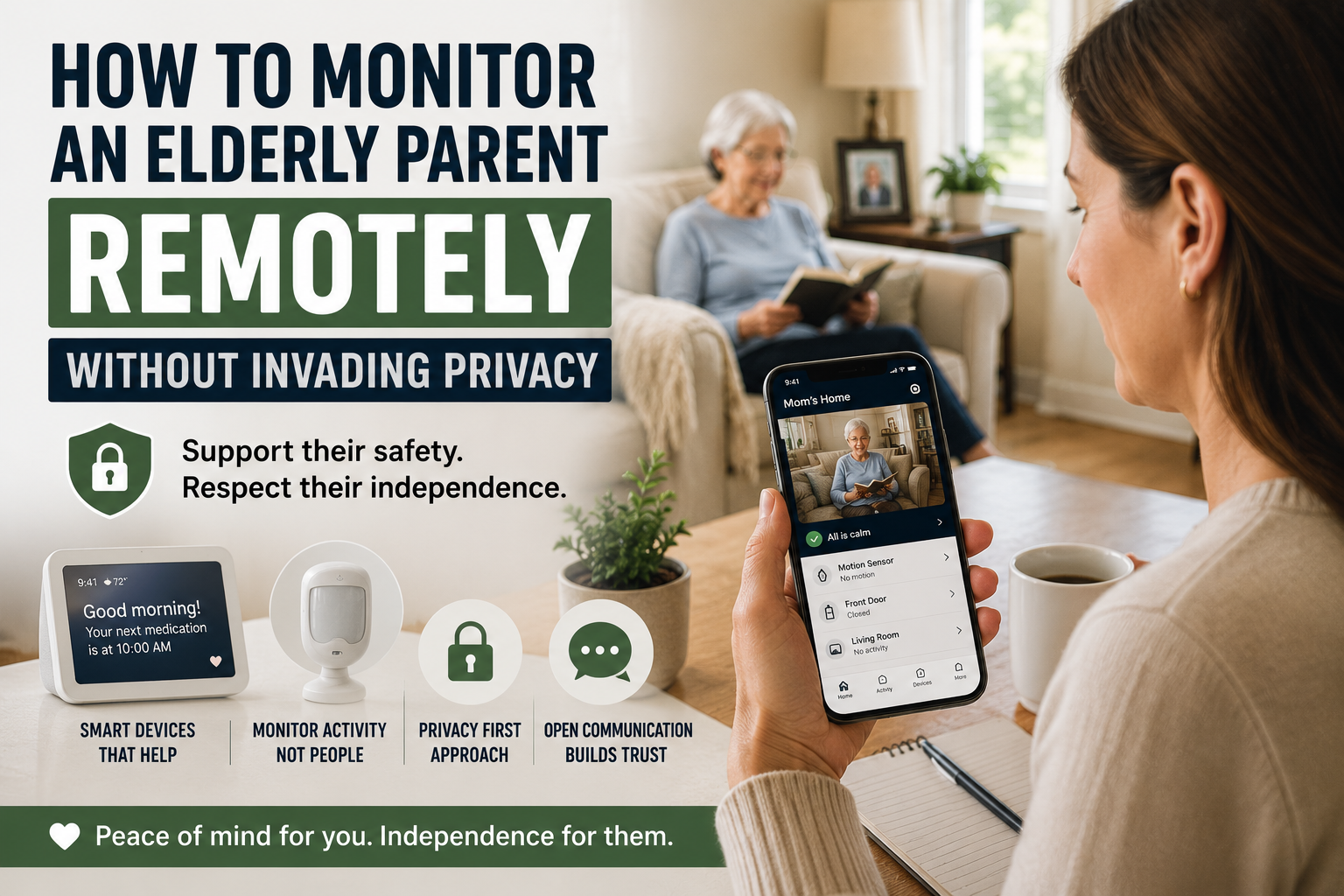
How to Monitor an Elderly Parent Remotely Without Invading Privacy
If you live far from an older parent, the worry can be constant. Many families eventually ask how to monitor an elderly parent remotely while still protecting trust, dignity, and independence. You may wonder whether they are eating regularly, taking medication on time, moving around normally, or recovering well after a health change, yet still feel uncomfortable turning a parent’s home into a surveillance zone.
That is why many families start looking for ways to monitor elderly parent remotely without cameras. They want reassurance, but they also want to protect trust, dignity, and independence.
Quick Answer: If you want to monitor an elderly parent remotely without cameras, the best approach is usually a privacy-first combination of consent, motion alerts, voice assistants, medication reminders, door notifications, and a simple family response plan. The goal is to notice meaningful changes without making an older adult feel watched in their own home.
The good news is that remote support does not have to mean spying. In many cases, the best setup is not the most invasive one. It is the one that gives just enough visibility to spot problems early while still letting an older adult feel respected in their own home.
This article focuses on that balance. It is not a roundup of cameras and it is not an argument for constant oversight. It is a practical guide for family caregivers who want to support safety from a distance without crossing into unnecessary monitoring.
Table of Contents
- The difference between support and surveillance
- How to monitor an elderly parent remotely without cameras at a glance
- Start with consent, not technology
- Decide what you actually need to know
- Better options than cameras
- How voice assistants can help
- Motion sensors and activity alerts
- Smart doorbells and entry awareness
- Medication reminders and routine signals
- Emergency alerts and escalation plans
- Mistakes families should avoid
- FAQ
- Conclusion
The Difference Between Support and Surveillance
Families often say they want monitoring, but what they usually mean is peace of mind. They want to know whether something is clearly wrong. They do not necessarily need a live view into every room.
That distinction matters because older adults usually respond very differently to support than to surveillance.
Support sounds like this
- We want to make it easier to notice emergencies.
- We want a backup if routines change suddenly.
- We want to reduce risk without taking over your life.
Surveillance sounds like this
- We want to watch what you are doing.
- We want to check whether you are behaving the way we expect.
- We do not fully trust you to manage your own space.
That second message can damage the relationship quickly, even when the intention is loving.
Family Tip: If a setup would make you uncomfortable in your own bedroom, kitchen, or living room, it is probably too invasive to use as a default solution for someone else. Start with the least intrusive tool that solves the real problem.
How to Monitor an Elderly Parent Remotely at a Glance
| Monitoring Method | Privacy Level | Best For | Family Alert Type |
|---|---|---|---|
| Voice assistant | High privacy | Reminders, calls, low-friction check-ins | Missed response or failed routine |
| Motion sensor | High privacy | Pattern changes and inactivity alerts | No expected movement or unusual timing |
| Door sensor or smart doorbell | Medium-high privacy | Visitor awareness, deliveries, late-night exits | Door activity notification |
| Medication reminder device | High privacy | Missed doses or routine breakdowns | Missed reminder or adherence change |
| Emergency alert system | High privacy | Falls, urgent assistance, escalation | Immediate help request |
Start With Consent, Not Technology
Before adding anything, talk about the goal in plain language. A parent is more likely to accept support when they understand what information is being collected, why it matters, and what will happen if something looks unusual.
Good questions to discuss include:
- What are we trying to prevent or notice?
- What feels helpful versus intrusive?
- What types of alerts are acceptable?
- Who gets the alerts?
- What should happen if an alert is triggered?
This is especially important if the older adult values independence strongly. Many do. If they feel monitored without input, they may reject even reasonable tools. If they help shape the plan, they are more likely to see it as a support system instead of a control system.
For families planning a broader long-term strategy, our article on what aging in place means and why families choose it helps frame the bigger picture.
Decide What You Actually Need to Know
Before choosing any monitoring tool, families should look for signs a parent may need smart home help rather than adding technology simply because it is available.
Remote support works best when the signals are specific.
Do you need to know:
- whether your parent got out of bed?
- whether they opened the front door late at night?
- whether they missed a medication routine?
- whether there has been no movement for an unusual amount of time?
- whether they can easily call for help?
Those questions lead to better solutions than a vague idea like I just need to keep an eye on things.
In other words, start with risks and routines, not devices. A family that first reviews the home and daily patterns usually makes better decisions than one that buys monitoring tech out of panic. This aging in place checklist is useful for that first review.
Better Options Than Cameras
When families try to monitor elderly parent remotely without cameras, they are usually looking for lower-friction tools that still provide useful signals.
The most practical options often include:
- voice assistants for communication and reminders
- motion or activity sensors
- door or entry alerts
- medication reminders
- emergency call systems
- routine-based check-ins
These tools are not perfect, but they are often more acceptable because they collect less sensitive information than indoor video.
Common Mistake: Families often jump straight to indoor cameras because they feel efficient. In reality, cameras can create resistance, damage trust, and distract everyone from the real question: what specific signal do we actually need to notice?
Why cameras create friction
Indoor cameras may feel efficient to the caregiver, but they often create stress for the person living in the home. Bedrooms, living rooms, kitchens, and hallways are not just coverage areas. They are private spaces. Even if a family promises not to check often, the older adult may still feel watched.
That can change behavior, reduce trust, and cause resistance to other forms of support.
How Voice Assistants Can Help
Voice assistants are often one of the easiest tools to introduce because they can support communication and routine without feeling overtly medical.
- spoken reminders
- simple calls or announcements
- weather and appointment prompts
- smart lighting routines
- low-effort check-ins
For example, a voice assistant can make it easier for a parent to call a family member without finding a phone, or to respond to a reminder when medication timing tends to drift. It can also reduce friction around daily tasks that otherwise go undone.
If voice support is part of the plan, the article Can Alexa Help Seniors Live Independently? fits naturally here.
Motion Sensors and Activity Alerts
Motion alerts may show patterns, but families still need to make stairs safer for an elderly parent when daily movement depends on steps.
Motion sensors are often one of the most useful privacy-respecting tools because they answer one narrow question: has there been normal activity?
- unusually long inactivity
- missed morning movement
- no bathroom visit overnight
- unexpected movement during dangerous hours
The value here is not constant observation. It is pattern awareness. If a parent normally starts moving around at 7:00 a.m. and there is no activity by 10:00 a.m., that may justify a phone call.
Why this feels less invasive
Motion sensors can show that movement happened without showing what someone was doing. For many families, that is enough. It creates a gentler form of oversight that still supports early response.
Smart Doorbells and Entry Awareness
Smart doorbells are often framed as security tools, but they can also support remote caregiving in a narrow and useful way.
- screening visitors
- reducing pressure to open the door quickly
- confirming deliveries
- noticing unusual front-door activity
This can be especially helpful when a parent feels nervous about answering the door or has become more vulnerable to scams, confusion, or unplanned visitors.
The key is to keep the purpose limited. A doorbell should support entry awareness, not become a way to monitor every arrival and departure obsessively. If you want a more detailed breakdown, this guide to smart doorbells for elderly parents is the most relevant related resource on the site.
Medication Reminders and Routine Signals
Not all remote support has to be direct monitoring. Sometimes the most useful signal is whether a routine is still holding together.
Medication is a good example. If reminders are being ignored, doses are being missed, or confusion around pills is increasing, that may tell families more than a passive camera ever would.
Medication reminder tools can help caregivers notice when support needs are changing without creating a sense of constant observation. In many homes, this is one of the most respectful ways to add oversight because it is tied to a real risk and a clear purpose.
Our comparison article on medication reminder devices for seniors can support that conversation.
Emergency Alerts and Escalation Plans
A remote support setup should always answer one practical question: what happens if something is wrong?
- Who gets the first alert?
- How long should they wait before calling?
- Who is the local backup person?
- When does the situation justify emergency services?
Without that plan, even good tools become confusing. Families receive data but do not know how to act on it.
Keep the plan simple
The goal is not to create a complex response tree. The goal is to reduce hesitation when something unusual happens.
A Privacy-Friendly Emergency Backup
This page contains affiliate links. If you use one, Senior Smart Home Lab may earn a commission at no extra cost to you.
Families who want privacy-respecting support often need two separate layers. Smart-home tools can help you notice everyday patterns, such as movement, lights, routines, or missed check-ins, without putting cameras in private spaces. A medical-alert service solves a different problem: giving an older adult a dedicated way to request emergency help if a normal check-in is not enough.
For seniors living alone, LifeFone may be one optional emergency-response layer to review as part of a broader safety plan. It should not replace consent, family conversations, 911, caregivers, or regular check-ins. The goal is simply to add a backup option without turning the home into a surveillance system.
Secure the Devices and Revisit Consent
Consent is not a one-time setup screen. Agree on what information the family can see, who has account access, when alerts will be reviewed, and how the older adult can pause or remove the system. Revisit the agreement when health, living arrangements, caregivers, or device features change.
The Federal Trade Commission recommends changing default credentials, using unique passwords and two-factor authentication when available, installing updates, and disabling features that are not used. Its guidance for internet-connected home devices also highlights the router as a central privacy control. NIH research on in-home monitoring and aging in place notes both the potential value of unobtrusive sensors and the importance of privacy and evidence. Those limits are a reason to collect the minimum information needed, not everything a device can collect.
Mistakes Families Should Avoid
Using the most intrusive tool first
Start with the least invasive option that solves the problem. Families often jump too quickly to cameras when a voice assistant, motion alert, or door sensor would do the job.
Skipping the consent conversation
Even if the caregiver is paying for the technology, the person living in the home still deserves clarity and input whenever possible.
Trying to monitor everything
Too much data creates noise. Focus on meaningful signals tied to real concerns.
Ignoring baseline safety
Remote monitoring should not replace core safety fixes. If the home still has major fall risks, poor lighting, or unsafe entryways, address those too. Our guide on making a home safer for an elderly parent living alone is the right starting point for that work, and the room-by-room home safety checklist for seniors helps families inspect those risks more systematically.
Replacing human contact with automation
Technology can support caregiving, but it should not become the relationship. Check-ins, visits, and honest conversations still matter.
FAQ
How can I monitor an elderly parent remotely without cameras?
Families often use voice assistants, motion sensors, door alerts, medication reminders, and emergency alert systems to notice meaningful changes without using indoor video.
Are indoor cameras always a bad idea?
Not always, but they should not be the default. Many older adults find indoor cameras intrusive, especially in private living spaces. Families should use the least invasive tool that solves the actual problem.
What is the best first step for remote monitoring?
Start by identifying the real concern. Is it falls, wandering, missed medication, isolation, or difficulty calling for help? Once the risk is clear, the right tool is usually easier to choose.
Can Alexa or another voice assistant help without feeling invasive?
Yes, often. Voice assistants can support reminders, calling, lighting routines, and low-friction communication without making the home feel heavily monitored.
How do families protect privacy while still improving safety?
Focus on consent, limit alerts to meaningful events, choose tools that collect less sensitive data, and be clear about who sees what information and why.
Conclusion
Families do not need to choose between doing nothing and watching everything. There is a middle path.
If you want to monitor an elderly parent remotely without cameras, the best approach is usually a narrow one: identify the real risks, choose the least invasive tools that address them, and make sure the older adult understands and supports the plan whenever possible.
That approach protects more than safety. It protects trust. And in long-distance caregiving, trust is often what makes the whole system work.