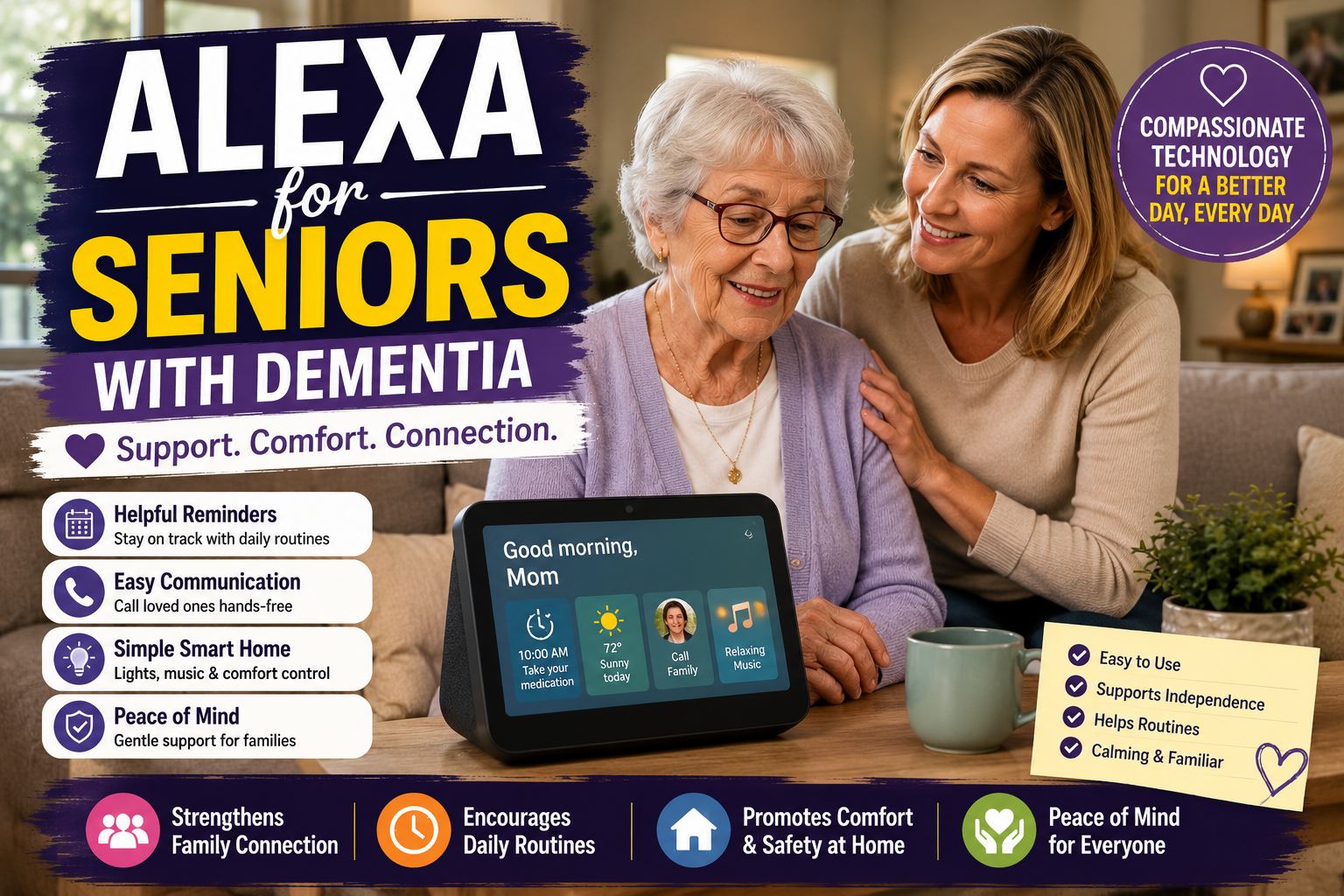
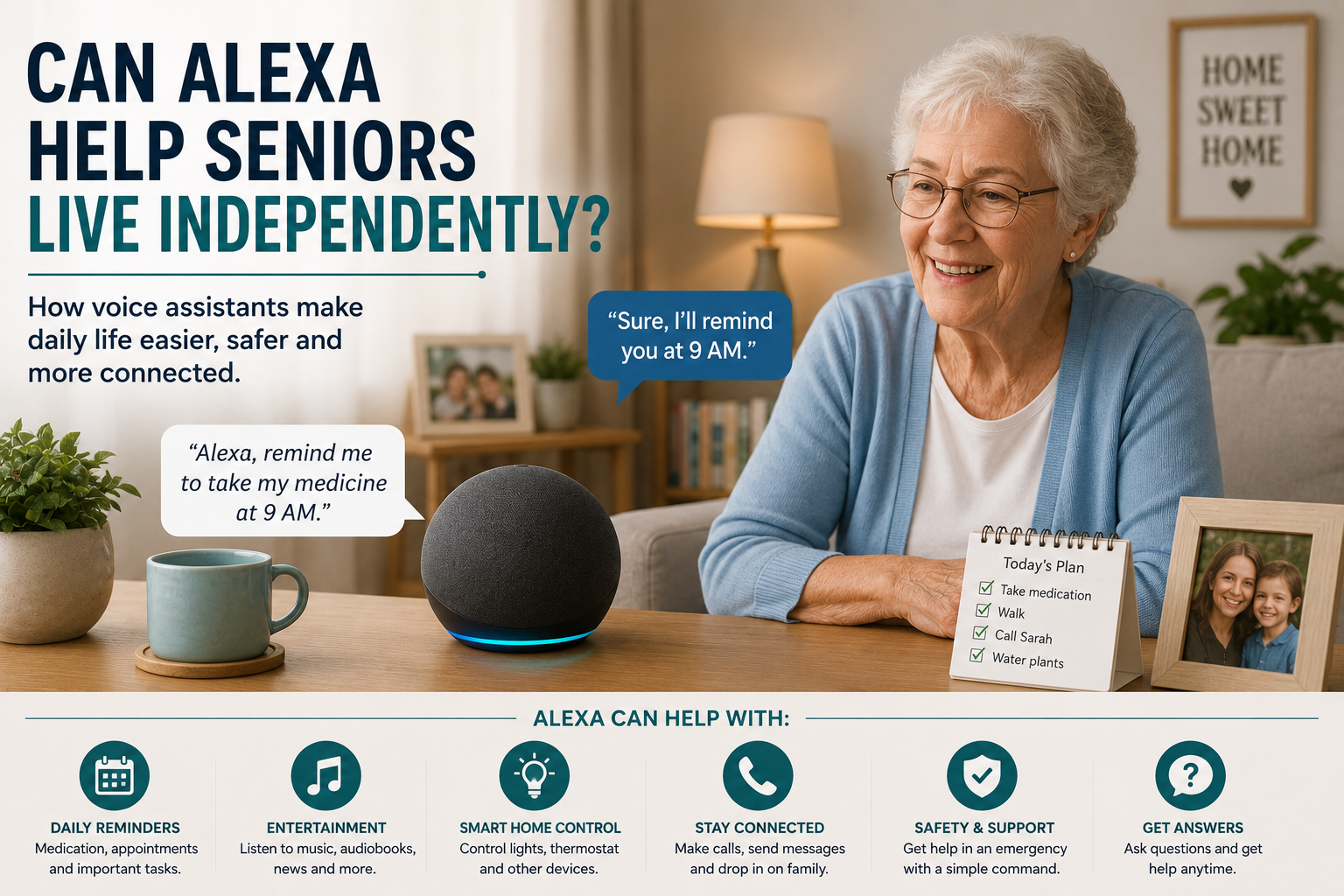
Alexa helping seniors live independently with reminders, calls and smart home control

Can Alexa Help Seniors Live Independently?

Can Alexa Help Seniors Live Independently?

Alexa can absolutely help some seniors live more independently, but it helps in specific ways. It does not replace family support, medical care, or home safety planning. What it can do is remove friction from everyday tasks that gradually become more tiring or easier to forget. That is where voice assistants often prove their value.

For older adults, independence is not always about doing everything alone. More often, it is about staying in control of daily routines, maintaining confidence at home, and needing less help for small repetitive tasks. When Alexa is set up carefully, it can support that kind of independence surprisingly well.

This guide looks at the practical side of the question: where Alexa genuinely helps, where it falls short, and how families can decide whether it belongs in an aging-in-place plan. If you want the setup basics, start with Alexa for Seniors: Complete Beginner’s Guide. Here, the focus is independence rather than first-time setup.

Table of Contents

  • What independence means at home
  • How Alexa helps with daily routines
  • Where Alexa helps families as well as seniors
  • What Alexa cannot do well
  • Who is a good candidate for Alexa support
  • How to set Alexa up for real-world success
  • Frequently asked questions

What independence really means for older adults

When families talk about independence, they often mean different things. One person means staying in the same home. Another means remembering appointments without reminders. Another means being able to contact family quickly when something feels off. Alexa fits into independence best when those goals are made concrete.

Voice assistants are most useful for tasks that happen often, require small bursts of effort, and do not justify a full caregiver intervention. That includes setting reminders, turning lights on, asking for weather updates, playing music, making simple calls, or controlling a few connected devices without getting up.

Seen that way, Alexa is less about novelty and more about reducing the number of small obstacles in a normal day. Those small obstacles are exactly what can make a person feel older, less confident, or more dependent than they want to be.

How Alexa helps seniors live independently

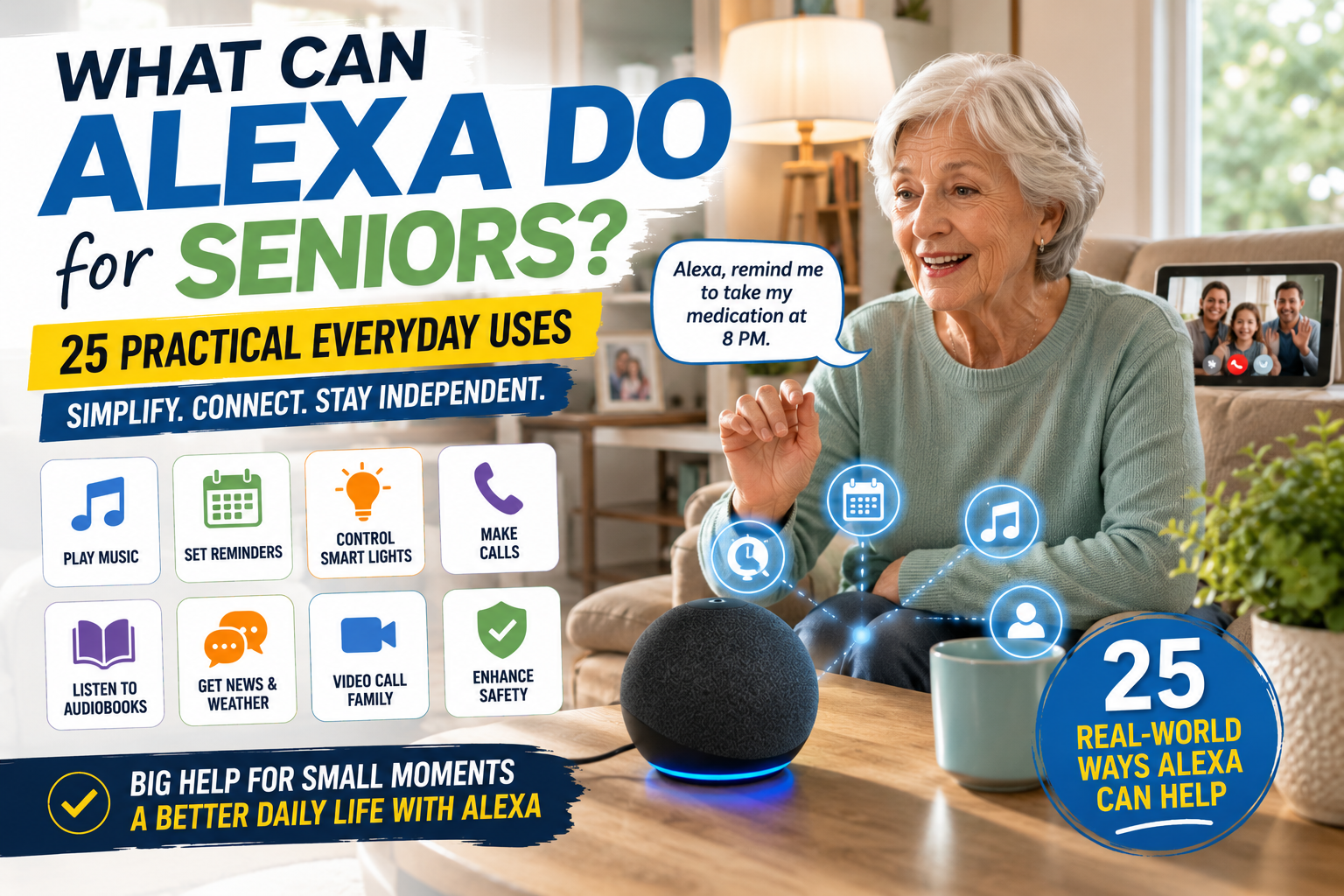
For a broader list of everyday examples, families can compare practical Alexa uses for older adults before deciding which features matter most.

1. It reduces the need to remember everything

Reminders are one of Alexas most practical strengths. Seniors can use voice prompts for medication times, hydration breaks, appointments, garbage day, locking up at night, or calling a family member. A spoken reminder feels less intrusive than constant phone alarms and can blend more naturally into daily life.

That matters because independence often weakens through routine friction, not through one dramatic event. A person who misses appointments, forgets to switch off a light, or loses track of the day can begin to feel less confident at home. Regular voice prompts help stabilize those patterns.

2. It makes common tasks easier without extra physical effort

Getting up to adjust lights, check the time, or hear the weather forecast may not sound significant to a younger adult. For an older person with arthritis, balance concerns, or fatigue, those repeated small tasks add up. Voice control reduces those extra steps.

This is one reason Alexa often pairs well with broader smart home devices for seniors. It becomes the simple control layer for other tools that support daily living.

3. It supports communication

Many seniors feel more independent when reaching family is easy. Voice assistants can help with hands-free calling, announcements, or simple check-ins. That does not just help in emergencies. It also reduces the emotional barrier around asking for help with small things.

4. It can improve consistency at night

Evening is often when routines get less predictable. Alexa can help with bedtime reminders, voice-controlled lamps, white noise, or simple good night routines that turn off supported devices. For some households, that predictability improves confidence more than families expect.

5. It can support safer movement at home

Alexa itself does not prevent falls, but it can make the environment easier to manage. Voice-controlled lighting is a good example. If a senior does not need to walk across a dark room to find a switch, that is a practical independence benefit. The same logic applies to linked plugs, lamps, and simple routines that reduce unnecessary movement.

Where Alexa helps the family too

Families usually ask whether Alexa helps the senior, but that is only half the picture. It can also reduce caregiver load in subtle but important ways.

  • Adult children spend less time making reminder calls for small routine items.
  • There is a clearer structure for daily prompts and check-ins.
  • Connected smart devices become easier to manage because voice control lowers the learning curve.
  • Households can build routines without installing complex systems everywhere at once.

For families trying to support independence from a distance, Alexa often works best as a bridge. It does not replace human involvement, but it reduces how often that involvement has to be manual.

What Alexa cannot do well

This is the part families need to be honest about. Families should understand the important limits of Alexa for seniors.

It does not replace judgment

Alexa can remind someone to take medication, but it cannot verify that the correct dose was taken. It can announce a visitor, but it cannot decide whether opening the door is wise. It can support routines, but it does not replace decision-making.

It is not enough for high-risk situations by itself

If a senior has significant memory impairment, frequent falls, or a complex medical routine, Alexa may still help, but it should not be the only support layer. In those households, voice assistance needs to be part of a broader safety plan that may also involve better entry protection, medication systems, or routine monitoring. If reminders are becoming more complex, our guide to medication reminder devices for seniors explains when a dedicated system may be a better fit than voice prompts alone.

It depends on thoughtful setup

Alexa becomes less helpful when families overload it with skills, alerts, or scattered routines. Too many prompts feel noisy. Too many commands feel forgettable. Independence improves when the setup stays simple and purposeful.

Who is a good candidate for Alexa support?

Alexa usually works best for seniors who can speak clearly enough to use voice commands, want help with reminders or lights, and are open to learning a few simple routines. It is especially effective when a person values staying in control of their space but appreciates convenience.

It can also work well for seniors who are a bit hesitant about technology, provided the family introduces it gradually. Many older adults do not need to understand every feature. They just need to know what a few commands can do for them consistently.

Families who are still figuring out whether their parent wants to remain at home long term may also find Alexa useful as an early support layer. That bigger decision is explored in our guide to aging in place. For a more practical next step, our aging in place checklist helps families review what still needs attention around the home.

How to set Alexa up so it actually helps

For families starting from zero, introducing Alexa gradually to an older parent often works better than enabling every feature at once.

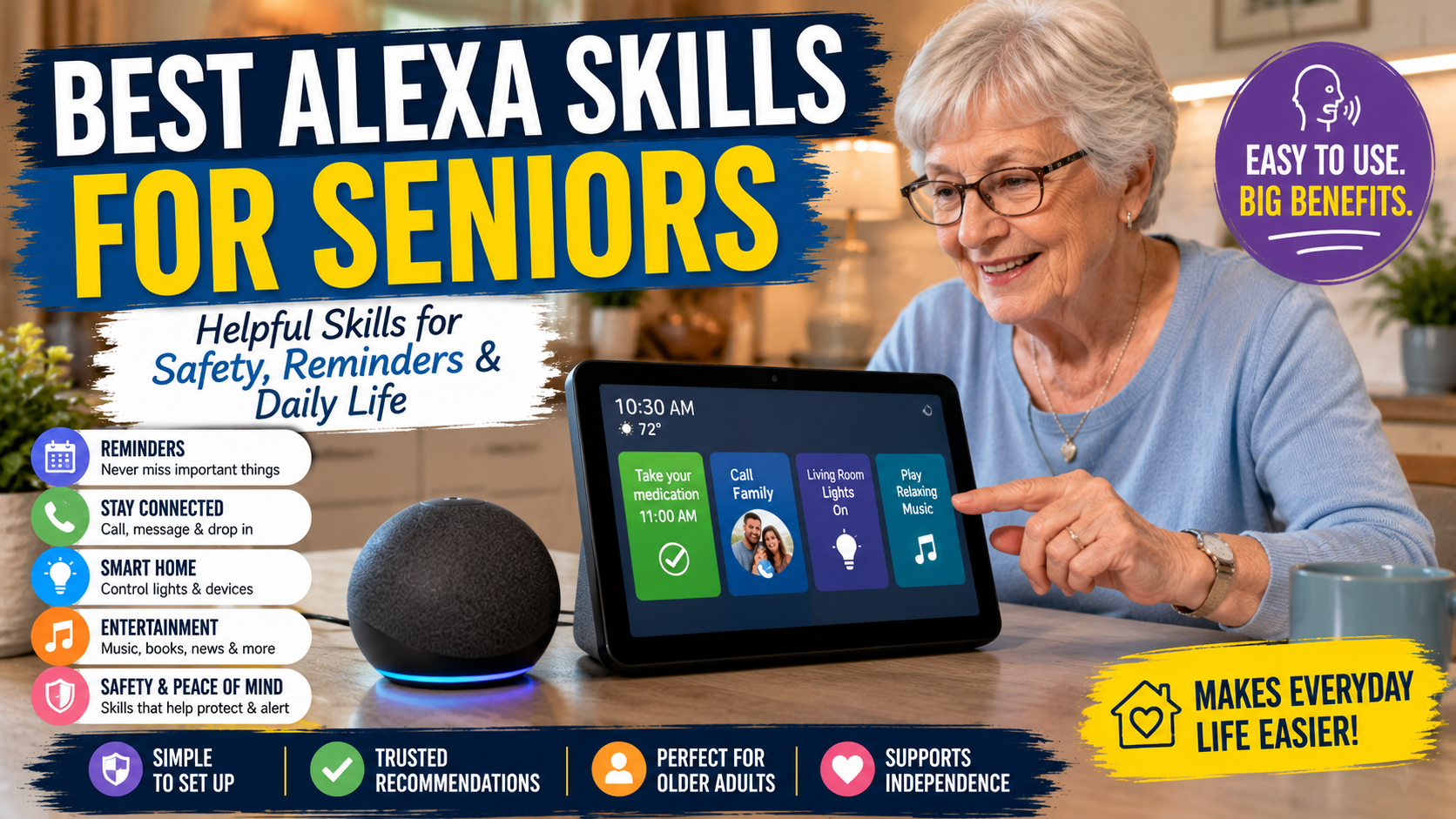
Once the main needs are clear, it helps to compare which Alexa skills are most useful for seniors before enabling too many extras at once.

Start with three or four real needs

Do not begin with everything Alexa can do. Start with the problems your parent already mentions. Maybe they forget afternoon medication, dislike walking to switch off lamps, or want easy music and weather updates in the morning. Build around those real needs first.

Use natural phrasing

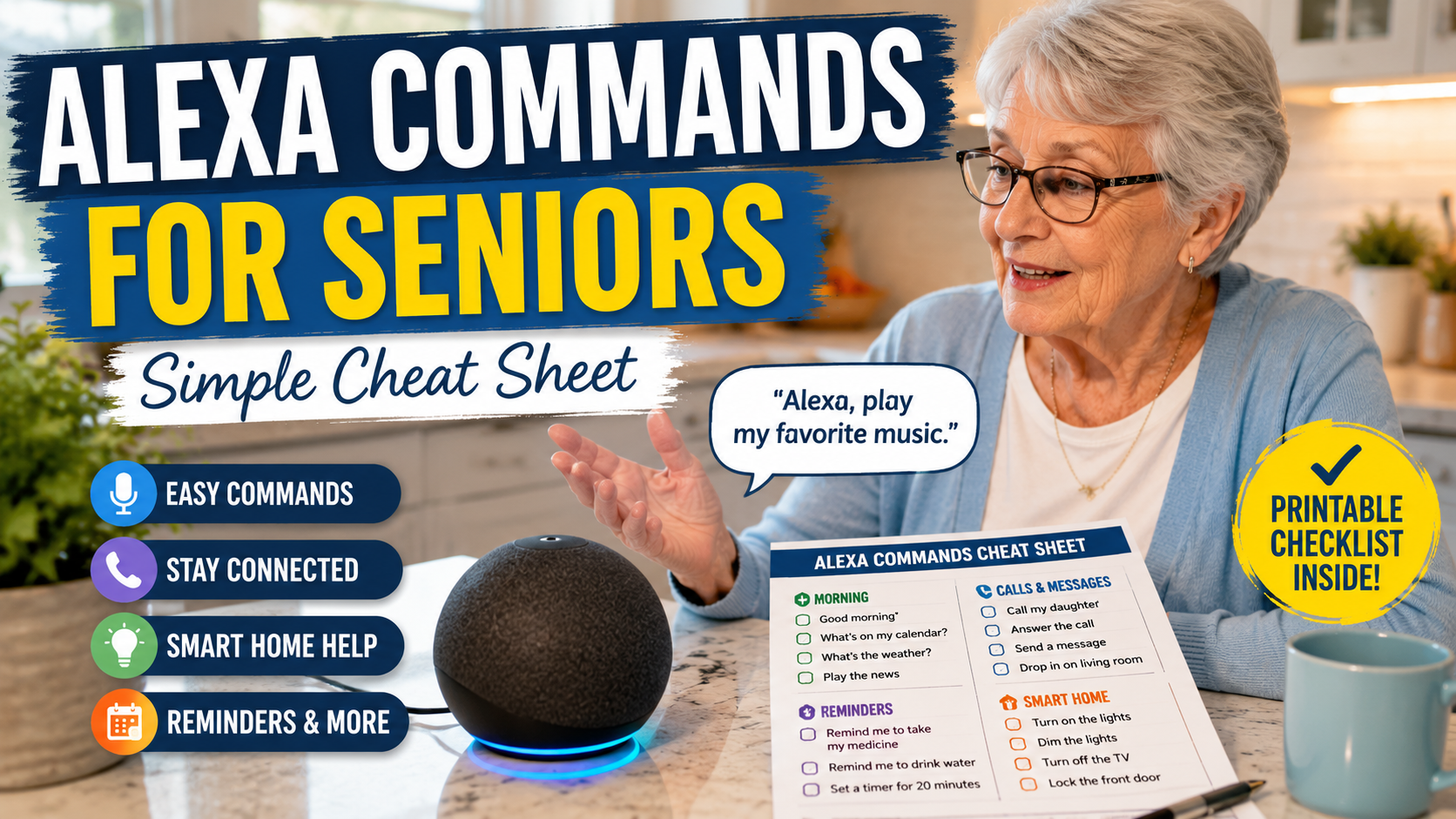
The commands should sound like things your parent would actually say. Simple, memorable language is far more important than clever automation. A short Alexa commands for seniors list can make those first routines easier to practice.

Link it to useful devices, not random devices

Alexa becomes more valuable when it controls practical household tools. Lamps, smart plugs, and selected safety devices usually matter more than novelty accessories. This is why Alexa often belongs in the same conversation as home safety improvements outlined in our home safety guide.

Review the routine after two weeks

Families should ask: Which reminders are actually helping? Which ones are being ignored? Does anything feel repetitive or annoying? Refining the setup is part of making it supportive rather than noisy.

Can Alexa help seniors live independently? The practical answer

Yes, Alexa can help seniors live independently when independence depends on better reminders, easier communication, simpler control of lights and devices, and lower daily effort around routine tasks. It is most effective for households where the goal is to reduce friction, not eliminate family involvement altogether.

Alexa is not a complete safety system and it is not a substitute for judgment, medication supervision, or fall prevention. But as one layer in an aging-in-place plan, it can make a meaningful difference in comfort, confidence, and day-to-day control.

If your family is deciding whether to try it, the right question is not Can Alexa do a lot? The right question is Will Alexa make this specific home easier to live in every day? When the answer is yes, it is often worth adding.

FAQ

Can Alexa really help older adults stay independent?

Yes, especially with reminders, communication, lighting control, and routine tasks that become tiring or easy to forget. Its value is practical rather than dramatic.

Is Alexa good for seniors who live alone?

It can be, particularly when it is used for reminders, check-ins, and easy control of household devices. It is most helpful when paired with other safety tools where needed.

Can Alexa replace caregiver support?

No. It can reduce the need for constant small reminders, but it does not replace human judgment, medication oversight, or in-person help when those are needed.

What is the best Alexa feature for seniors?

For many families, reminders and voice-controlled lights provide the biggest day-to-day benefit because they reduce routine friction immediately.

Should families start with lots of Alexa features?

No. Starting with a few useful routines usually leads to better adoption and less confusion.

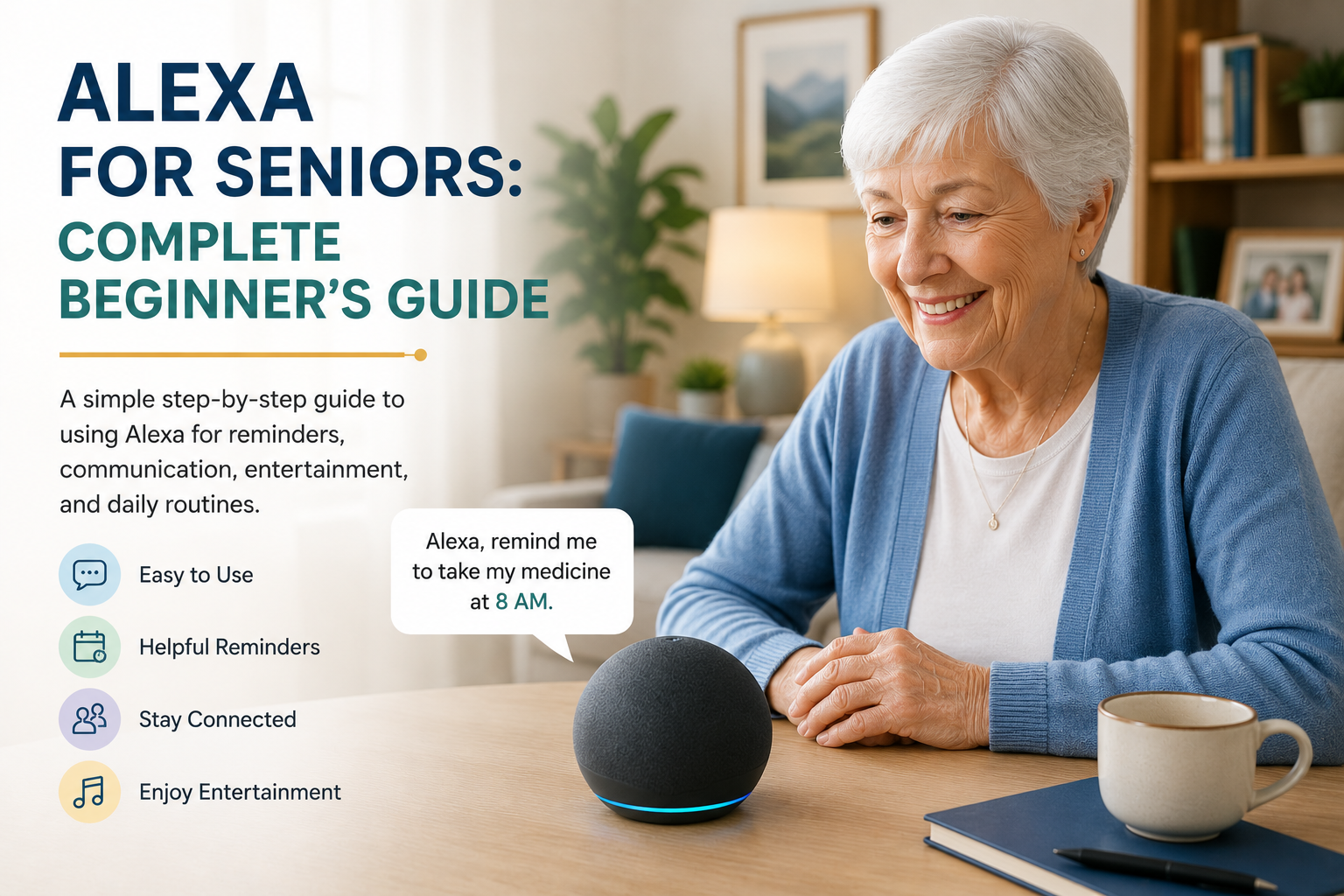
Senior woman using Alexa voice assistant for reminders communication and daily tasks

Alexa for Seniors: Complete Beginner’s Guide

Alexa for Seniors: Complete Beginner’s Guide

If you are helping an older parent get started with Alexa, this guide is for the practical first steps: what Alexa does, which features are easiest to use, what to set up first, and where its limits are. Alexa for seniors can support reminders, calls, simple routines, music, weather updates, and hands-free smart home control when it is introduced calmly and configured around real daily needs.

It is not a replacement for family support, caregivers, emergency services, or medical advice. But for many families, Alexa can be a simple voice-first tool that makes daily living easier and helps an older adult feel more connected at home.

Quick Answer

Alexa is Amazon’s voice assistant. Seniors can ask it for reminders, calls, weather, music, simple answers, and smart home control without opening an app or using small buttons.

Families should usually start with three basics: medication or appointment reminders, easy family calling, and one or two daily routines such as morning weather or bedtime lights. Keep the setup simple first, then add more features only when your parent feels comfortable.

Table of Contents

What Is Alexa?

Alexa is a voice assistant that responds to spoken commands through compatible smart speakers and displays. Instead of tapping through a screen, a person can say things like, “Alexa, what’s the weather?” or “Alexa, remind me to take my pills at 8 PM.”

That voice-first approach is exactly why it can be so useful for older adults. It removes many of the frustrating steps that come with smartphones, tiny buttons, or complicated remote controls. A senior does not need to remember where an app is or navigate a menu. They can simply ask.

When connected to other smart home tools, Alexa can also help control lights, plugs, thermostats, and routines. That makes it a strong anchor device for families who are just beginning to explore smart home devices for seniors.

What Alexa Can Help Seniors Do

Use Example Command Family Benefit
Reminders “Alexa, remind me to take my medicine at 8 PM.” Helps create structure around important daily tasks.
Calls “Alexa, call Sarah.” Makes family contact easier without searching through a phone.
Weather “Alexa, what’s the weather today?” Helps a senior plan clothing, errands, or outdoor walks.
Music “Alexa, play relaxing music.” Adds comfort, entertainment, and familiar routines at home.
Routines “Alexa, start my morning routine.” Combines simple actions like weather, reminders, and lights.
Smart lights “Alexa, turn on the living room light.” Reduces walking in the dark and makes the home easier to use.

Why Alexa Can Help Seniors

The biggest benefit is ease. Many older adults do not need more technology in their lives. They need less friction. Alexa reduces the steps required to do ordinary things, and that can make a surprising difference.

It supports memory without pressure

Reminders for medication, appointments, hydration, meals, or phone calls can be scheduled and repeated. That helps seniors who want structure without relying on sticky notes or trying to remember everything at once.

It reduces physical effort

Voice control is especially useful when walking is slower, standing up is harder, or reaching across a room is inconvenient. Turning on lights, listening to the news, or checking the time does not have to involve extra movement.

It can support connection

For some seniors, using a phone or video calling app feels like work. A voice assistant can lower that barrier and make communication feel more natural. That can be valuable for families who are supporting a parent from a distance.

Best First 5 Alexa Features for Seniors

The best beginner setup is usually not the most advanced one. Start with features that solve real daily friction and are easy to explain in one sentence.

1. Reminders

Reminders are useful for medication times, appointments, trash day, drinking water, or calling a family member. They are a strong first feature because the benefit is obvious and the setup does not require extra devices.

2. Family calls

Voice calling can help a parent contact family without scrolling through contacts or remembering where the phone is. It is especially useful for seniors who already like regular check-ins but find smartphones frustrating.

3. Weather and daily information

Weather, time, date, and simple questions are low-pressure ways to practice using Alexa. These small wins help an older adult build confidence before relying on more important features.

4. Music, radio, and familiar audio

Music can make Alexa feel friendly instead of technical. For some seniors, hearing a favorite station, artist, or playlist is the feature that makes the device feel worth keeping.

5. One simple smart light

A single lamp or hallway light is often enough for a first smart home connection. It shows how voice control can reduce physical effort without making the home feel complicated.

Best Uses for Daily Life

Families who want a practical overview can also review what Alexa can do for seniors before choosing which daily uses to set up first.

Families who want to go beyond the basics can also review our guide to the best Alexa skills for seniors to choose practical options for reminders, communication, routines, and daily support.

Reminders and routines

This is often the most useful feature. Alexa can say things like, “It’s time to take your afternoon medication,” or “Don’t forget your physical therapy exercises.” It can also combine actions into routines, such as turning on a lamp, giving the weather, and reading out the day’s schedule each morning.

Hands-free calls and communication

Calling family by voice can make staying in touch feel less complicated. For seniors who do not like typing or scrolling through contacts, this can remove a lot of unnecessary effort.

Music, radio, and entertainment

Entertainment matters more than people sometimes realize. Music, radio, audiobooks, and simple trivia can reduce loneliness and create more enjoyable daily routines. A voice-first interface also makes these activities easier to access.

Smart home control

Alexa works particularly well with lighting and smart plugs. A senior can say, “Turn on the bedroom light,” or “Turn off the lamp in the living room,” which is helpful both for convenience and for safety. That can fit nicely into a broader home safety plan, especially if you are already thinking about home safety for elderly parents.

Simple information without screens

Time, weather, calendar details, timers, and basic questions become easier to access. This may sound small, but small conveniences add up and make a device feel worth keeping.

How to Set It Up Simply

If your parent is nervous about the device, a slower guide to introducing Alexa to an elderly parent without frustration can help families avoid turning setup into a technology lesson.

The worst way to introduce Alexa is to demonstrate twenty features in one sitting. The best way is to set up two or three useful habits and let those become familiar first.

Start with one device in one room

A kitchen, living room, or bedroom is usually enough to begin. Pick the room where reminders, lights, or voice help would be most useful.

Choose a few high-value commands

Start with basics such as reminders, music, weather, lights, and one calling feature. Write them down on a simple card near the device. Families who want a printable starting point can use this Alexa commands for seniors cheat sheet to keep the first phrases simple. Familiarity builds confidence.

Create routines that reflect real life

Good routines match an existing habit. A morning routine might include the date, weather, and a reminder to take medication. An evening routine might remind a parent to lock the door, turn off lights, and charge a phone.

Test volume and clarity

Some seniors need the device louder, closer, or in a less noisy room. Small setup details make a big difference in whether Alexa feels frustrating or helpful.

Echo Dot vs Echo Show for Beginners

For a beginner, the main difference is simple: an Echo Dot is voice-only, while an Echo Show adds a screen. A voice-only speaker can be enough for reminders, music, weather, and simple commands. It is usually less visually distracting and easier to place in a bedroom, kitchen, or living room.

An Echo Show can be helpful when a parent benefits from seeing information on screen, such as the time, weather, reminders, family photos, or video calls. The screen can also make some tasks feel clearer, but it may be too much for someone who wants the simplest possible setup.

Rather than choosing based on features alone, families should ask: will my parent prefer hearing the answer, or would seeing it make Alexa easier to trust?

What Alexa Cannot Replace

Alexa can support daily life, but it should not be treated as a safety system by itself. It does not replace emergency services, professional monitoring, caregivers, medical advice, or regular family involvement.

Families should also think carefully about privacy. Voice assistants work best when everyone understands what the device can hear, what features are enabled, and which routines or contacts have been set up. The goal is support, not surveillance.

Privacy and Boundaries

Families should talk openly about what the device does and does not do. Some seniors are comfortable with voice assistants right away. Others feel uneasy about a device that is always listening for a wake word.

Trust improves when everyone is clear. Explain where the device is placed, what kinds of reminders or calls it handles, and whether it connects to any other smart home tools. Use the least complicated setup that still provides value.

It is also wise to avoid loading the device with too many family expectations. Alexa can support independence, but it should not become a way to constantly monitor someone without their understanding.

Common Challenges

Forgetting the wake word or commands

This is common at first. A short printed prompt card helps. Over time, most people develop a few favorite commands and use those repeatedly.

Speaking too quietly or from too far away

Sometimes the problem is not the senior but the room. Background TV noise, long distance, or device placement can make Alexa seem unreliable when the issue is really setup.

Expecting it to solve everything

Alexa is helpful, but it is not a complete care plan. It works best as one tool inside a broader strategy that may include safer lighting, communication routines, and thoughtful aging-in-place planning. Our aging in place guide explains that bigger picture.

Frequently Asked Questions

Is Alexa easy for seniors to use?

It can be, especially for seniors who prefer speaking over navigating phones or apps. The key is starting with a few helpful features instead of too many at once.

Can Alexa remind seniors to take medication?

Yes, Alexa can provide recurring reminders. Families should still make sure the reminder system is realistic and easy to follow, since reminders are not the same as medical supervision.

Can Alexa call family members?

Yes, Alexa can support voice calling features when set up correctly. This can make communication easier for seniors who dislike dealing with phones or small screens.

Which Alexa device is easiest for a beginner?

The easiest choice depends on the person. A voice-only Echo device can be simpler for reminders, music, and questions. An Echo Show may be easier for someone who benefits from seeing reminders, the clock, weather, photos, or video calls on a screen.

Can Alexa help seniors live independently?

Alexa can support independent living by making reminders, calls, lights, music, and routines easier to use. It works best as one part of a broader family plan, not as a replacement for caregiving, emergency help, or home safety planning.

Is Alexa safe for elderly parents?

Alexa can be safe and useful when it is set up with clear privacy boundaries, simple commands, trusted contacts, and realistic expectations. Families should review calling, purchasing, voice history, and smart home settings before relying on it for daily routines.

Does Alexa work with other smart home devices?

Yes. It can often work with lights, plugs, and other simple smart home tools, which is why it is often a strong starting point for seniors.

Is Alexa a replacement for emergency services?

No. Alexa can help with reminders, communication, and convenience, but it should never be treated as a substitute for medical care, professional support, or emergency response.

Conclusion

Alexa can be a very useful tool for seniors when it is introduced with care and connected to real daily needs. It works best when it makes life simpler, not busier. For many families, it becomes a low-stress way to support reminders, communication, and basic home control.

If you start with a few simple routines and keep expectations realistic, Alexa can support independence without overwhelming the person using it. To see where it fits in a bigger plan, continue with our guides to smart home devices for seniors and making the home safer.