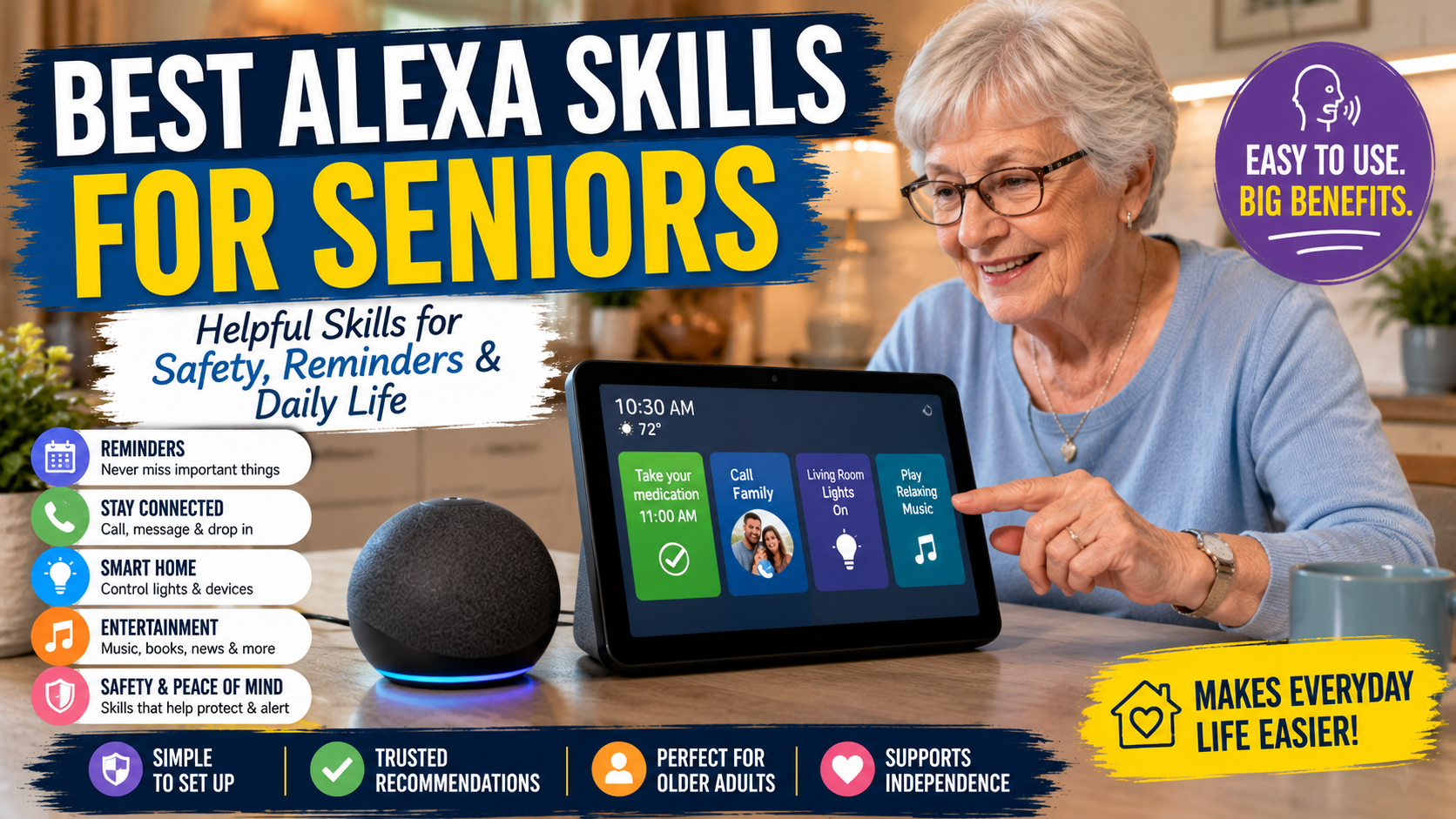
Best Alexa Skills for Seniors: Helpful Skills for Safety, Reminders, and Daily Life
The best Alexa skills for seniors are the ones that solve real everyday problems without making the home feel more complicated. For adult children helping an older parent, the goal is not to install dozens of novelty skills. The goal is to choose reliable voice features that support reminders, connection, comfort, and simple routines.
If your family is new to Alexa, start with our Alexa for Seniors beginner guide. If you are thinking about independence and routines, read how Alexa can help seniors live independently.
Quick Answer
The best Alexa skills for seniors usually include built-in reminders, calling, music, weather, routines, smart home controls, audiobooks, radio, simple games, and carefully chosen third-party skills. Families should start with built-in Alexa features before adding optional skills.
For families teaching the exact phrases first, keep our Alexa commands for seniors cheat sheet nearby while choosing which skills or features to enable.
Built-In Alexa Features vs Alexa Skills
This distinction matters. Many articles call everything an “Alexa skill,” but families should understand the difference before setting up a parent’s device.
| Type | What It Means | Best For | Family Caution |
|---|---|---|---|
| Built-in Alexa features | Tools Alexa already includes, such as timers, reminders, calls, lists, weather, and routines. | Most seniors starting out. | Still requires setup and practice. |
| Smart home features | Voice control for compatible lights, plugs, locks, thermostats, and speakers. | Comfort and aging in place support. | Device names must be simple. |
| Alexa Skills | Optional voice apps added to Alexa, often from outside developers. | Games, radio, meditation, trivia, special content. | Quality and privacy can vary. |
Editorial Selection: Alexa Features and Skills Worth Considering
The following list focuses on categories that tend to be useful for older adults. When third-party skills are involved, look for options with clear reviews, simple commands, recent updates, and privacy expectations your family understands.
| Skill / Feature | Best For | Difficulty | Why Families Like It |
|---|---|---|---|
| Reminders | Medication prompts, meals, appointments, trash day | Easy | Useful immediately and simple to explain. |
| Timers | Cooking, laundry, tea, short tasks | Easy | Hands-free and low risk. |
| Alexa Calling | Calling approved family contacts | Medium | Reduces phone friction when set up well. |
| Shopping Lists | Capturing items by voice | Easy | Helps when a parent remembers something suddenly. |
| Weather | Daily planning | Easy | Good daily habit for walks and errands. |
| Music Services | Favorite songs, relaxing audio, familiar routines | Easy to Medium | Makes Alexa feel friendly, not clinical. |
| Audiobooks | Hands-free listening | Medium | Helpful for seniors who find reading tiring. |
| Radio Skills | Local stations or familiar programs | Medium | Often more familiar than streaming menus. |
| Smart Light Control | Turning lights on before walking | Medium | Can support comfort and visibility. |
| Morning Routine | Weather, reminders, lights, music | Medium | Creates structure with one phrase. |
| Good Night Routine | Lights, reminders, calming audio | Medium | Helps simplify bedtime. |
| Simple Trivia or Word Games | Light entertainment | Easy to Medium | Fun when it does not feel like a test. |
| Sleep Sounds | Relaxing background audio | Easy | Can be calming for some users. |
| Calendar | Appointments and family visits | Medium | Useful if a family member helps configure it. |
| Find My Phone features | Locating a misplaced phone | Medium | Can reduce everyday frustration. |
What Families Should Set Up First
Do not start with a long list of skills. Start with a simple foundation that your parent can use without frustration.
- Set up reminders for one or two real daily needs.
- Set up calling for one or two trusted family contacts.
- Teach weather, time, timer, and “Alexa, stop.”
- Add music your parent already enjoys.
- Add one smart light only if it solves a real comfort or safety issue.
For exact phrases to teach first, families should prepare a short command sheet with the ten voice commands their parent is most likely to use every day.
Reminder Features
Reminders are often the most useful first Alexa feature. They can support medication routines, hydration, appointments, family calls, and household tasks. Alexa can say the reminder out loud, which is often easier than checking a phone notification.
For medication, Alexa can be helpful but limited. If missed doses are a serious risk, compare Alexa reminders with dedicated medication reminder devices for seniors.
Communication Features
Voice calling can help a senior reach family without searching contacts on a small screen. Imagine your father wants to call after dinner but gets frustrated scrolling through a phone. A practiced command can make that moment easier.
Families should set up approved contacts, test calls together, and explain privacy settings clearly.
Music, Radio, and Audiobooks
Entertainment can be more important than families expect. Music, radio, and audiobooks give seniors a relaxed reason to use Alexa. That comfort makes practical features easier to learn later.
Smart Home Controls
Alexa becomes more useful when connected to simple devices. Start small: one lamp, one smart plug, or one Echo device in a central room.
Our guide to smart home devices that help seniors stay independent explains which devices are easiest for families to understand before buying.
Routine Skills for Morning and Night
Families who want examples can start with routine ideas for seniors before adding more skills or third-party features.
Routines are one of Alexa’s strongest features. A single phrase can trigger several actions, such as turning on a light, reading the weather, and playing music.
Good morning routine
- Turn on a lamp.
- Read the weather.
- Read the day’s reminders.
- Start familiar music.
Good night routine
- Turn off selected lights.
- Remind the person to lock doors.
- Set a morning reminder.
- Play relaxing audio if desired.
How to Choose Third-Party Alexa Skills
Some third-party Alexa skills are useful, but families should be selective. Look for skills that are easy to start, easy to stop, recently maintained, and clear about what they do.
- Look for skills that solve one specific problem.
- Look for simple invocation phrases.
- Check recent reviews and update history when available.
- Avoid skills that require too many accounts or complex setup.
- Avoid anything that asks for sensitive information without a clear reason.
Safety-Oriented Alexa Uses
Some Alexa features for low vision support can also make safety routines easier for families to explain and repeat.
If safety planning is the priority, start with a simple Alexa emergency routine before adding optional skills that may be harder to remember or manage.
Alexa is not a medical alert system by default, and families should not treat it as one. Still, voice control can support safer routines when combined with thoughtful home setup.
For broader planning, review our aging in place checklist and our room-by-room home safety checklist for seniors.
Common Mistakes With Alexa Skills
- Installing too many skills at once.
- Choosing novelty skills before practical features.
- Forgetting that third-party skills vary in quality.
- Using complex names your parent will not remember.
- Skipping privacy and communication settings.
FAQ
What are the best Alexa skills for elderly users?
The best options are reminders, calls, weather, music, audiobooks, smart home control, and simple routines. These are practical and easy to repeat.
What Alexa skills should families set up first?
Start with built-in reminders, timers, calls, weather, music, and a simple morning or bedtime routine before adding third-party skills.
Are Alexa skills safe for seniors?
Many built-in Alexa features are straightforward, but families should review privacy settings, account permissions, and communication features before use. Third-party skills should be chosen carefully.
Can Alexa help with medication reminders?
Alexa can provide reminders, but it does not guarantee medication was taken. Families with higher care needs may need dedicated medication reminder devices.
Are Alexa skills hard for seniors to use?
They can be easy when the command is simple and practiced often. Skills become frustrating when names are hard to remember or setup is too complex.
Conclusion
The best Alexa skills for seniors are practical, simple, and connected to daily life. Start with built-in reminders, calls, weather, timers, music, and routines. Then add third-party skills only when they clearly help your parent feel more comfortable, connected, or independent.