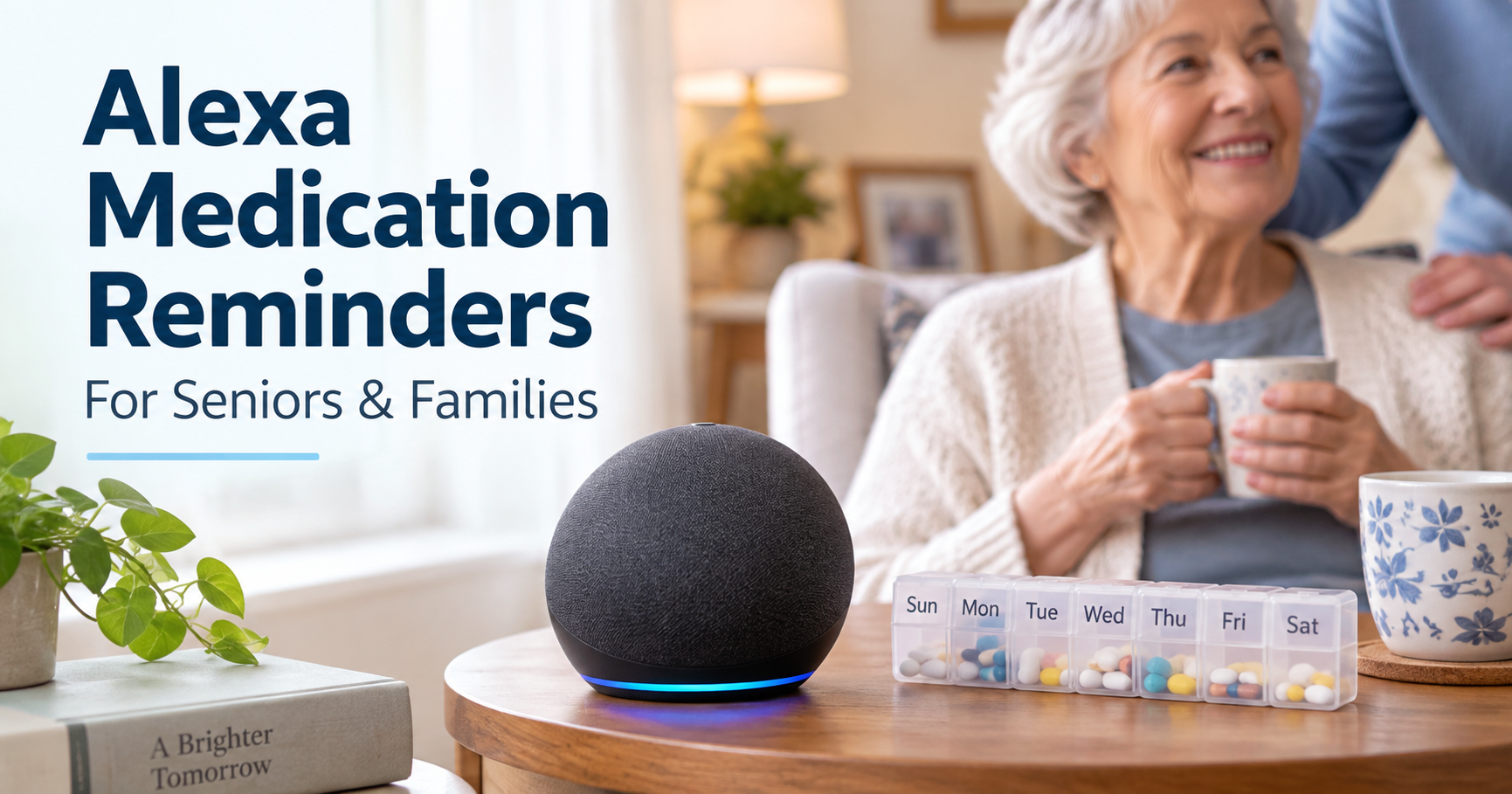
How to Set Medication Reminders on Alexa for Seniors: Step-by-Step
Alexa medication reminders for seniors can be useful when an older adult needs a simple spoken reminder to take pills at the same time each day. The key is to treat Alexa as a reminder system, not as a medical device or proof that medication was actually taken.
Quick Answer
Quick Answer
Yes. Alexa can remind a senior to take medication by announcing a reminder on an Echo device at a chosen time. You can create the reminder by voice or in the Alexa app, make it repeat daily, choose the device that announces it, test it with your parent, and edit or cancel it later. Alexa can remind, but it cannot confirm that pills were taken, manage prescriptions, replace a caregiver, or provide medical advice.
Can Alexa Remind a Senior to Take Medication?
Yes, Alexa can announce reminders such as “Take morning medication” or “It is time for your evening pills.” Amazon’s current Alexa help explains that reminders can be created by voice or in the Alexa app, and that the reminder is announced on the device selected for that reminder.
For many families, this is enough for a low-risk daily prompt. It can be especially helpful when a parent already responds well to voice prompts, has a predictable medication schedule, and does not need a locked dispenser or caregiver confirmation.
But the boundary matters: reminder does not mean adherence verification. Alexa can say the reminder. It does not know whether the person heard it, understood it, opened the correct container, took the correct dose, or skipped the dose.
What You Need Before Setting Up the Reminder
Before setting up a medication reminder, keep the setup narrow and practical. You do not need to turn this into a full smart home project.
- An Echo speaker, Echo Show, or other Alexa-enabled device in a place the senior can hear clearly.
- The Alexa app on a phone if a family member will create or manage the reminder through the app.
- The medication name or a simple label the senior understands, such as “morning pills.”
- The exact time and repeat schedule, such as every day at 8:00 AM.
- Consent from the senior, especially if a family member is helping manage reminders.
If Alexa is not set up yet, start with the Alexa for Seniors beginner guide before creating medication-specific reminders. If the goal is broader daily automation, keep that work inside other useful Alexa routines for seniors.
How to Set a Medication Reminder on Alexa
The simplest method is usually to create the reminder in natural language first, then confirm it in the Alexa app. Families should use plain wording and avoid medical details that do not need to be spoken aloud.
Create the reminder
A senior or family member can say a simple command near the device, such as: “Alexa, remind me to take my morning pills every day at 8 AM.”
If your parent is still learning voice phrases, keep a short list of Alexa commands for seniors nearby and practice only the commands they actually need.
Choose the medication time
Choose a time that matches the real routine, not an ideal routine. A reminder at 8:00 AM is only helpful if your parent is usually awake, near the device, and ready to act at that time.
For medications tied to meals, use a phrase that connects the reminder to the routine: “Take breakfast pills,” “Take pills after lunch,” or “Take evening medication.” Avoid vague labels like “medicine” if there are several different doses during the day.
Make the reminder repeat
For daily medication, make the reminder recurring. A simple recurring reminder is easier to manage than creating individual reminders one by one.
| Need | Example command | Family note |
|---|---|---|
| Once daily | Alexa, remind me to take morning pills every day at 8 AM. | Good for a stable daily schedule. |
| Twice daily | Create separate morning and evening reminders. | Use different wording so the senior knows which dose is meant. |
| Weekly item | Alexa, remind me every Sunday at 6 PM. | Useful for pill organizer refill reminders. |
| Temporary medication | Set a reminder with an end review date. | Review manually when the prescription changes. |
Choose the Alexa device
In the Alexa app, Amazon’s help describes the path as opening the Alexa app, going to More, selecting Reminders, adding a reminder, and choosing the Alexa device that should announce it. The selected device matters because a kitchen Echo will not help much if your parent spends mornings in the bedroom.
For a senior living alone, choose the device closest to the medication routine. If pills are taken at the kitchen table, the kitchen device may work best. If medication is taken from a bedside table, a bedroom device may be better.
How to Test the Medication Reminder
Do not wait until the real medication time to find out whether the reminder works. Test it first with a harmless practice reminder.
- Create a test reminder for five or ten minutes from now.
- Stay with your parent while it goes off.
- Confirm the announcement is loud enough and easy to understand.
- Ask your parent what they heard and what they would do next.
- Check whether the reminder appears on the intended Echo device or Echo Show.
- Adjust the wording, volume, or device location if anything feels confusing.
Family Tip
Use a practice phrase such as “This is a test medication reminder” so nobody mistakes the test for a real dose.
How to Change or Cancel a Medication Reminder
Medication schedules can change. A reminder that was correct last month may become wrong after a doctor visit, pharmacy change, or new routine. Families should review Alexa medication reminders whenever prescriptions or daily schedules change.
To change a reminder, open the Alexa app, go to the reminders area, select the medication reminder, and edit the time, repeat schedule, wording, or device. The exact screen labels can vary by app version, so focus on finding the existing reminder and reviewing its details before saving.
To cancel a reminder, select the reminder and delete or cancel it in the Alexa app. Some reminders may also be canceled by voice if Alexa recognizes the reminder name clearly. If there are several similar medication reminders, use the app so you can confirm you are deleting the correct one.
Tips for Making Alexa Medication Reminders Easier for Seniors
- Use plain wording: “Take morning pills” is usually better than a long prescription name.
- Avoid announcing private medical details if visitors may be nearby.
- Set the volume high enough to hear, but not so loud that it feels startling.
- Place the Echo device where the senior already takes medication.
- Keep medication containers organized separately from the Alexa setup.
- Avoid too many reminders at the same time of day.
- Test reminders with the senior, not only from your own phone.
- Review reminders after any medication change.
What Alexa Medication Reminders Cannot Do
This is the most important safety section of the guide. Alexa reminders can support a routine, but they do not replace human judgment or medical systems.
- Alexa cannot confirm that medication was actually taken.
- Alexa cannot check the correct pill, dosage, or prescription.
- Alexa cannot safely handle medication changes without a person updating the reminder.
- Alexa cannot replace a caregiver, nurse, pharmacist, doctor, or emergency service.
- Alexa cannot lock pills, dispense pills, or prevent accidental double dosing.
- Alexa cannot guarantee that a senior with memory loss will understand or act on the reminder.
If missed doses, double dosing, or confusion are serious concerns, compare Alexa with dedicated medication reminder devices for seniors before relying on voice reminders alone.
Alexa Medication Reminders vs Dedicated Medication Reminder Devices
Alexa is usually best for simple spoken prompts. Dedicated medication reminder devices are usually better when the family needs compartments, alarms tied to pill access, locking features, caregiver alerts, or a stronger medication management system.
| Situation | Alexa reminder may be enough | Consider a dedicated device |
|---|---|---|
| One simple daily reminder | Yes, if the senior understands and responds to voice prompts. | Maybe not necessary. |
| Multiple doses at different times | Possible, but wording must be very clear. | Helpful if confusion is likely. |
| Missed doses are common | Alexa cannot verify adherence. | Often worth reviewing. |
| Memory loss or dementia | Use with caution and family oversight. | May require stronger support. |
| Caregiver needs alerts | Alexa alone may not provide enough confirmation. | Look for caregiver notification features. |
Use Alexa as a Prompt, Not as Medication Management
Amazon’s official guidance explains that Alexa reminders can be created by voice and managed in the Alexa app. Availability and behavior can depend on the account, profile, device, and current Alexa software, so families should test the exact reminder on the device the senior will hear. See Amazon’s official reminder instructions.
A reminder does not confirm that the correct medicine was taken, that the dose was correct, or that a missed dose should be taken later. The National Institute on Aging’s medication guidance recommends keeping an up-to-date medicine list, following labels and professional instructions, and asking a doctor or pharmacist what to do about a missed dose. Use the wording and schedule already provided by the prescriber or pharmacist; do not use Alexa to invent or change a medication plan.
- Test whether the reminder can be heard from the usual room.
- Keep the written medication list and pharmacy instructions as the source of truth.
- Use a caregiver, pharmacy service, or dedicated dispenser when a spoken prompt is not enough.
Frequently Asked Questions
Can Alexa remind someone to take pills every day?
Yes. Alexa can create recurring reminders, including daily reminders. A family might say, “Alexa, remind me to take morning pills every day at 8 AM.” The reminder should still be tested and reviewed regularly.
Can Alexa give medication reminders more than once a day?
Yes. You can create more than one reminder, such as one for morning pills and another for evening pills. Use clear labels so the senior understands which medication routine the reminder refers to.
Can I change an Alexa medication reminder remotely?
A family member may be able to manage reminders in the Alexa app if they have the correct authorized account access and the senior has agreed to that arrangement. Do not assume remote management is appropriate without consent, and always confirm changes with the senior when possible.
Are Alexa medication reminders suitable for seniors with dementia?
Use caution. Alexa may help with simple routines for some people, especially in earlier stages, but it can also create confusion if the person does not understand the prompt. Families should read more about using Alexa with a senior who has dementia and should not rely on Alexa alone for medication safety.
What if a senior ignores the Alexa reminder?
Alexa does not know whether the senior acted on the reminder. If reminders are ignored, missed, or misunderstood, the family may need a different support plan, a caregiver check-in, a medication dispenser, or professional advice.
Conclusion
Alexa medication reminders for seniors can be a practical first step when the goal is a simple spoken prompt at the right time. The setup should stay narrow: choose clear wording, choose the right device, make the reminder repeat, test it, and review it whenever medication changes.
For low-risk routines, that may be enough. For higher-risk medication needs, Alexa should be treated as one helpful reminder tool inside a broader family plan, not as proof that medication was taken.