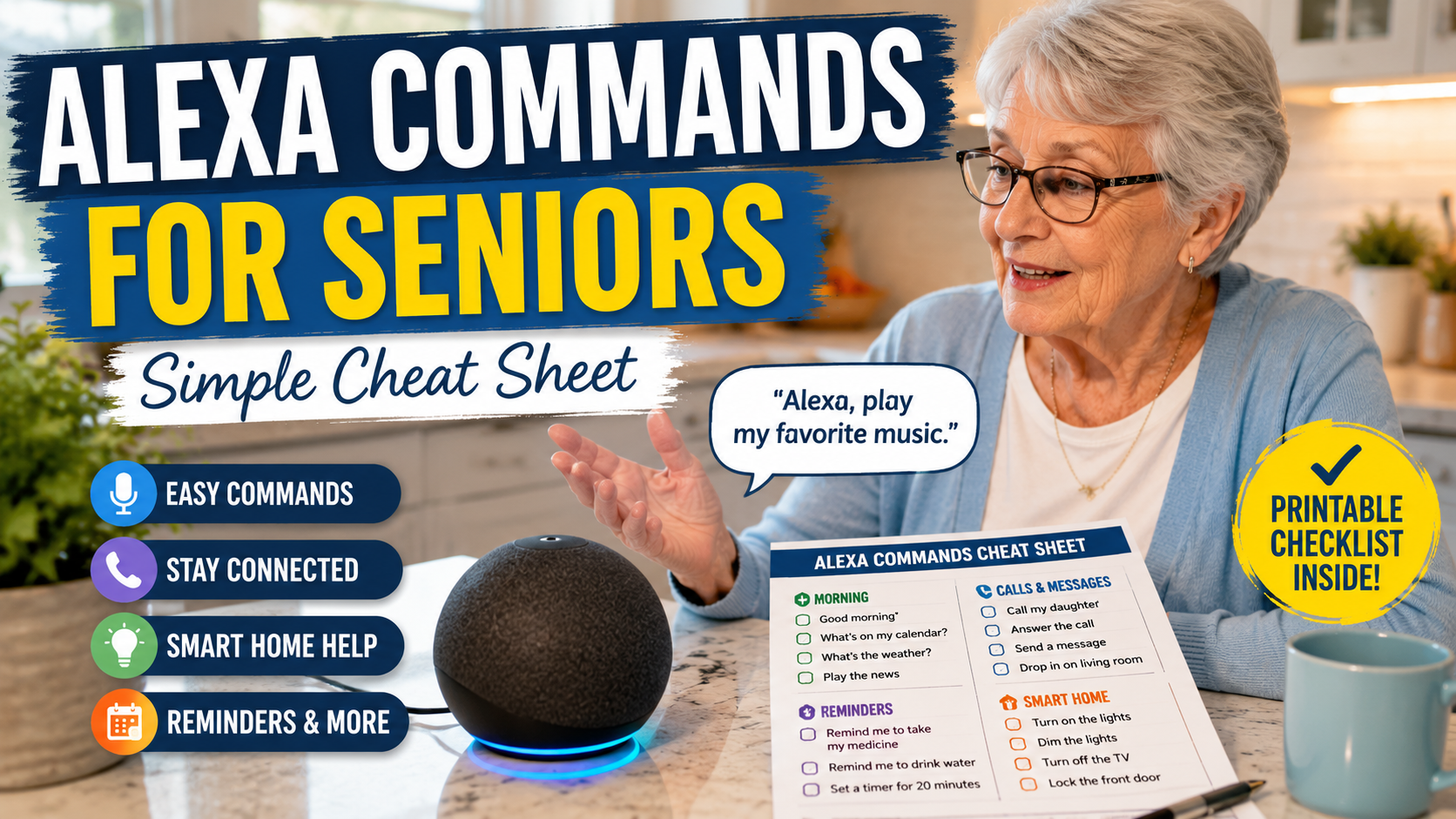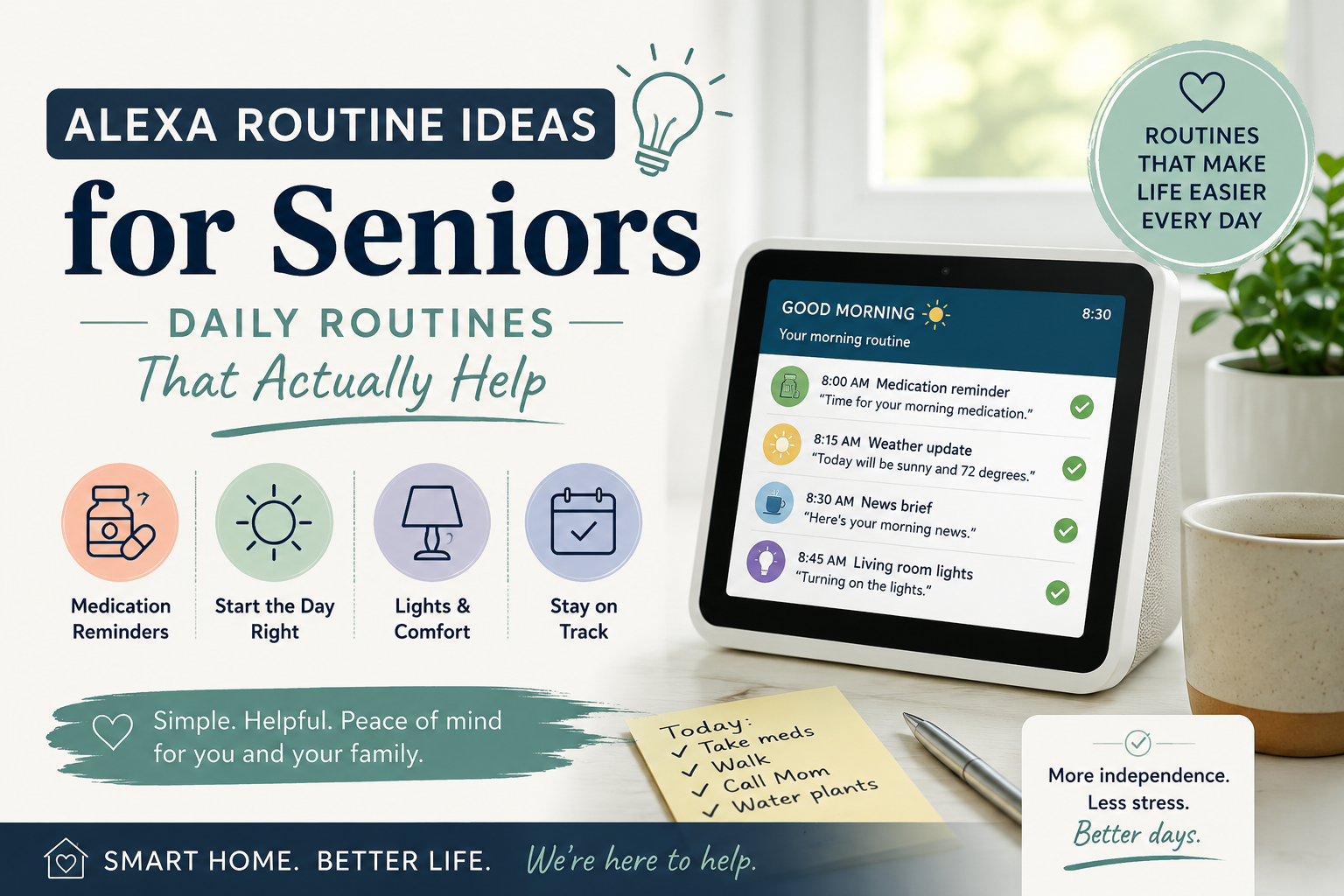
Senior woman using Alexa voice commands at home with a printable cheat sheet for everyday tasks

Alexa Commands for Seniors: A Simple Cheat Sheet for Older Adults

Alexa Commands for Seniors: A Simple Cheat Sheet for Older Adults

Learning a few simple Alexa commands for seniors can make voice technology feel less intimidating and more useful. For many older adults, the challenge is not understanding that Alexa exists. It is knowing exactly what to say in the moment.

This guide is designed as a practical cheat sheet for families. You can read it with a parent, print the most useful commands, or keep a short list beside an Echo device. If your family is still deciding whether Alexa is a good fit, start with our Alexa for Seniors beginner guide and our article on whether Alexa can help seniors live independently.

Quick Answer

The best Alexa commands for seniors are short, repeatable phrases for reminders, timers, calls, weather, music, smart lights, bedtime routines, and daily questions. Start with 10 commands that match your parent’s real routine before adding more.

Top 10 Alexa Commands to Start With

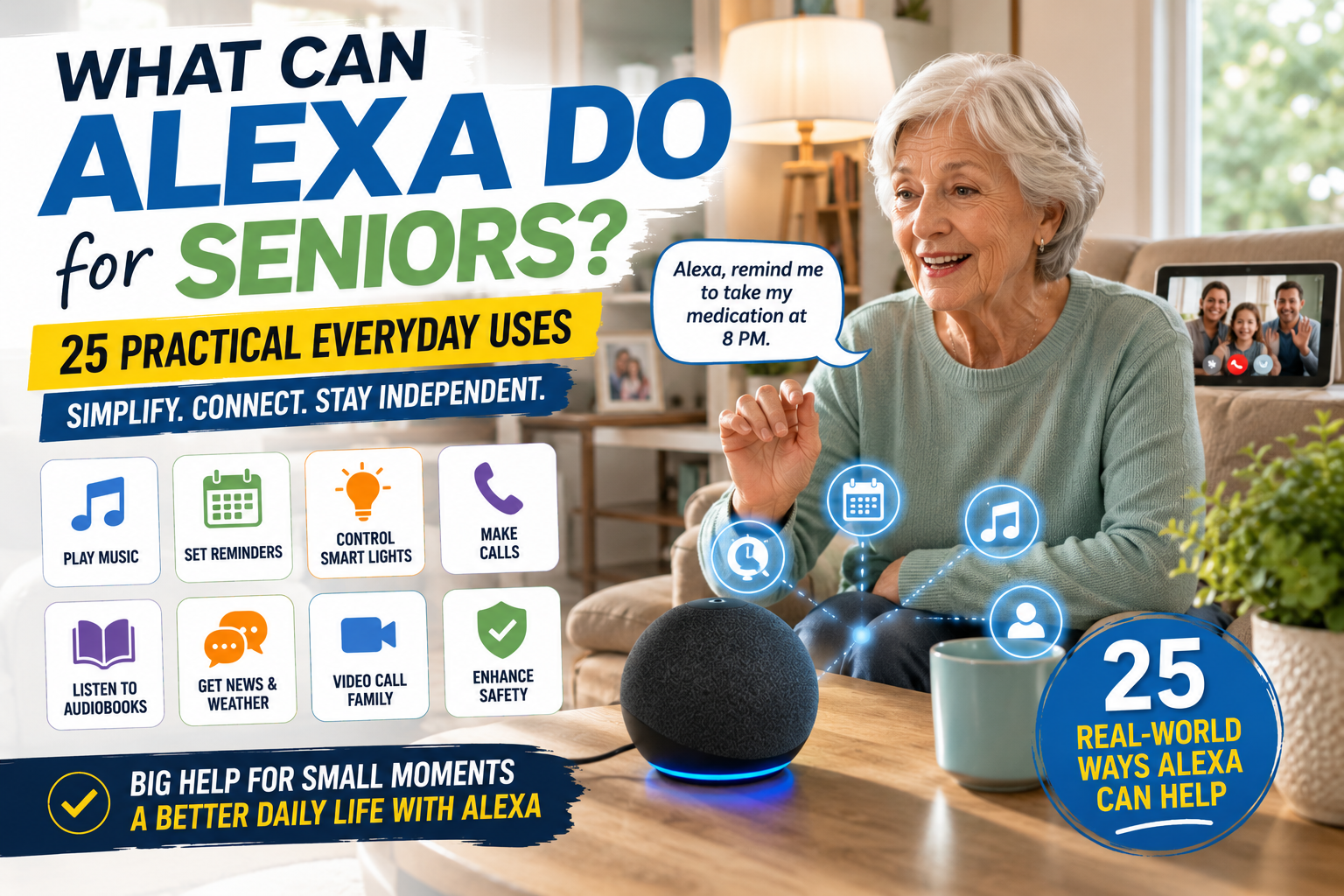
After learning the first voice commands, it helps to see what Alexa can do for seniors in daily life so the setup feels useful instead of overwhelming.

If your parent is new to Alexa, begin here. These commands are useful, easy to remember, and low pressure.

CommandBest ForFamily Note
Alexa, what time is it?Quick orientationHelpful at night or from another room.
Alexa, what is the weather today?Daily planningUseful before walks, errands, or appointments.
Alexa, set a timer for 10 minutes.Cooking and choresPractice with one simple timer first.
Alexa, remind me to take my pills at 9 AM.Medication routinesUse as support, not proof that medicine was taken.
Alexa, call my daughter.Family connectionSet up contacts and test together.
Alexa, turn on the living room light.Smart lightingUse simple device names.
Alexa, play soft music.ComfortChoose familiar music styles.
Alexa, what are my reminders today?Daily structureGood morning habit.
Alexa, add milk to my shopping list.Household listsUseful when ideas come up suddenly.
Alexa, stop.ControlOne of the most important commands to teach early.

How to Teach Alexa Commands to an Older Parent

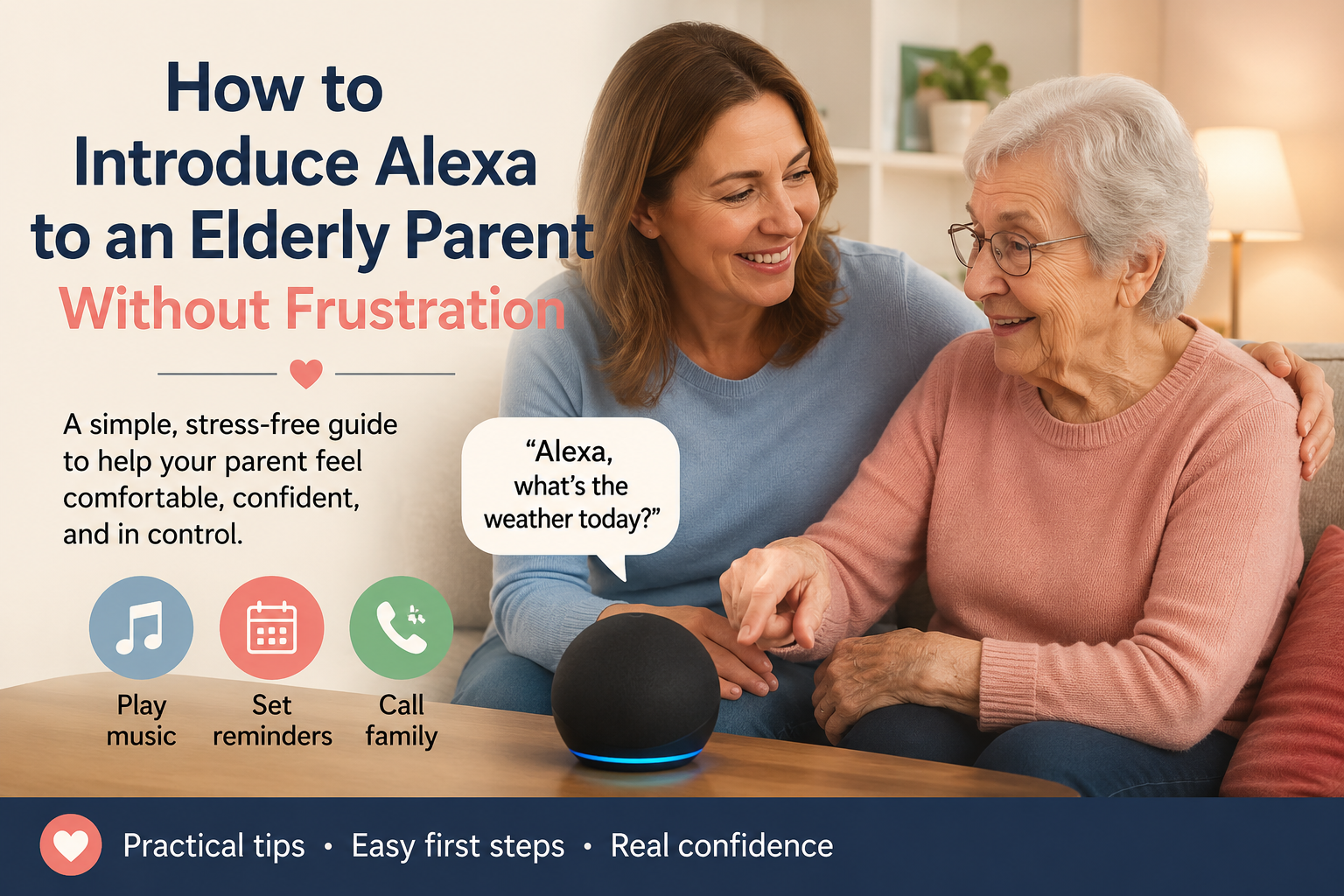
Before practicing too many phrases, it can help to introduce Alexa to an elderly parent in a slower way so the first commands feel useful instead of overwhelming.

Teaching Alexa works best when it feels practical, not like a technology lesson. Sit beside your parent, use the device together, and connect each command to a real moment in the day.

  • Start with one room and one Echo device.
  • Use large-print command cards near the device.
  • Practice the same five commands for several days.
  • Use the same wording every time.
  • Keep device names simple, such as “bedroom lamp” or “kitchen light.”
  • Teach “Alexa, stop” early so your parent feels in control.

Printable Alexa Commands for Seniors

This section is designed to be printed or copied into a large-print note. Pick the commands your parent will actually use. A short list that gets used every day is better than a long list that feels overwhelming.

CategoryCommandWhen to Use It
MorningAlexa, good morning.Start a simple routine with weather, reminders, or music.
MorningAlexa, what is on my calendar today?Review appointments or family visits.
MorningAlexa, what are my reminders today?Check the day’s structure.
MorningAlexa, play morning music.Create a familiar start to the day.
WeatherAlexa, will it rain today?Plan clothing or errands.
WeatherAlexa, what is the temperature outside?Decide whether to walk or wait.
RemindersAlexa, remind me to take my medicine at 9 AM.Support medication routines.
RemindersAlexa, remind me to drink water at 2 PM.Support hydration habits.
RemindersAlexa, remind me to call Sarah at 5 PM.Keep family contact on track.
RemindersAlexa, remind me to take the laundry out in 45 minutes.Short household task reminders.
TimersAlexa, set a timer for 15 minutes.Cooking, tea, laundry, or rest breaks.
TimersAlexa, how much time is left on my timer?Check without walking back to the kitchen.
TimersAlexa, cancel my timer.Stop a timer when plans change.
CallsAlexa, call my son.Hands-free family calls.
CallsAlexa, answer the call.Answer without reaching for a phone.
CallsAlexa, hang up.End a call clearly.
CallsAlexa, send a message to Emily.Simple family messages after setup.
Smart LightsAlexa, turn on the hallway light.Helpful before walking through the home.
Smart LightsAlexa, dim the bedroom light.Reduce glare at night.
Smart LightsAlexa, turn off all lights.Bedtime convenience.
Smart HomeAlexa, set the thermostat to 72 degrees.Comfort without using a small screen.
Smart HomeAlexa, lock the front door.Only if a compatible smart lock is safely configured.
ListsAlexa, add eggs to my shopping list.Capture items before they are forgotten.
ListsAlexa, what is on my shopping list?Review before a family shopping trip.
EntertainmentAlexa, play 1960s music.Familiar music without using a phone.
EntertainmentAlexa, play the news.Brief updates without scrolling.
EntertainmentAlexa, read my audiobook.Hands-free listening.
EntertainmentAlexa, tell me a joke.Light, low-pressure use.
QuestionsAlexa, how many tablespoons are in a cup?Cooking help.
QuestionsAlexa, spell appointment.Everyday information.
BedtimeAlexa, good night.Run a simple bedtime routine.
BedtimeAlexa, remind me tomorrow at 8 AM to call the doctor.Capture tomorrow’s task.
BedtimeAlexa, play sleep sounds.Optional calming audio.
ControlAlexa, stop.Stop music, timers, alarms, or speech.
ControlAlexa, volume down.Make the device less intrusive.
Emergency-AdjacentAlexa, call my emergency contact.Only if contacts and calling are set up and tested.
Emergency-AdjacentAlexa, call 911.Do not assume this works on every setup; verify local calling options before relying on it.
Emergency-AdjacentAlexa, call my daughter.A practical first step when family help is appropriate.

Reminder Commands Seniors May Use Every Day

Reminders are often the first Alexa feature families should set up. They can support structure, but they should not replace medical advice, caregiver support, or emergency systems.

  • Alexa, remind me to take my morning medication at 9 AM.
  • Alexa, remind me to drink water every day at 2 PM.
  • Alexa, remind me to call Susan on Friday at 4 PM.
  • Alexa, remind me to take the laundry out in 45 minutes.
  • Alexa, what are my reminders today?

If medication is a major concern, compare voice reminders with dedicated medication reminder devices for seniors. Alexa can be useful, but some families need pill dispensers, caregiver alerts, or a more structured medication system.

Communication Commands for Calls and Family Check-Ins

Voice commands can make communication easier for older adults who dislike small screens or complicated contact lists. Imagine your mother wants to call you after dinner but does not want to search for her phone. A tested voice command can remove that friction.

  • Alexa, call Emily.
  • Alexa, answer the call.
  • Alexa, hang up.
  • Alexa, send a message to David.
  • Alexa, drop in on the kitchen Echo.

Families should set up contacts carefully and explain any feature that allows two-way communication. Comfort and consent matter. A parent should understand who can call, message, or use household communication features.

Smart Home Commands for Safety and Comfort

Alexa becomes more useful when connected to simple smart home devices. Start with lights, plugs, or a smart speaker in a central room before adding more advanced equipment.

  • Alexa, turn on the living room light.
  • Alexa, turn off the bedroom lamp.
  • Alexa, set the thermostat to 72 degrees.
  • Alexa, turn on the coffee maker.
  • Alexa, lock the front door.

For families building a safer home setup, our aging in place checklist can help you review lighting, entryways, bathroom safety, routines, and technology together.

Emergency-Adjacent Commands: Be Careful

For families who want one practical safety workflow, an Alexa emergency routine for elderly parents can combine a simple trigger phrase with lights, spoken prompts, and family check-in steps.

Families often ask whether Alexa can help in an emergency. The safest answer is: test everything before relying on it, and do not treat Alexa as a replacement for a medical alert system or emergency plan. For a broader safety review, use our room-by-room home safety checklist for seniors alongside any voice-assistant setup.

Some calling features depend on device settings, location, subscription, and account setup. If emergency calling matters for your family, verify the exact setup in your area and keep emergency numbers, medical alert devices, and family contacts clearly available.

Commands for Routines and Independence

For a practical next step, compare simple Alexa routines for seniors that families can set up without making the system complicated.

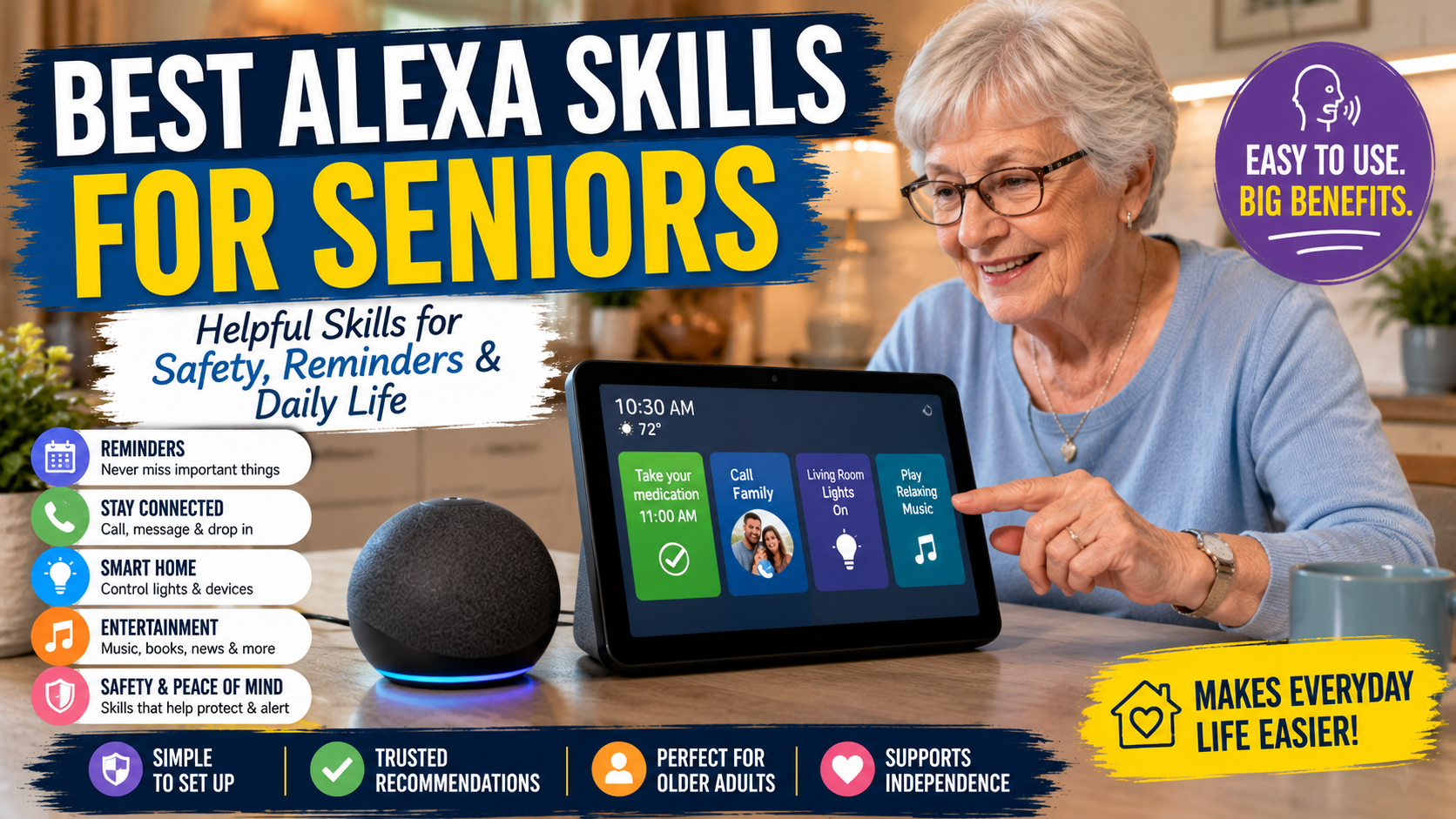
After the first commands feel familiar, families can review Alexa skills and features worth setting up to decide which reminders, routines, music, calling, or smart home options are useful enough to enable.

Routines combine multiple actions into one phrase. For example, “Alexa, good morning” can turn on lights, read the weather, and start a reminder. Routines are powerful, but they should stay simple.

Good beginner routines

  • Good morning routine: lights, weather, calendar, medication reminder.
  • Good night routine: turn off lights, lock door, set reminder for tomorrow.
  • Leaving home routine: turn off selected lights and remind about keys.
  • Evening routine: turn on lamp, play music, remind about dinner or pills.

Common Mistakes Families Should Avoid

  • Teaching too many commands at once.
  • Using complicated device names like “left rear bedroom lamp.”
  • Assuming a parent will remember commands after one lesson.
  • Setting up communication features without explaining privacy.
  • Expecting Alexa to replace emergency response systems.
  • Forgetting to teach “Alexa, stop.”

FAQ

What are the easiest Alexa commands for seniors?

The easiest commands are time, weather, timers, reminders, calls, music, and “Alexa, stop.” These are short, practical, and easy to practice daily.

Is there an Alexa cheat sheet for seniors?

Yes. A good Alexa cheat sheet for seniors should group commands by daily routine, such as morning, reminders, calls, lights, entertainment, and bedtime.

Can Alexa remind seniors to take medication?

Alexa can create medication reminders, but it does not confirm whether medicine was taken. Families with serious medication concerns should consider dedicated reminder devices or professional guidance.

Can Alexa call family members?

Yes, Alexa can call approved contacts after setup. Families should test calls together and make sure the senior understands how calling and messaging work.

What Alexa commands should a senior learn first?

Start with time, weather, timers, reminders, calls, lights, music, shopping lists, and “Alexa, stop.” These cover the most common daily needs.

Conclusion

The best Alexa commands for seniors are not complicated. They are simple phrases that reduce friction in everyday life. Start with the top 10 commands, print the cheat sheet, practice together, and build slowly. Once your parent is comfortable, use these commands alongside our broader Alexa guides to create a safer, calmer, more useful smart home setup.

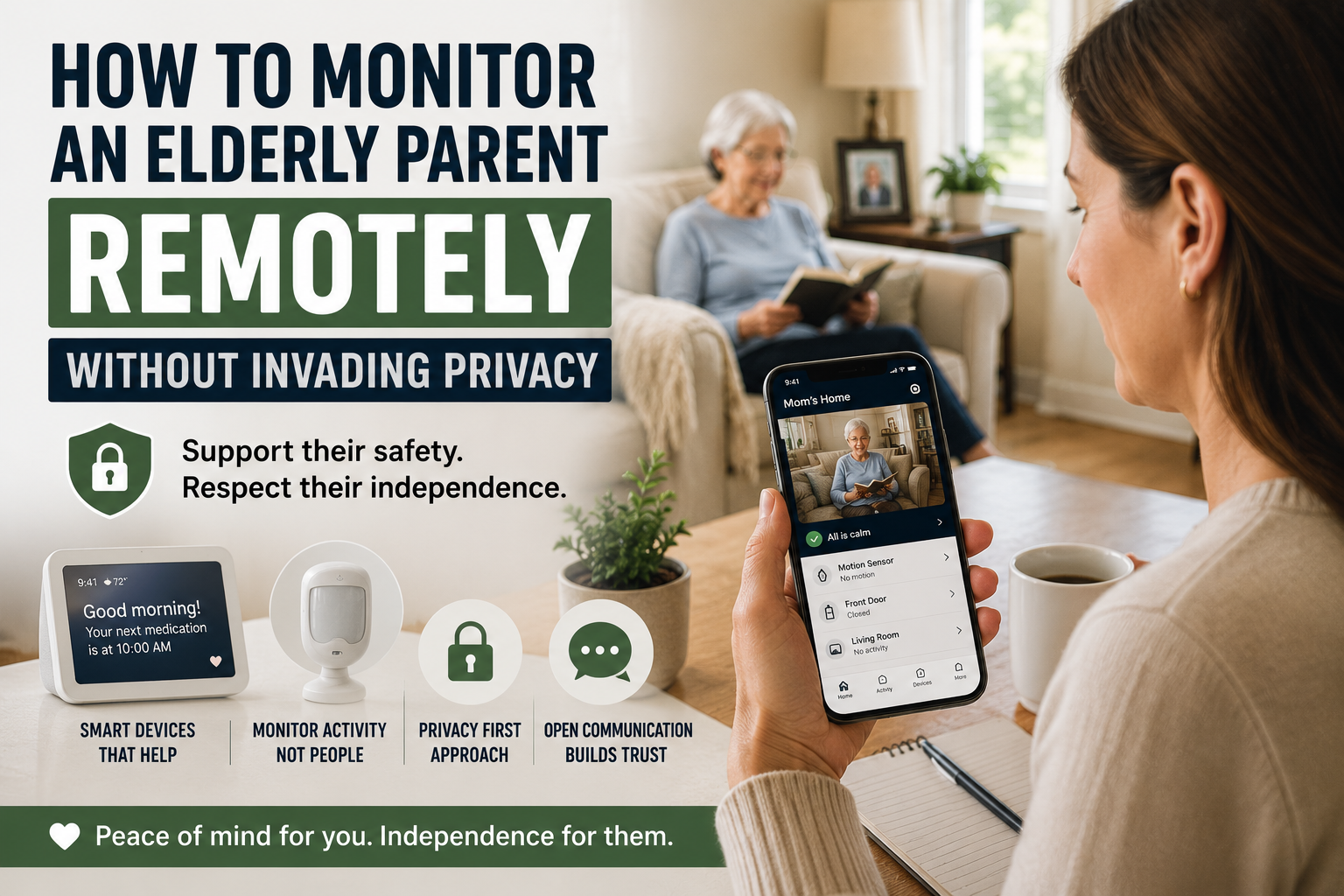
Adult daughter using smart home technology to monitor an elderly parent remotely while respecting privacy

How to Monitor an Elderly Parent Remotely Without Invading Privacy

How to Monitor an Elderly Parent Remotely Without Invading Privacy

If you live far from an older parent, the worry can be constant. Many families eventually ask how to monitor an elderly parent remotely while still protecting trust, dignity, and independence. You may wonder whether they are eating regularly, taking medication on time, moving around normally, or recovering well after a health change, yet still feel uncomfortable turning a parent’s home into a surveillance zone.

That is why many families start looking for ways to monitor elderly parent remotely without cameras. They want reassurance, but they also want to protect trust, dignity, and independence.

Quick Answer: If you want to monitor an elderly parent remotely without cameras, the best approach is usually a privacy-first combination of consent, motion alerts, voice assistants, medication reminders, door notifications, and a simple family response plan. The goal is to notice meaningful changes without making an older adult feel watched in their own home.

The good news is that remote support does not have to mean spying. In many cases, the best setup is not the most invasive one. It is the one that gives just enough visibility to spot problems early while still letting an older adult feel respected in their own home.

This article focuses on that balance. It is not a roundup of cameras and it is not an argument for constant oversight. It is a practical guide for family caregivers who want to support safety from a distance without crossing into unnecessary monitoring.

Table of Contents

  1. The difference between support and surveillance
  2. How to monitor an elderly parent remotely without cameras at a glance
  3. Start with consent, not technology
  4. Decide what you actually need to know
  5. Better options than cameras
  6. How voice assistants can help
  7. Motion sensors and activity alerts
  8. Smart doorbells and entry awareness
  9. Medication reminders and routine signals
  10. Emergency alerts and escalation plans
  11. Mistakes families should avoid
  12. FAQ
  13. Conclusion

The Difference Between Support and Surveillance

Families often say they want monitoring, but what they usually mean is peace of mind. They want to know whether something is clearly wrong. They do not necessarily need a live view into every room.

That distinction matters because older adults usually respond very differently to support than to surveillance.

Support sounds like this

  • We want to make it easier to notice emergencies.
  • We want a backup if routines change suddenly.
  • We want to reduce risk without taking over your life.

Surveillance sounds like this

  • We want to watch what you are doing.
  • We want to check whether you are behaving the way we expect.
  • We do not fully trust you to manage your own space.

That second message can damage the relationship quickly, even when the intention is loving.

Family Tip: If a setup would make you uncomfortable in your own bedroom, kitchen, or living room, it is probably too invasive to use as a default solution for someone else. Start with the least intrusive tool that solves the real problem.

How to Monitor an Elderly Parent Remotely at a Glance

Monitoring Method Privacy Level Best For Family Alert Type
Voice assistant High privacy Reminders, calls, low-friction check-ins Missed response or failed routine
Motion sensor High privacy Pattern changes and inactivity alerts No expected movement or unusual timing
Door sensor or smart doorbell Medium-high privacy Visitor awareness, deliveries, late-night exits Door activity notification
Medication reminder device High privacy Missed doses or routine breakdowns Missed reminder or adherence change
Emergency alert system High privacy Falls, urgent assistance, escalation Immediate help request

Start With Consent, Not Technology

Before adding anything, talk about the goal in plain language. A parent is more likely to accept support when they understand what information is being collected, why it matters, and what will happen if something looks unusual.

Good questions to discuss include:

  • What are we trying to prevent or notice?
  • What feels helpful versus intrusive?
  • What types of alerts are acceptable?
  • Who gets the alerts?
  • What should happen if an alert is triggered?

This is especially important if the older adult values independence strongly. Many do. If they feel monitored without input, they may reject even reasonable tools. If they help shape the plan, they are more likely to see it as a support system instead of a control system.

For families planning a broader long-term strategy, our article on what aging in place means and why families choose it helps frame the bigger picture.

Decide What You Actually Need to Know

Before choosing any monitoring tool, families should look for signs a parent may need smart home help rather than adding technology simply because it is available.

Remote support works best when the signals are specific.

Do you need to know:

  • whether your parent got out of bed?
  • whether they opened the front door late at night?
  • whether they missed a medication routine?
  • whether there has been no movement for an unusual amount of time?
  • whether they can easily call for help?

Those questions lead to better solutions than a vague idea like I just need to keep an eye on things.

In other words, start with risks and routines, not devices. A family that first reviews the home and daily patterns usually makes better decisions than one that buys monitoring tech out of panic. This aging in place checklist is useful for that first review.

Better Options Than Cameras

When families try to monitor elderly parent remotely without cameras, they are usually looking for lower-friction tools that still provide useful signals.

The most practical options often include:

  • voice assistants for communication and reminders
  • motion or activity sensors
  • door or entry alerts
  • medication reminders
  • emergency call systems
  • routine-based check-ins

These tools are not perfect, but they are often more acceptable because they collect less sensitive information than indoor video.

Common Mistake: Families often jump straight to indoor cameras because they feel efficient. In reality, cameras can create resistance, damage trust, and distract everyone from the real question: what specific signal do we actually need to notice?

Why cameras create friction

Indoor cameras may feel efficient to the caregiver, but they often create stress for the person living in the home. Bedrooms, living rooms, kitchens, and hallways are not just coverage areas. They are private spaces. Even if a family promises not to check often, the older adult may still feel watched.

That can change behavior, reduce trust, and cause resistance to other forms of support.

How Voice Assistants Can Help

Voice assistants are often one of the easiest tools to introduce because they can support communication and routine without feeling overtly medical.

  • spoken reminders
  • simple calls or announcements
  • weather and appointment prompts
  • smart lighting routines
  • low-effort check-ins

For example, a voice assistant can make it easier for a parent to call a family member without finding a phone, or to respond to a reminder when medication timing tends to drift. It can also reduce friction around daily tasks that otherwise go undone.

If voice support is part of the plan, the article Can Alexa Help Seniors Live Independently? fits naturally here.

Motion Sensors and Activity Alerts

Motion alerts may show patterns, but families still need to make stairs safer for an elderly parent when daily movement depends on steps.

Motion sensors are often one of the most useful privacy-respecting tools because they answer one narrow question: has there been normal activity?

  • unusually long inactivity
  • missed morning movement
  • no bathroom visit overnight
  • unexpected movement during dangerous hours

The value here is not constant observation. It is pattern awareness. If a parent normally starts moving around at 7:00 a.m. and there is no activity by 10:00 a.m., that may justify a phone call.

Why this feels less invasive

Motion sensors can show that movement happened without showing what someone was doing. For many families, that is enough. It creates a gentler form of oversight that still supports early response.

Smart Doorbells and Entry Awareness

Smart doorbells are often framed as security tools, but they can also support remote caregiving in a narrow and useful way.

  • screening visitors
  • reducing pressure to open the door quickly
  • confirming deliveries
  • noticing unusual front-door activity

This can be especially helpful when a parent feels nervous about answering the door or has become more vulnerable to scams, confusion, or unplanned visitors.

The key is to keep the purpose limited. A doorbell should support entry awareness, not become a way to monitor every arrival and departure obsessively. If you want a more detailed breakdown, this guide to smart doorbells for elderly parents is the most relevant related resource on the site.

Medication Reminders and Routine Signals

Not all remote support has to be direct monitoring. Sometimes the most useful signal is whether a routine is still holding together.

Medication is a good example. If reminders are being ignored, doses are being missed, or confusion around pills is increasing, that may tell families more than a passive camera ever would.

Medication reminder tools can help caregivers notice when support needs are changing without creating a sense of constant observation. In many homes, this is one of the most respectful ways to add oversight because it is tied to a real risk and a clear purpose.

Our comparison article on medication reminder devices for seniors can support that conversation.

Emergency Alerts and Escalation Plans

A remote support setup should always answer one practical question: what happens if something is wrong?

  1. Who gets the first alert?
  2. How long should they wait before calling?
  3. Who is the local backup person?
  4. When does the situation justify emergency services?

Without that plan, even good tools become confusing. Families receive data but do not know how to act on it.

Keep the plan simple

The goal is not to create a complex response tree. The goal is to reduce hesitation when something unusual happens.

Mistakes Families Should Avoid

Using the most intrusive tool first

Start with the least invasive option that solves the problem. Families often jump too quickly to cameras when a voice assistant, motion alert, or door sensor would do the job.

Skipping the consent conversation

Even if the caregiver is paying for the technology, the person living in the home still deserves clarity and input whenever possible.

Trying to monitor everything

Too much data creates noise. Focus on meaningful signals tied to real concerns.

Ignoring baseline safety

Remote monitoring should not replace core safety fixes. If the home still has major fall risks, poor lighting, or unsafe entryways, address those too. Our guide on making a home safer for an elderly parent living alone is the right starting point for that work, and the room-by-room home safety checklist for seniors helps families inspect those risks more systematically.

Replacing human contact with automation

Technology can support caregiving, but it should not become the relationship. Check-ins, visits, and honest conversations still matter.

FAQ

How can I monitor an elderly parent remotely without cameras?

Families often use voice assistants, motion sensors, door alerts, medication reminders, and emergency alert systems to notice meaningful changes without using indoor video.

Are indoor cameras always a bad idea?

Not always, but they should not be the default. Many older adults find indoor cameras intrusive, especially in private living spaces. Families should use the least invasive tool that solves the actual problem.

What is the best first step for remote monitoring?

Start by identifying the real concern. Is it falls, wandering, missed medication, isolation, or difficulty calling for help? Once the risk is clear, the right tool is usually easier to choose.

Can Alexa or another voice assistant help without feeling invasive?

Yes, often. Voice assistants can support reminders, calling, lighting routines, and low-friction communication without making the home feel heavily monitored.

How do families protect privacy while still improving safety?

Focus on consent, limit alerts to meaningful events, choose tools that collect less sensitive data, and be clear about who sees what information and why.

Conclusion

Families do not need to choose between doing nothing and watching everything. There is a middle path.

If you want to monitor an elderly parent remotely without cameras, the best approach is usually a narrow one: identify the real risks, choose the least invasive tools that address them, and make sure the older adult understands and supports the plan whenever possible.

That approach protects more than safety. It protects trust. And in long-distance caregiving, trust is often what makes the whole system work.

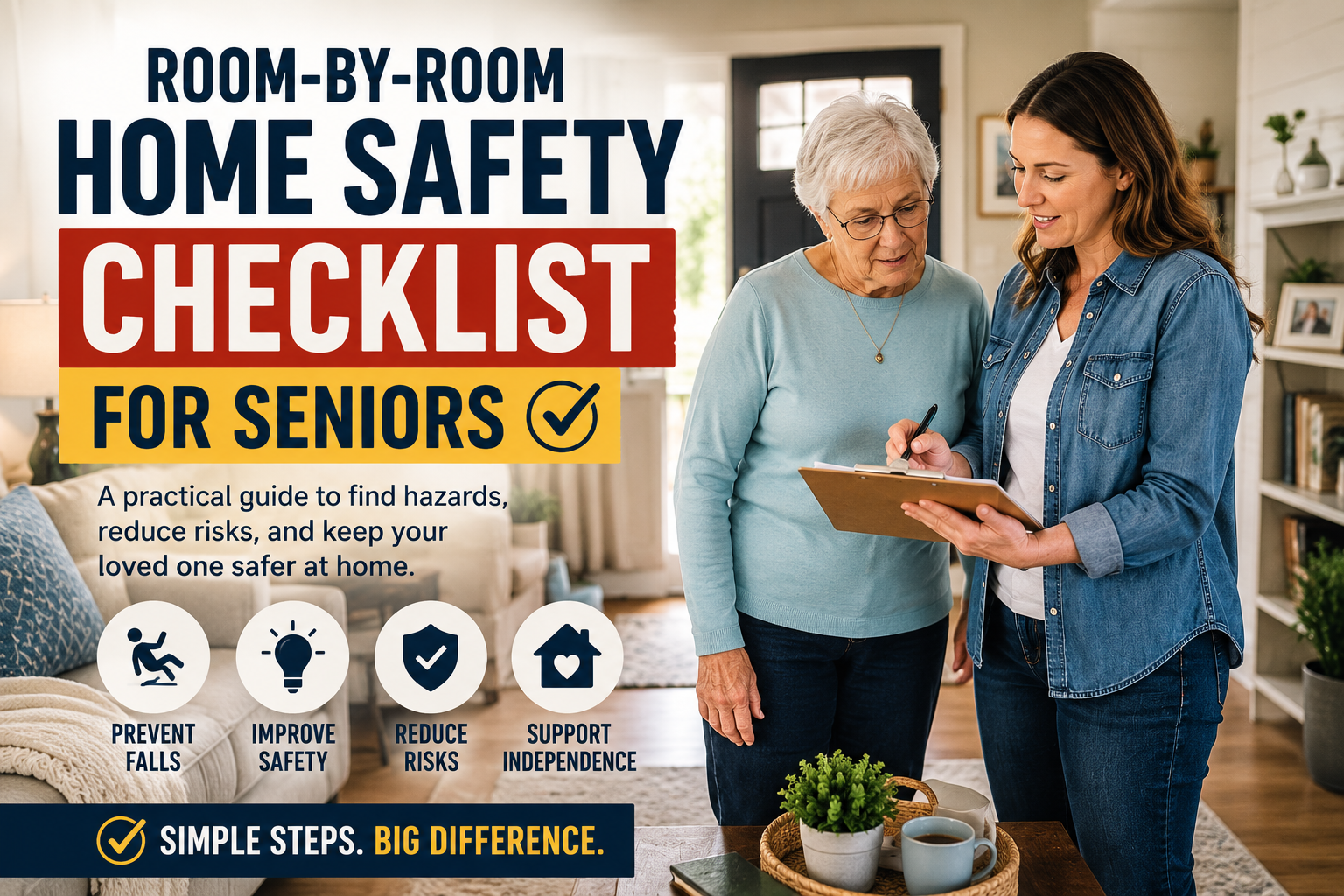
Room-by-room home safety checklist for seniors in an elderly parent's home

Room-by-Room Home Safety Checklist for Seniors

Room-by-Room Home Safety Checklist for Seniors

If you are helping an older parent stay at home longer, a home safety checklist for seniors becomes much easier to use when you take a room-by-room approach. Instead of trying to solve home safety as one big issue, you can walk through the house one space at a time, spot the most meaningful risks, and decide what to fix first.

That practical approach matters. Many families know they should make the home safer, but they are not sure where to begin. A room-by-room inspection gives you something concrete to do during a visit. It also helps you focus on what your parent actually uses every day instead of buying random gadgets that may not solve the real problem.

Quick Answer: A room by room home safety checklist for seniors helps families identify fall risks, lighting problems, bathroom hazards, and daily safety issues before they become emergencies. The best approach is to inspect each room in order, fix high-risk hazards first, and then add simple technology only where it genuinely improves safety or independence.

This guide is built as a room-by-room walkthrough, not a broad discussion of senior safety. If you want a wider overview of planning, routines, and long-term support, our guide to making a home safer for an elderly parent living alone is the best companion piece. And if you are also thinking about longer-term decisions, this aging in place checklist helps you step back and review the bigger picture.

Table of Contents

  1. How to use this checklist
  2. Room-by-room home safety checklist for seniors at a glance
  3. Entryways
  4. Living Room
  5. Kitchen
  6. Bathroom
  7. Bedroom
  8. Hallways
  9. Stairs
  10. Outdoor Areas
  11. What to fix first
  12. FAQ
  13. Conclusion

How to Use This Checklist

The goal is not to judge the home. The goal is to notice friction, risk, and unnecessary effort.

As you move through each room, ask three simple questions:

  1. Is there a trip, slip, or fall risk here?
  2. Is anything hard to reach, hard to see, or hard to use?
  3. Would a simple change make daily life safer without making the home feel clinical?

If you want a more specific room-by-room fall safety check, our dedicated fall prevention guide goes deeper on the hazards most likely to lead to stumbles and home injuries.

It helps to observe real routines when possible. Watch how your parent answers the door, gets up from a chair, makes coffee, uses the bathroom at night, or carries laundry. Those ordinary moments reveal more than a quick visual scan. If your family is also looking at hands-free support for reminders, lighting, or quick check-ins, our guide on how Alexa can help seniors live independently explains where voice assistance fits most naturally.

Family Tip: Bring a notebook or phone and write down problems in the order you see them. Families usually remember the dramatic hazards, but they forget the small repeated issues like poor night lighting, awkward reaching, or a chair that is too low to stand from easily.

Room-by-Room Home Safety Checklist for Seniors at a Glance

Room Main Risk What to Check First Fix
Entryways Trips, poor lighting, visitor safety Mats, steps, railings, locks, visibility Remove slipping hazards and improve lighting
Living Room Falls during daily movement Rugs, cords, furniture spacing, seating height Clear walking paths and stabilize seating
Kitchen Reaching, bending, heat, clutter Shelf height, rugs, task lighting, appliance access Move daily items to easy-reach storage
Bathroom Slips and transfer difficulty Shower entry, grab support, mats, night lighting Add non-slip support and safe grab points
Bedroom Nighttime falls Bed height, path to bathroom, bedside lighting Clear the night path and add light
Hallways Repeated daily trip hazards Lighting, clutter, flooring transitions Keep pathways fully open and well lit
Stairs High-consequence falls Handrails, visibility, carrying loads Repair railings and reduce stair dependence
Outdoor Areas Uneven surfaces and poor visibility Paths, steps, debris, mailbox route Improve traction, lighting, and support

Entryways

The front and back doors are often overlooked, but they matter because they combine balance, lighting, weather, visitors, and security.

Check these points

  • Is the path to the door clear and even?
  • Are there loose mats, raised thresholds, or cracked steps?
  • Is there strong lighting at the door and on the walkway?
  • Are railings stable and easy to grip?
  • Can your parent see who is outside before opening the door?
  • Is the lock easy to use without hand strain?

First fixes to prioritize

  • Replace slippery or curled-up mats.
  • Improve lighting at the doorstep and along the path.
  • Repair unstable steps or railings.
  • Add a clearly visible house number for emergency access.
  • Consider a simpler lock or keyless entry if keys are becoming difficult.

Helpful technology

If front-door uncertainty is part of the problem, a smart doorbell can help. It gives families and seniors a better view of who is outside without rushing to open the door. Our guide to the best smart doorbells for elderly parents in 2026 is useful if that becomes a priority.

Living Room

The living room is usually where older adults spend a large part of the day, so small hazards here create repeated risk.

Check these points

  • Are there rugs that slide or bunch up?
  • Are power cords crossing walking paths?
  • Is there enough space between furniture to move safely?
  • Is seating too soft, too low, or hard to stand up from?
  • Is the remote, lamp, phone, or charger within easy reach?
  • Is glare making it harder to read or move around confidently?

Quick checklist

  • Clear walking path
  • Stable seating with arm support
  • Good evening lighting
  • No cords across the floor
  • Phone or emergency contact tool within reach

Common Mistake: Families often focus on dramatic risks like stairs and ignore the chair, rug, or lamp setup used ten times a day. Repeated small hazards in the living room can create more risk than a problem area used only occasionally.

Kitchen

The kitchen is one of the most important rooms in any room by room home safety checklist for seniors because it combines heat, sharp tools, standing, reaching, and distractions.

Check these points

  • Are frequently used items stored too high or too low?
  • Does your parent need a stool to reach daily items?
  • Are there rugs near the sink or stove?
  • Is the lighting strong enough over work surfaces?
  • Are knobs, handles, and appliances easy to use?
  • Is there clutter on counters that reduces workspace?

First fixes to prioritize

  • Move everyday dishes, food, and cookware to easy-reach shelves.
  • Remove the need for step stools when possible.
  • Improve task lighting over prep and cooking areas.
  • Keep floors dry and clutter-free.
  • Simplify the setup around the kettle, microwave, or coffee maker if those are used every day.

Watch for hidden risk

Sometimes the issue is not cooking skill. It is fatigue, multitasking, or bending. A parent may still cook well but struggle when lifting heavy pans, reaching overhead, or remembering whether something was left on.

Bathroom

If the bathroom is the highest-risk room in the home, review bathroom safety for seniors in more detail before choosing products or larger changes.

Bathrooms deserve extra attention because they combine slippery surfaces, quick position changes, and privacy. Families often underestimate how risky this room becomes after one bad night, one dizzy moment, or one rushed shower.

Check these points

  • Is the floor slippery when wet?
  • Is there support near the toilet and shower?
  • Is stepping into the tub or shower difficult?
  • Are towels, toiletries, and toilet paper easy to reach?
  • Is the lighting strong enough at night?
  • Is the bath mat stable and non-slip?

Bathroom safety checklist

  • Safe shower entry
  • Reliable grip support
  • Good night lighting
  • No slippery rugs or mats
  • Daily items within easy reach

If bathroom risks are showing up together with wider home hazards, it helps to zoom out and review the bigger strategy in our guide on how to make a home safer for an elderly parent living alone.

Bedroom

The bedroom affects safety more than many families expect because night movement is often when balance is worse and reaction time is slower.

Check these points

  • Is the bed too high or too low?
  • Is there a clear path from bed to bathroom?
  • Is a lamp easy to reach without twisting or leaning?
  • Is a phone or emergency alert device nearby?
  • Are clothes, shoes, and essentials easy to access?
  • Is there clutter near the bed or dresser?

First fixes to prioritize

  • Clear the nighttime path completely.
  • Add soft bedside lighting or motion-activated lighting.
  • Keep supportive shoes or slippers nearby.
  • Place emergency contacts, phone chargers, and call tools where they are truly usable.
  • Reduce bending and reaching in closets or drawers by moving the most-used items higher.

Hallways

For evening routines, families can also improve safety after dark by reviewing nighttime lighting, hallway paths, and bedroom-to-bathroom movement together.

Hallways often get ignored because they seem simple, but they connect the most-used parts of the home. If a hallway is dim, narrow, or cluttered, the risk repeats all day.

Check these points

  • Is the hallway well lit from one end to the other?
  • Are there narrow points caused by furniture, baskets, or storage?
  • Are transitions between flooring surfaces smooth?
  • Are night lights needed?

First fixes to prioritize

  • Add lighting where shadows make walking harder.
  • Remove decorative furniture that narrows the path.
  • Keep hallway floors clear at all times, not just when guests visit.

Stairs

If the home has stairs, this section needs a careful review even if your parent usually does fine.

For a deeper review, use our stair safety for elderly parents guide after you finish this room-by-room inspection.

Check these points

  • Are handrails present on at least one side and solidly attached?
  • Are the stair edges visible?
  • Is the lighting bright enough at both top and bottom?
  • Are items being carried up and down regularly?
  • Is your parent avoiding the stairs or moving differently on them?

First fixes to prioritize

  • Improve visibility on each step.
  • Repair loose railings immediately.
  • Remove objects stored on stairs.
  • Reorganize the home to reduce the need for repeated stair use.

Outdoor Areas

Outdoor safety affects independence more than many families realize. A parent who feels unsteady outside may start avoiding mail, fresh air, neighbors, and appointments.

Check these points

  • Are paths uneven, cracked, or poorly lit?
  • Are leaves, hoses, or garden items creating hazards?
  • Is there stable support at steps or ramps?
  • Is the route to the mailbox or car safe?
  • Does the door area feel secure after dark?

First fixes to prioritize

  • Improve pathway lighting.
  • Clear seasonal debris quickly.
  • Repair uneven surfaces.
  • Add stable support where needed.
  • Make sure shoes used outside have good traction.

What to Fix First

Not every issue has to be solved at once. Start with the problems that combine high risk and high frequency.

  1. Bathroom slipping and transfer risks
  2. Nighttime lighting problems
  3. Entryway and front-door safety
  4. Rugs, cords, and clutter in main walking paths
  5. Stair instability or repeated stair strain

After that, look at what creates daily frustration. A fix that removes repeated struggle often improves both safety and confidence. If the checklist suggests the home needs support beyond room hazards alone, review the broader aging in place checklist for families. Optional smart tools can also help once the basics are handled, and our guide to smart home devices that help seniors stay independent is a good next step.

FAQ

What is a room by room home safety checklist for seniors?

It is a practical way to inspect each part of the home for fall risks, lighting problems, hard-to-reach items, and everyday safety issues that affect older adults.

How is this different from a general senior home safety guide?

A general guide explains principles. A room-by-room checklist is more tactical. It helps families walk through the home and identify specific issues in each space.

Which room should families check first?

Bathrooms are often the highest priority because they combine wet surfaces, transfers, bending, and privacy. Entryways, bedrooms, and stairs are also common high-risk areas.

Do families need smart devices right away?

No. Start by removing hazards and improving lighting, layout, and access. Technology works best after the main physical risks are already under control.

How often should a room by room home safety checklist for seniors be repeated?

A good rule is every few months, or anytime there is a fall, hospitalization, major health change, or a visible shift in balance and routine.

Conclusion

A room by room home safety checklist for seniors turns a vague concern into a practical review. Instead of asking whether the home feels generally safe, families can inspect each space, identify the highest-risk problems, and make useful changes in the right order.

That approach is more realistic, more respectful, and usually more effective. It helps older adults stay independent without making the home feel medical or overcontrolled, and it gives families a clearer path forward: notice the risks, fix the obvious ones first, and build from there.

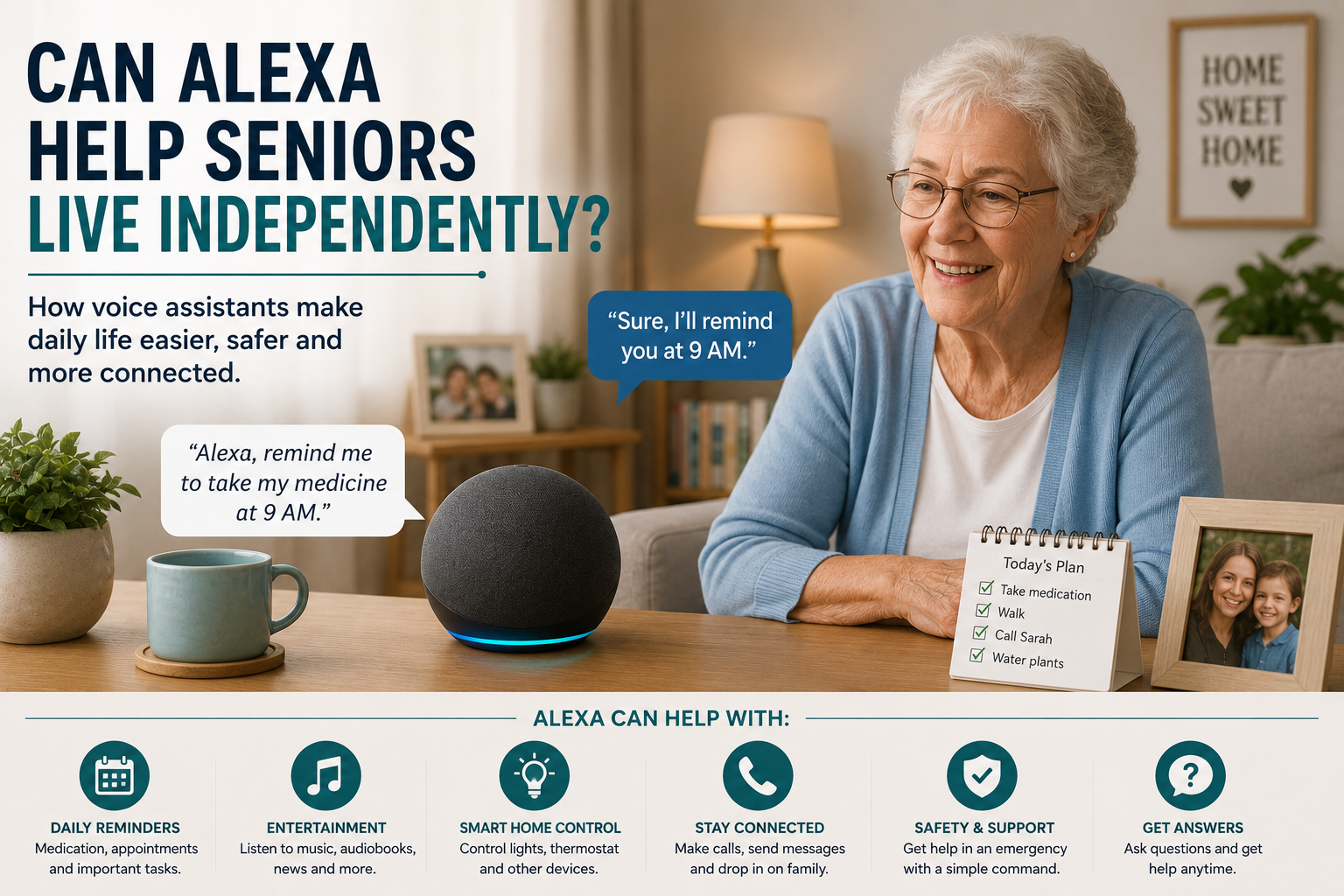
Alexa helping seniors live independently with reminders, calls and smart home control

Can Alexa Help Seniors Live Independently?

Can Alexa Help Seniors Live Independently?

Alexa can absolutely help some seniors live more independently, but it helps in specific ways. It does not replace family support, medical care, or home safety planning. What it can do is remove friction from everyday tasks that gradually become more tiring or easier to forget. That is where voice assistants often prove their value.

For older adults, independence is not always about doing everything alone. More often, it is about staying in control of daily routines, maintaining confidence at home, and needing less help for small repetitive tasks. When Alexa is set up carefully, it can support that kind of independence surprisingly well.

This guide looks at the practical side of the question: where Alexa genuinely helps, where it falls short, and how families can decide whether it belongs in an aging-in-place plan. If you want the setup basics, start with Alexa for Seniors: Complete Beginner’s Guide. Here, the focus is independence rather than first-time setup.

Table of Contents

  • What independence means at home
  • How Alexa helps with daily routines
  • Where Alexa helps families as well as seniors
  • What Alexa cannot do well
  • Who is a good candidate for Alexa support
  • How to set Alexa up for real-world success
  • Frequently asked questions

What independence really means for older adults

When families talk about independence, they often mean different things. One person means staying in the same home. Another means remembering appointments without reminders. Another means being able to contact family quickly when something feels off. Alexa fits into independence best when those goals are made concrete.

Voice assistants are most useful for tasks that happen often, require small bursts of effort, and do not justify a full caregiver intervention. That includes setting reminders, turning lights on, asking for weather updates, playing music, making simple calls, or controlling a few connected devices without getting up.

Seen that way, Alexa is less about novelty and more about reducing the number of small obstacles in a normal day. Those small obstacles are exactly what can make a person feel older, less confident, or more dependent than they want to be.

How Alexa helps seniors live independently

For a broader list of everyday examples, families can compare practical Alexa uses for older adults before deciding which features matter most.

1. It reduces the need to remember everything

Reminders are one of Alexas most practical strengths. Seniors can use voice prompts for medication times, hydration breaks, appointments, garbage day, locking up at night, or calling a family member. A spoken reminder feels less intrusive than constant phone alarms and can blend more naturally into daily life.

That matters because independence often weakens through routine friction, not through one dramatic event. A person who misses appointments, forgets to switch off a light, or loses track of the day can begin to feel less confident at home. Regular voice prompts help stabilize those patterns.

2. It makes common tasks easier without extra physical effort

Getting up to adjust lights, check the time, or hear the weather forecast may not sound significant to a younger adult. For an older person with arthritis, balance concerns, or fatigue, those repeated small tasks add up. Voice control reduces those extra steps.

This is one reason Alexa often pairs well with broader smart home devices for seniors. It becomes the simple control layer for other tools that support daily living.

3. It supports communication

Many seniors feel more independent when reaching family is easy. Voice assistants can help with hands-free calling, announcements, or simple check-ins. That does not just help in emergencies. It also reduces the emotional barrier around asking for help with small things.

4. It can improve consistency at night

Evening is often when routines get less predictable. Alexa can help with bedtime reminders, voice-controlled lamps, white noise, or simple good night routines that turn off supported devices. For some households, that predictability improves confidence more than families expect.

5. It can support safer movement at home

Alexa itself does not prevent falls, but it can make the environment easier to manage. Voice-controlled lighting is a good example. If a senior does not need to walk across a dark room to find a switch, that is a practical independence benefit. The same logic applies to linked plugs, lamps, and simple routines that reduce unnecessary movement.

Where Alexa helps the family too

Families usually ask whether Alexa helps the senior, but that is only half the picture. It can also reduce caregiver load in subtle but important ways.

  • Adult children spend less time making reminder calls for small routine items.
  • There is a clearer structure for daily prompts and check-ins.
  • Connected smart devices become easier to manage because voice control lowers the learning curve.
  • Households can build routines without installing complex systems everywhere at once.

For families trying to support independence from a distance, Alexa often works best as a bridge. It does not replace human involvement, but it reduces how often that involvement has to be manual.

What Alexa cannot do well

This is the part families need to be honest about. Families should understand the important limits of Alexa for seniors.

It does not replace judgment

Alexa can remind someone to take medication, but it cannot verify that the correct dose was taken. It can announce a visitor, but it cannot decide whether opening the door is wise. It can support routines, but it does not replace decision-making.

It is not enough for high-risk situations by itself

If a senior has significant memory impairment, frequent falls, or a complex medical routine, Alexa may still help, but it should not be the only support layer. In those households, voice assistance needs to be part of a broader safety plan that may also involve better entry protection, medication systems, or routine monitoring. If reminders are becoming more complex, our guide to medication reminder devices for seniors explains when a dedicated system may be a better fit than voice prompts alone.

It depends on thoughtful setup

Alexa becomes less helpful when families overload it with skills, alerts, or scattered routines. Too many prompts feel noisy. Too many commands feel forgettable. Independence improves when the setup stays simple and purposeful.

Who is a good candidate for Alexa support?

Alexa usually works best for seniors who can speak clearly enough to use voice commands, want help with reminders or lights, and are open to learning a few simple routines. It is especially effective when a person values staying in control of their space but appreciates convenience.

It can also work well for seniors who are a bit hesitant about technology, provided the family introduces it gradually. Many older adults do not need to understand every feature. They just need to know what a few commands can do for them consistently.

Families who are still figuring out whether their parent wants to remain at home long term may also find Alexa useful as an early support layer. That bigger decision is explored in our guide to aging in place. For a more practical next step, our aging in place checklist helps families review what still needs attention around the home.

How to set Alexa up so it actually helps

For families starting from zero, introducing Alexa gradually to an older parent often works better than enabling every feature at once.

Once the main needs are clear, it helps to compare which Alexa skills are most useful for seniors before enabling too many extras at once.

Start with three or four real needs

Do not begin with everything Alexa can do. Start with the problems your parent already mentions. Maybe they forget afternoon medication, dislike walking to switch off lamps, or want easy music and weather updates in the morning. Build around those real needs first.

Use natural phrasing

The commands should sound like things your parent would actually say. Simple, memorable language is far more important than clever automation. A short Alexa commands for seniors list can make those first routines easier to practice.

Link it to useful devices, not random devices

Alexa becomes more valuable when it controls practical household tools. Lamps, smart plugs, and selected safety devices usually matter more than novelty accessories. This is why Alexa often belongs in the same conversation as home safety improvements outlined in our home safety guide.

Review the routine after two weeks

Families should ask: Which reminders are actually helping? Which ones are being ignored? Does anything feel repetitive or annoying? Refining the setup is part of making it supportive rather than noisy.

Can Alexa help seniors live independently? The practical answer

Yes, Alexa can help seniors live independently when independence depends on better reminders, easier communication, simpler control of lights and devices, and lower daily effort around routine tasks. It is most effective for households where the goal is to reduce friction, not eliminate family involvement altogether.

Alexa is not a complete safety system and it is not a substitute for judgment, medication supervision, or fall prevention. But as one layer in an aging-in-place plan, it can make a meaningful difference in comfort, confidence, and day-to-day control.

If your family is deciding whether to try it, the right question is not Can Alexa do a lot? The right question is Will Alexa make this specific home easier to live in every day? When the answer is yes, it is often worth adding.

FAQ

Can Alexa really help older adults stay independent?

Yes, especially with reminders, communication, lighting control, and routine tasks that become tiring or easy to forget. Its value is practical rather than dramatic.

Is Alexa good for seniors who live alone?

It can be, particularly when it is used for reminders, check-ins, and easy control of household devices. It is most helpful when paired with other safety tools where needed.

Can Alexa replace caregiver support?

No. It can reduce the need for constant small reminders, but it does not replace human judgment, medication oversight, or in-person help when those are needed.

What is the best Alexa feature for seniors?

For many families, reminders and voice-controlled lights provide the biggest day-to-day benefit because they reduce routine friction immediately.

Should families start with lots of Alexa features?

No. Starting with a few useful routines usually leads to better adoption and less confusion.

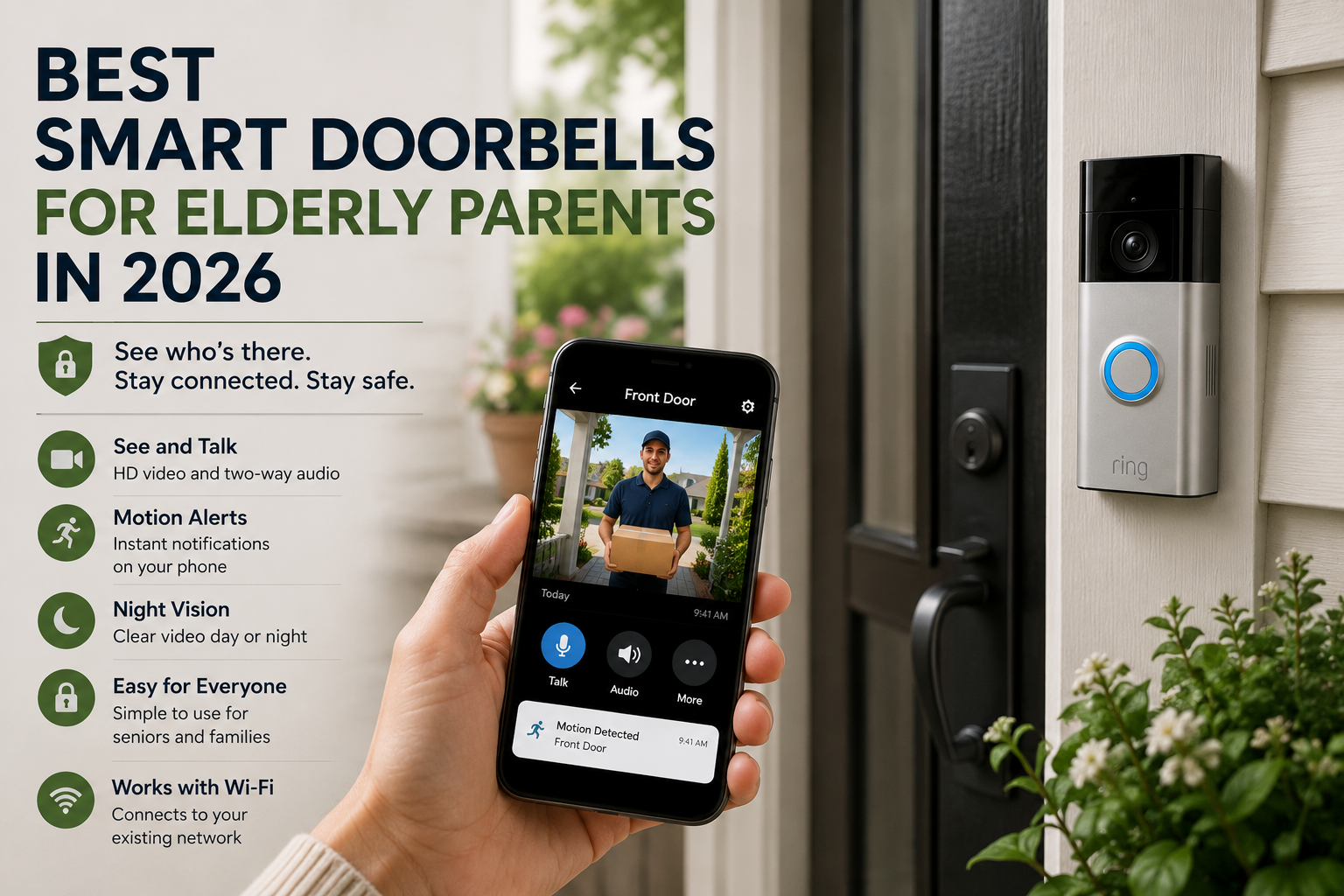
Smart doorbell for elderly parents showing video alerts and front door safety features

Best Smart Doorbells for Elderly Parents in 2026

Best Smart Doorbells for Elderly Parents in 2026

Choosing a smart doorbell for an older parent is rarely about gadgets for the sake of gadgets. Most families are trying to solve a more human problem: how do you help someone answer the door safely, avoid scams, and feel less vulnerable without making daily life more complicated? A good smart doorbell can support that goal, but only if it fits the way your parent actually lives.

That matters because the best device on paper is not always the best one in practice. A model with dozens of settings may look impressive, but if the app is confusing or the alerts are too noisy, it can create friction instead of peace of mind. For many families, the right choice is the one that makes the front door easier to manage while respecting independence.

In this guide, we will break down what makes certain smart doorbells a better fit for elderly parents, which features matter most, and how to decide whether a video doorbell belongs in a broader aging-in-place plan. If you are still building a full safety strategy, this guide pairs well with How to Make a Home Safer for an Elderly Parent Living Alone and What Is Aging in Place and Why More Families Are Choosing It.

Table of Contents

  • Why smart doorbells matter for older adults
  • Who benefits most from a smart doorbell
  • The features that actually matter
  • How to choose the best smart doorbell for your family
  • Setup, privacy, and daily use
  • When a smart doorbell is not the first device to buy
  • Frequently asked questions

Why smart doorbells matter for older adults

The front door is one of the most stressful parts of living alone for many older adults. It is where package deliveries happen, where neighbors stop by, and where unwanted visitors sometimes show up. It is also where hesitation can become a safety issue. Someone with arthritis may move slowly. Someone with hearing loss may miss the knock. Someone with memory concerns may open the door before thinking through whether it is safe.

A smart doorbell can help by making the first decision easier. Instead of opening the door immediately, the person inside can see who is there, speak through two-way audio, or ignore the visitor altogether. Adult children can also receive alerts when needed, which adds a layer of oversight without requiring constant in-person supervision.

This is one reason smart doorbells often fit naturally into the same category as locks, lighting, sensors, and other smart home devices that help seniors stay independent. They reduce small daily risks, and small risks are what usually add up over time.

Who benefits most from a smart doorbell

Not every older adult needs one. The biggest benefit usually shows up when at least one of these situations is true:

  • Your parent lives alone and answers the door without checking first.
  • They have mobility limits that make getting to the door slow or uncomfortable.
  • They receive frequent deliveries, home health visits, or neighborhood traffic.
  • They feel nervous about unexpected visitors or recent scam attempts.
  • Family members want a simple way to confirm activity around the front entrance.

A doorbell can also help after a hospital stay or during a transition period when a parent is rebuilding confidence at home. In those cases, the device is not just a security tool. It becomes part of a broader routine that helps the household feel more predictable and manageable.

The features that actually matter

Marketing pages highlight a lot of extras, but families supporting older adults should focus on a shorter list. These are the features most likely to make a real difference.

1. Clear live video

The image should be easy to understand, not just technically sharp. Wide-angle coverage helps, but clarity in daylight and at night matters more than impressive specifications. Your parent should be able to glance at the video and quickly recognize whether the person outside is a friend, a delivery driver, or someone unfamiliar.

2. Simple two-way audio

Two-way talk is one of the most useful features because it lets someone respond without opening the door. But it only helps if the audio is clear, the delay is minimal, and the controls are simple. If you need three taps and a settings menu every time someone rings, it will not get used.

3. Reliable alerts

The best smart doorbells do not overwhelm the household with notifications. Motion alerts should be adjustable so the app is not buzzing every time a car passes by. Reliable, selective alerts are especially important when caregivers or adult children are also connected to the device.

4. Easy caregiver access

Many families need more than one person to view alerts. A daughter may handle day-to-day check-ins, while a son lives farther away but wants occasional visibility. Shared access needs to be straightforward and secure. If only one phone can realistically manage the doorbell, the system becomes harder to support over time.

5. Good night visibility

Evening visitors, porch deliveries, and poor outdoor lighting are common. A smart doorbell that performs badly at night loses value fast. Families should prioritize consistent night visibility over flashy app extras.

6. Flexible power options

Some households already have doorbell wiring. Others do not. A battery model can be easier in the short term, but it introduces one more maintenance task. Wired doorbells reduce battery management but may require a cleaner installation plan. The best option is usually the one your family can realistically maintain for years, not weeks.

7. A low-friction app

If a caregiver is going to manage the system from a phone, the app experience matters as much as the hardware. Fast loading, easy notification settings, and clear playback controls all reduce frustration. If you already use a voice assistant ecosystem at home, that can also shape the decision. Families who rely on voice routines may want to think about how the doorbell fits with a broader setup like the one explained in Alexa for Seniors: Complete Beginner’s Guide.

How to choose the best smart doorbell for your family

The right doorbell depends less on reviews and more on the situation at the front door. A practical decision usually comes down to six questions.

How often does your parent answer the door alone?

If the answer is all the time, then ease of use becomes the top priority. The device has to help in a real-world moment when someone is standing outside and your parent needs a quick, confident way to respond.

How comfortable are they with phones and apps?

Some older adults are perfectly capable of using an app themselves. Others will rely entirely on a family member. This affects which interface matters most and whether the device should be treated as a personal tool or a caregiver-supported safety tool.

Do you need recordings, or just live alerts?

Some families care mainly about seeing who is there in the moment. Others want video history for missed deliveries, suspicious visits, or pattern tracking. That changes the value of subscription features and storage options.

Will the device be part of a bigger safety setup?

A smart doorbell is often more useful when it works alongside locks, lights, sensors, or voice tools. If your family is building a full home safety plan, the doorbell should be evaluated as one part of a larger system rather than a stand-alone purchase.

How much maintenance is acceptable?

Battery charging, app troubleshooting, Wi-Fi reconnects, and subscription changes all count as maintenance. Choose the option your family can realistically manage without creating future resentment or confusion.

What problem are you actually trying to solve?

This is the most important question. Some families say they want a smart doorbell, but what they really need is a better lock, improved entry lighting, or a more complete routine around front-door screening. If the core problem is fall risk indoors or medication adherence, another device may deserve priority first. If medication routines are creating more day-to-day stress than the front door, our guide to medication reminder devices for seniors can help you compare the main support options.

Setup tips that reduce frustration later

Installation is only half the job. Long-term success depends on how you configure the device in the first week.

  • Set motion zones so passing traffic does not trigger constant alerts.
  • Name the device clearly inside the app if more than one caregiver uses it.
  • Decide who is responsible for batteries, settings, and app notifications.
  • Test two-way audio with your parent standing inside and outside the home.
  • Show your parent what to do when they recognize a visitor and when they do not.

It also helps to create a simple household rule, such as If you do not know the person, speak through the doorbell first. That rule can be more valuable than any technical feature because it turns the device into a routine rather than just a gadget.

Privacy and trust matter too

Families sometimes focus so much on safety that they forget about dignity. A smart doorbell should support independence, not feel like surveillance imposed from a distance. If your parent feels monitored instead of supported, they may resist using the system or ask you to disconnect it.

The best approach is to explain the purpose clearly. The goal is not to watch every movement. The goal is to make the front door easier and safer to manage. Be specific about who can view alerts, when recordings are stored, and why the device is being installed.

That conversation is often easier when it fits into a bigger aging-in-place discussion. If your family has not had that conversation yet, the article on why more families are choosing aging in place can help frame it in a respectful way. For a more practical review of what to check around the home, our aging in place checklist is a useful follow-up.

When a smart doorbell should not be your first purchase

A doorbell is only one piece of the decision, so families should first clarify when an elderly parent needs smart home help and when a simpler habit change is enough.

Before comparing devices, it helps to review the front door safety basics: lighting, mats, locks, visibility, and backup access.

A smart doorbell is helpful, but it is not always the first thing to buy. If your parent has major indoor fall risks, poor lighting, or trouble remembering medication, those issues may deserve attention first. In some homes, a voice assistant, motion lighting, or a simpler alert device delivers more value right away than a front-door camera.

This is why it is useful to think in layers. Start with the biggest daily risks, then add tools that reduce those risks without making life more complicated. For some households, the front door is high on that list. For others, it comes after medication routines, nighttime mobility, or communication support.

So what are the best smart doorbells for elderly parents in 2026?

The best smart doorbells for elderly parents in 2026 are the ones that do five things well: they show a clear view of the front door, allow easy two-way conversation, send reliable alerts, support caregiver access, and stay simple enough to use every day. The right device is not necessarily the one with the most features. It is the one that reduces hesitation and helps your parent handle the front door with more confidence.

If your family is comparing options, use this article as a filter. Ignore fancy extras at first and focus on daily usability, clear audio, night visibility, and low-maintenance setup. That is where the practical difference usually shows up.

FAQ

Are smart doorbells good for seniors who live alone?

They can be very useful when unexpected visitors, package deliveries, or scam concerns are common. The benefit is strongest when the doorbell is simple to use and part of a wider safety plan.

Do elderly parents need to use the app themselves?

Not always. In many families, the adult child manages the app while the older adult uses the doorbell mainly as a safer way to screen visitors. Shared access is often ideal.

Is a battery or wired smart doorbell better?

Battery models are easier to install in some homes, while wired models reduce the maintenance of charging. The better choice depends on the home and on who will maintain the device.

Can a smart doorbell replace other home safety tools?

No. It helps with front-door awareness, but it does not replace indoor fall prevention, medication support, lighting, locks, or communication tools.

What should families look for first?

Prioritize clear video, easy audio, reliable notifications, good night visibility, and a caregiver-friendly app. Those features matter more than long lists of premium extras.

Medication reminder devices for seniors comparing alarms, pill dispensers and medication apps

Medication Reminder Devices for Seniors: Which One Is Best?

Medication Reminder Devices for Seniors: Which One Is Best?

Medication management looks simple from the outside. In reality, it is one of the most stressful parts of helping an older parent stay independent. Many families are not dealing with a refusal to take medicine. They are dealing with real-life friction: similar pill bottles, changing schedules, missed afternoon doses, confusion after a poor night of sleep, or the simple fact that aging hands and eyes make routines harder than they used to be.

That is why the best medication reminder device for seniors is not one universal product. It is the device type that matches the person, the number of medications involved, and the level of family support available. Some older adults only need a gentle prompt. Others need a system that dispenses pills, sends caregiver alerts, and reduces the chance of double dosing.

This guide explains the major categories of medication reminder devices, who each type is best for, and how families can choose without overbuying. If you are building a broader independence plan, this topic connects closely with 10 Smart Home Devices That Help Seniors Stay Independent and What Is Aging in Place and Why More Families Are Choosing It.

Table of Contents

  • Why medication routines break down at home
  • The main types of medication reminder devices
  • Which type is best for different situations
  • Features that matter most
  • Common mistakes families make
  • How to choose a device that will actually be used
  • Frequently asked questions

Why medication routines break down at home

Most missed doses are not caused by carelessness. They happen because life gets noisy. A parent falls asleep in a chair. A meal runs late. The pill organizer was filled correctly, but the box looks the same as yesterday. A refill schedule changes. Vision, hearing, and memory all influence whether a routine stays stable.

Medication support is also emotionally sensitive. Many older adults want to remain in control of their own care, and they are right to feel that way. The best reminder devices respect that independence while giving just enough structure to prevent small mistakes from becoming patterns.

Families often notice this issue at the same time they start thinking more broadly about home safety and daily support. If that sounds familiar, it may help to review How to Make a Home Safer for an Elderly Parent Living Alone, because medication routines are part of the same larger independence picture.

The main types of medication reminder devices

Most devices fall into five practical categories. Each one solves a slightly different problem.

1. Basic alarm reminders

These are the simplest devices. They beep, flash, or vibrate at a scheduled time to prompt a dose. They work best for seniors who are still very capable of organizing medication but occasionally lose track of time.

Best for: straightforward schedules, one or two daily reminders, and people who want minimal technology.

Weak point: the device reminds, but it does not confirm whether the medication was actually taken.

2. Smart pill boxes with timed compartments

These systems add structure by pairing reminders with labeled or timed compartments. Instead of asking the person to remember which bottle and how much, the device helps organize the dose ahead of time.

Best for: seniors who can self-manage but benefit from better visual organization.

Weak point: the box still needs to be filled correctly and consistently.

3. Automatic dispensers

Automatic dispensers release the right dose at the right time and often lock the remaining medication between scheduled windows. This reduces the risk of double dosing or confusion between pills.

Best for: more complex schedules, memory concerns, or households where a caregiver wants better dose control.

Weak point: these systems are more expensive and may require a setup routine the family can maintain.

4. Connected caregiver-alert systems

Some medication devices send alerts to an adult child or caregiver if a dose is missed. This can be a strong middle ground between independence and oversight because it supports autonomy while still giving the family a way to notice problems early.

Best for: families supporting a parent from another home, another city, or another state.

Weak point: too many alerts can create fatigue if the system is not tuned carefully.

5. Voice-assistant-based reminders

Voice assistants can handle recurring reminders and verbal prompts, which is why some families use them as part of a medication routine. This approach can work surprisingly well when the schedule is simple and the person responds well to spoken prompts.

Best for: seniors already comfortable with voice routines and households that want a low-barrier starting point.

Weak point: voice prompts alone do not organize pills or confirm the dose was taken.

Which medication reminder device is best?

The best medication reminder device depends on the level of support required. There is no honest way around that.

For a senior who is mostly independent

A basic alarm reminder or a well-organized smart pill box is often enough. These tools support the routine without making the person feel managed. If the goal is simply to reduce occasional forgetfulness, starting simple is usually the right call.

For a senior with several medications each day

A smart pill box with strong visual organization or an automatic dispenser is usually the better choice. Once medication schedules become more layered, the risk comes less from forgetting the time and more from confusion about the dose itself.

For a parent living alone with adult children checking in remotely

A connected system that can alert a caregiver about missed doses may be the most useful. Families in this position are often trying to balance respect for privacy with a need to know when a pattern is slipping.

For a parent already using Alexa or another voice tool

Voice reminders can be an excellent support layer, but not always the full solution. They work best when combined with a simple physical organization method. If your family is exploring that route, the practical limitations are explained well in Alexa for Seniors: Complete Beginner’s Guide.

Features that matter more than marketing

Families can save time by focusing on the features that improve daily reliability rather than the features that sound futuristic.

Clear reminders

Audible alerts should be easy to hear, but they should also be distinctive enough to stand out from background noise. Flashing lights help when hearing loss is a factor.

Simple refill workflow

If refilling the device takes too long or feels error-prone, the system may not last. The best tool is one your family can maintain consistently.

Visible compartments or dose confirmation

Many families need a quick way to answer the question, Was that dose taken already? Devices that reduce ambiguity are usually worth the extra thought.

Remote alerts only when they matter

Caregiver notifications are useful, but too many nonessential alerts make families tune out. The best systems let you send attention only to missed doses or higher-risk situations.

Low cognitive load

The device should not require your parent to remember a dozen steps. Technology is helpful only when it reduces the mental load of staying on schedule.

Common mistakes families make

The first mistake is assuming that a more advanced device is automatically safer. Complex devices can solve real problems, but they can also introduce friction if the person using them feels confused or controlled.

The second mistake is buying a reminder tool when the real problem is regimen complexity. If there are many medications, multiple dose times, and frequent changes, the family may need a better workflow, not just a louder alarm.

The third mistake is ignoring how medication support fits into the rest of the home. A person who struggles with daily routines may also need better lighting, easier communication tools, or a simpler path to asking for help. That is why medication systems often belong inside a wider plan for independence, not as an isolated fix.

How to choose a device your parent will actually use

Medication routines can reveal when smart home help may be needed, especially if reminders, refills, or family check-ins keep breaking down.

Start with a conversation, not a purchase. Ask what feels difficult now. Is it remembering the time? Opening containers? Knowing whether a dose was already taken? Feeling rushed? Once the real friction is clear, the right device type becomes easier to spot.

Then test for fit:

  • Can your parent understand what the device is asking them to do at the exact moment an alert happens?
  • Can the family refill or manage it without creating a complicated maintenance burden?
  • Does it preserve independence instead of taking over unnecessarily?
  • Will it still make sense if routines change in six months?

In many homes, the best answer is not the smartest device. It is the device your parent feels comfortable with and your family can support consistently.

How medication reminder devices support aging in place

Medication routines are one of the quiet foundations of aging in place. When they stay stable, people feel more confident. Families worry less. Daily life stays predictable. When they break down, the household often feels fragile very quickly.

That is why medication support deserves the same thoughtful approach as smart lighting, door safety, and communication tools. It is not about turning the home into a clinic. It is about giving the person enough structure to stay independent safely for longer. If you are reviewing several risk areas at once, our aging in place checklist can help you step back and assess the bigger picture.

For families thinking beyond one device, the bigger framework in our aging in place guide can help connect the dots.

Final answer: which type is best?

If the question is which medication reminder device is best for seniors, the most accurate answer is this: simple alarms are best for straightforward routines, smart pill boxes are best for people who need organization, automatic dispensers are best for more complex or higher-risk schedules, and caregiver-connected systems are best when the family needs visibility from a distance. Voice reminders can be very useful, but they work best as part of a broader routine rather than the only safety net.

Choosing the right category first will usually matter more than comparing brands too early. Match the device to the real problem, and you are much more likely to end up with something that genuinely helps.

FAQ

What is the best medication reminder device for seniors living alone?

It depends on the medication schedule and the seniors comfort level. Many people living alone do well with a smart pill box or a caregiver-connected reminder system because those options balance independence with structure.

Are voice reminders enough for medication management?

They can help with simple routines, but they are usually not enough for complex medication schedules or for situations where dose confirmation matters.

Do automatic dispensers help prevent double dosing?

They can reduce that risk because they release medication only at the scheduled time and keep other doses unavailable in the moment.

Should families choose the most advanced device available?

Not necessarily. The best device is the one that fits the persons routine and can be maintained reliably by the family or caregiver.

Can medication reminder devices support aging in place?

Yes. They can reduce missed doses, add structure to the day, and help older adults remain independent at home with more confidence.

Aging in place checklist for families reviewing home safety and senior independence

Aging in Place Checklist: 15 Things Every Family Should Review

Aging in Place Checklist: 15 Things Every Family Should Review

Aging in place sounds simple when people say it out loud. Most families hear the phrase and think it means staying at home longer. That is true, but it is only the surface of the decision. In practice, aging in place works best when families review the home, the routine, the risks, and the support system before something urgent forces a rushed decision.

That is what this checklist is for. It is not a crisis document. It is a planning tool for families who want to look at the real conditions around an older adults daily life and figure out what needs strengthening now. Some items are physical, like lighting and stairs. Others are operational, like communication, medications, or who notices when routines start slipping.

If you are new to the topic, this article is the practical companion to What Is Aging in Place and Why More Families Are Choosing It. The earlier article explains the idea. This one helps you review whether the current setup truly supports it.

Table of Contents

  • Why every family needs an aging in place checklist
  • The 15 areas to review
  • How to prioritize what to fix first
  • How smart home technology fits into the checklist
  • Frequently asked questions

Why every family needs an aging in place checklist

Families often wait too long because daily life still looks mostly fine. The parent is still living at home, meals are happening, and nothing catastrophic has happened yet. But aging in place usually succeeds or fails based on the accumulation of small details. One missed medication, one dark hallway, one hard-to-reach lock, one growing fear of strangers at the door, one week of exhaustion after a minor illness. None of those issues alone may force a move, but together they can make home feel fragile.

A checklist helps families move from vague worry to concrete planning. It turns I think Mom needs more support into specific observations and manageable next steps. If you want a more tactical walkthrough by space, our room-by-room home safety checklist for seniors can help you inspect entryways, bathrooms, bedrooms, and stairs in a more structured way.

The 15 things every family should review

Night routines deserve their own review, so families should include nighttime safety for seniors when checking lighting, bathroom access, and response plans.

1. Entryway safety

Can your parent get in and out of the home safely in daylight, after dark, and in poor weather? Look at steps, railings, thresholds, outdoor lighting, uneven surfaces, and how hard the door is to manage physically. If the front door feels stressful, visitors and daily errands become harder immediately.

2. Visitor screening and front-door confidence

How does your parent handle unexpected visitors? Can they see who is there before opening the door? Do they feel pressure to answer quickly? This is where doorbells, locks, and communication habits matter. Families dealing with that issue directly should also review our guide on making a home safer for an elderly parent living alone.

3. Lighting quality throughout the home

Good lighting is not cosmetic. It affects balance, confidence, and whether someone avoids moving around the house at certain times. Review hallways, bathrooms, stair areas, bedside lighting, and the path from bed to toilet at night.

4. Fall-risk areas

Identify where slipping, tripping, or awkward movement is most likely. Rugs, cords, clutter, unstable furniture, steep stairs, low seating, and bathrooms are common problem areas. Families often underestimate how quickly a minor obstacle can become a major issue.

5. Bathroom usability

Bathrooms deserve a separate review because they combine hard surfaces, wet floors, bending, and privacy. Consider shower entry, grab support, lighting, seat height, towel placement, and whether basic supplies are easy to reach.

6. Bedroom setup

Is the bed too low or too high? Is there a clear path for nighttime movement? Is a phone, lamp, or call-for-help option within easy reach? A good bedroom setup reduces risk and also helps a person feel calmer at night.

7. Kitchen routine and appliance safety

Look beyond whether the kitchen is tidy. Can your parent prepare food without overreaching, lifting unsafely, or forgetting what is on the stove? Are the most-used items stored at an easy height? Can they see labels and controls clearly?

8. Medication management

Medication routines are one of the most important parts of staying at home successfully. Review how doses are organized, what happens when schedules change, and whether reminders are actually reliable. If this is becoming the weak point, our article on smart home devices that help seniors stay independent can help you think about support tools more broadly.

9. Communication and emergency contact access

Can your parent easily call or message someone if they are worried, confused, or need help? Is there a system that works from the rooms where they spend the most time? Communication should be easy before an emergency, not just during one.

10. Daily routine reliability

How stable is the day overall? Are meals regular? Are appointments remembered? Are bills, errands, and household tasks staying on track? A stable daily rhythm is often one of the strongest signs that aging in place is still working well.

11. Mobility inside the home

Watch how your parent moves from room to room. Are there places where they brace themselves against furniture? Do they avoid certain parts of the home? Do they move differently when tired? Those details matter more than formal statements like Im doing fine.

12. Comfort with technology

Technology can support independence, but only if it feels understandable. Review whether your parent is open to reminders, voice assistance, smart lighting, or simple monitoring tools. The goal is not to fill the home with devices. The goal is to use the few that solve real daily friction.

13. Family support capacity

Aging in place does not happen in isolation. Even when a parent lives alone, there is usually some form of family or caregiver support behind the scenes. Review who handles what now and whether that arrangement is realistic for the next six to twelve months.

14. Transportation and community access

Can your parent get groceries, attend appointments, and stay socially connected? Independence at home can weaken quickly if the outside world becomes too hard to reach.

15. Future change planning

Finally, ask what happens if one variable changes. What if mobility declines? What if a spouse becomes unavailable? What if medications increase? A strong aging in place plan includes a next step before it becomes urgent.

How to prioritize what to fix first

Not every issue needs to be solved this week. The right way to prioritize is to look for the problems that combine high risk with high frequency. That usually means anything involving falls, medications, nighttime navigation, or front-door safety rises to the top first.

After that, focus on the issues that create daily stress or avoidance. If your parent avoids answering the door, climbing stairs, or using a shower independently, that deserves attention quickly because it affects confidence as much as safety.

How smart home technology fits into the checklist

Smart home technology is most useful after the checklist reveals where the routine is weak. It should not lead the conversation. It should support the plan. That may mean better entry awareness, voice-controlled lighting, reminder systems, or easier communication.

For example, if daily routines are becoming harder to manage, voice assistance may help. If your family is considering that route, our beginners guide to Alexa for seniors explains where it tends to fit best. If the bigger issue is a scattered mix of small household risks, a combination of devices may be more effective than any one tool.

The key is not to chase gadgets. It is to remove friction from the exact parts of home life that are becoming harder.

What this checklist tells families

An aging in place checklist does not answer every question, but it tells you where the current setup is strong and where it is thin. That is what families need most. It shifts the conversation away from vague reassurance and toward practical action.

If most of the boxes above look stable, then aging in place may already be working well. If several areas feel shaky, that does not automatically mean a move is necessary. It usually means the plan needs reinforcement.

The best time to do this review is before a crisis. That is when families still have choices, room to test solutions, and the ability to support independence in a way that feels respectful rather than rushed.

FAQ

What is an aging in place checklist?

It is a practical review of the home, routines, risks, and support systems that affect whether an older adult can remain safely and comfortably at home.

How often should families review aging in place needs?

At minimum, review them after any health change, fall, hospitalization, or noticeable shift in routine. Many families also benefit from a simple review every six to twelve months.

What should families fix first?

Prioritize frequent high-risk issues such as falls, poor lighting, medication problems, and front-door safety. Those tend to have the biggest immediate effect.

Can smart home technology help with aging in place?

Yes, when it targets real daily friction. Technology works best when it supports a clear plan rather than acting as a replacement for planning.

Does needing a checklist mean a parent can no longer live independently?

No. In many cases it means the household needs a few targeted improvements so independence can continue more safely and comfortably.

Older man living independently at home as part of an aging in place lifestyle

What Is Aging in Place and Why More Families Are Choosing It

What Is Aging in Place and Why More Families Are Choosing It

The phrase aging in place has become much more common in recent years, and for good reason. More families are trying to help older adults stay in their own homes for longer instead of moving immediately into assisted living or other care settings. For many people, home represents familiarity, dignity, routine, and comfort. Leaving it can feel emotionally difficult even when the move is well intended.

But aging in place is not simply about staying put. It is about making sure an older adult can live safely, comfortably, and realistically in the place they call home. That includes the physical home itself, the daily support available, the person’s health and mobility, and the tools that can help reduce friction in everyday life.

When families understand what aging in place actually means, they can make better decisions. Instead of treating it as an emotional debate between “stay home” and “move out,” they can evaluate whether the current setup truly supports safety, independence, and quality of life.

Table of Contents

What Aging in Place Means

Aging in place means an older adult continues living in their own home or a familiar home environment as they age, rather than relocating simply because they are getting older. The idea is not that nothing changes. In fact, successful aging in place usually requires thoughtful changes over time.

Those changes may include safer lighting, fewer fall hazards, support from family or caregivers, simpler technology, and routines that match changing physical or cognitive needs. In other words, aging in place is not passive. It is an active plan.

That is an important distinction, because some families treat staying at home as the default simply because no one is ready to make a different decision. True aging in place involves preparation, not avoidance.

Why Families Choose It

Families often choose aging in place because home carries emotional value. A parent may know the neighborhood, trust the local routines, and feel calmer in a familiar space. That comfort can support confidence and independence in ways that are hard to measure.

There are practical reasons too. Moving can be expensive, stressful, and disruptive. In some cases, a parent may not need a full care setting and may do very well with a safer home, better routines, and occasional outside help.

Independence matters

Many older adults want control over their own schedule, meals, sleep, and daily routines. Aging in place often preserves more of that autonomy than a major move does.

Familiarity reduces stress

Even simple tasks become harder when someone is adjusting to a new environment. Familiar spaces can reduce confusion and emotional strain, especially when routines are already well established.

Family support can be built around the home

Some families live nearby, visit regularly, or already help with groceries, appointments, and check-ins. In those situations, supporting a parent at home may feel more natural than a sudden transition elsewhere.

Benefits and Limitations

Aging in place offers real benefits, but it is not always the right fit forever. The most helpful conversations are the honest ones.

Benefits

Older adults may feel more comfortable, more in control, and more emotionally settled in familiar surroundings. Families may also find that a parent does better at home when support is added gradually and thoughtfully.

Limitations

Home can still become unsafe. Stairs, bathrooms, clutter, isolation, memory issues, and emergency response concerns can all change the equation. A home that was manageable last year may not be realistic after a fall, illness, or noticeable decline in mobility.

This is why aging in place should never be framed as an all-or-nothing promise. It works best when families treat it as a plan that can be adjusted as needs change.

How the Home Needs to Change

As mobility changes, stair safety for elderly parents may need its own review because steps, lighting, handrails, and fatigue can create risk together.

A safer home is often the foundation of successful aging in place. In many cases, simple upgrades make a major difference. Better lighting, non-slip bathroom changes, grab bars, easier storage, cleaner walkways, and more predictable routines can all improve daily life. Families who want more practical fall prevention steps can use our room-by-room guide to review those risks more closely.

Families should think in terms of friction. What makes daily life harder than it needs to be? Is it poor visibility at night? Hard-to-reach shelves? A front step that feels unstable? A confusing thermostat? Once those friction points are identified, the path forward becomes clearer.

If you want a full home-focused checklist, our guide on how to make a home safer for an elderly parent living alone goes deeper into specific home safety priorities.

Where Smart Home Technology Fits

Smart home technology does not create successful aging in place by itself, but it can support it in very practical ways. The right tools can reduce physical effort, improve reminders, support communication, and add reassurance for families.

Lighting and visibility

Motion-triggered or scheduled lighting can make nighttime movement safer and reduce the need to search for switches in the dark.

Reminders and voice support

Voice assistants can help with routines, reminders, music, calling, and home control. For some seniors, this is one of the simplest ways to make daily life feel easier. Our Alexa for seniors guide explains how that works in practice.

Awareness and peace of mind

Door sensors, activity notifications, and simple check-in tools can help families feel more confident without making the home feel heavily monitored. Families who need a more privacy-first setup can also review how to monitor an elderly parent remotely without invading privacy.

Gradual adaptation

One of the best things about smart home tools is that they can be added gradually. A family does not need to rebuild the entire home at once. They can solve one daily problem at a time. If you want an overview of useful device categories, see our guide to smart home devices for seniors.

When to Reassess

Aging in place should be revisited regularly, not only when there is a crisis. Reassessment becomes especially important after a fall, hospitalization, increasing confusion, wandering, medication issues, or caregiver burnout.

Families should ask practical questions. Is the current setup still safe? Is the parent managing daily routines with confidence? Are support needs increasing faster than the home can reasonably accommodate? Are family members becoming overwhelmed?

Reassessment is not a failure. It is responsible planning. A parent may continue living at home for years with modest changes, or they may reach a point where a different environment is kinder and safer. Both outcomes can be thoughtful and respectful.

Frequently Asked Questions

What does aging in place mean in simple terms?

It means an older adult continues living at home as they age, with whatever support, home changes, and routines are needed to do that safely and comfortably.

Is aging in place always the best option?

No. It can be an excellent option in the right situation, but it depends on the person’s needs, the safety of the home, available support, and how realistic the arrangement remains over time.

How does smart home technology help with aging in place?

It can improve lighting, reminders, communication, and general awareness. The right tools may reduce stress and support independence, especially when they solve specific daily problems.

When should families stop trying to make aging in place work?

When the home becomes unsafe, the parent’s needs change significantly, or the support required is no longer realistic or healthy for everyone involved, it is time to reassess.

Is aging in place only about safety?

No. Safety is essential, but comfort, dignity, routine, emotional wellbeing, and connection all matter too.

Conclusion

Aging in place is not just a housing choice. It is a care strategy that tries to preserve independence, familiarity, and quality of life while adapting to changing needs over time. For many families, it can be a thoughtful and realistic path forward when it is supported with honesty, planning, and the right tools.

The most successful aging-in-place plans combine safer home design, clear routines, communication, and smart technology that removes friction instead of adding it. If you are building that foundation now, continue with our guides to home safety for elderly parents and smart home devices for seniors.

Senior woman using Alexa voice assistant for reminders communication and daily tasks

Alexa for Seniors: Complete Beginner’s Guide

Alexa for Seniors: Complete Beginner’s Guide

If you are helping an older parent get started with Alexa, this guide is for the practical first steps: what Alexa does, which features are easiest to use, what to set up first, and where its limits are. Alexa for seniors can support reminders, calls, simple routines, music, weather updates, and hands-free smart home control when it is introduced calmly and configured around real daily needs.

It is not a replacement for family support, caregivers, emergency services, or medical advice. But for many families, Alexa can be a simple voice-first tool that makes daily living easier and helps an older adult feel more connected at home.

Quick Answer

Alexa is Amazon’s voice assistant. Seniors can ask it for reminders, calls, weather, music, simple answers, and smart home control without opening an app or using small buttons.

Families should usually start with three basics: medication or appointment reminders, easy family calling, and one or two daily routines such as morning weather or bedtime lights. Keep the setup simple first, then add more features only when your parent feels comfortable.

Table of Contents

What Is Alexa?

Alexa is a voice assistant that responds to spoken commands through compatible smart speakers and displays. Instead of tapping through a screen, a person can say things like, “Alexa, what’s the weather?” or “Alexa, remind me to take my pills at 8 PM.”

That voice-first approach is exactly why it can be so useful for older adults. It removes many of the frustrating steps that come with smartphones, tiny buttons, or complicated remote controls. A senior does not need to remember where an app is or navigate a menu. They can simply ask.

When connected to other smart home tools, Alexa can also help control lights, plugs, thermostats, and routines. That makes it a strong anchor device for families who are just beginning to explore smart home devices for seniors.

What Alexa Can Help Seniors Do

Use Example Command Family Benefit
Reminders “Alexa, remind me to take my medicine at 8 PM.” Helps create structure around important daily tasks.
Calls “Alexa, call Sarah.” Makes family contact easier without searching through a phone.
Weather “Alexa, what’s the weather today?” Helps a senior plan clothing, errands, or outdoor walks.
Music “Alexa, play relaxing music.” Adds comfort, entertainment, and familiar routines at home.
Routines “Alexa, start my morning routine.” Combines simple actions like weather, reminders, and lights.
Smart lights “Alexa, turn on the living room light.” Reduces walking in the dark and makes the home easier to use.

Why Alexa Can Help Seniors

The biggest benefit is ease. Many older adults do not need more technology in their lives. They need less friction. Alexa reduces the steps required to do ordinary things, and that can make a surprising difference.

It supports memory without pressure

Reminders for medication, appointments, hydration, meals, or phone calls can be scheduled and repeated. That helps seniors who want structure without relying on sticky notes or trying to remember everything at once.

It reduces physical effort

Voice control is especially useful when walking is slower, standing up is harder, or reaching across a room is inconvenient. Turning on lights, listening to the news, or checking the time does not have to involve extra movement.

It can support connection

For some seniors, using a phone or video calling app feels like work. A voice assistant can lower that barrier and make communication feel more natural. That can be valuable for families who are supporting a parent from a distance.

Best First 5 Alexa Features for Seniors

The best beginner setup is usually not the most advanced one. Start with features that solve real daily friction and are easy to explain in one sentence.

1. Reminders

Reminders are useful for medication times, appointments, trash day, drinking water, or calling a family member. They are a strong first feature because the benefit is obvious and the setup does not require extra devices.

2. Family calls

Voice calling can help a parent contact family without scrolling through contacts or remembering where the phone is. It is especially useful for seniors who already like regular check-ins but find smartphones frustrating.

3. Weather and daily information

Weather, time, date, and simple questions are low-pressure ways to practice using Alexa. These small wins help an older adult build confidence before relying on more important features.

4. Music, radio, and familiar audio

Music can make Alexa feel friendly instead of technical. For some seniors, hearing a favorite station, artist, or playlist is the feature that makes the device feel worth keeping.

5. One simple smart light

A single lamp or hallway light is often enough for a first smart home connection. It shows how voice control can reduce physical effort without making the home feel complicated.

Best Uses for Daily Life

Families who want a practical overview can also review what Alexa can do for seniors before choosing which daily uses to set up first.

Families who want to go beyond the basics can also review our guide to the best Alexa skills for seniors to choose practical options for reminders, communication, routines, and daily support.

Reminders and routines

This is often the most useful feature. Alexa can say things like, “It’s time to take your afternoon medication,” or “Don’t forget your physical therapy exercises.” It can also combine actions into routines, such as turning on a lamp, giving the weather, and reading out the day’s schedule each morning.

Hands-free calls and communication

Calling family by voice can make staying in touch feel less complicated. For seniors who do not like typing or scrolling through contacts, this can remove a lot of unnecessary effort.

Music, radio, and entertainment

Entertainment matters more than people sometimes realize. Music, radio, audiobooks, and simple trivia can reduce loneliness and create more enjoyable daily routines. A voice-first interface also makes these activities easier to access.

Smart home control

Alexa works particularly well with lighting and smart plugs. A senior can say, “Turn on the bedroom light,” or “Turn off the lamp in the living room,” which is helpful both for convenience and for safety. That can fit nicely into a broader home safety plan, especially if you are already thinking about home safety for elderly parents.

Simple information without screens

Time, weather, calendar details, timers, and basic questions become easier to access. This may sound small, but small conveniences add up and make a device feel worth keeping.

How to Set It Up Simply

If your parent is nervous about the device, a slower guide to introducing Alexa to an elderly parent without frustration can help families avoid turning setup into a technology lesson.

The worst way to introduce Alexa is to demonstrate twenty features in one sitting. The best way is to set up two or three useful habits and let those become familiar first.

Start with one device in one room

A kitchen, living room, or bedroom is usually enough to begin. Pick the room where reminders, lights, or voice help would be most useful.

Choose a few high-value commands

Start with basics such as reminders, music, weather, lights, and one calling feature. Write them down on a simple card near the device. Families who want a printable starting point can use this Alexa commands for seniors cheat sheet to keep the first phrases simple. Familiarity builds confidence.

Create routines that reflect real life

Good routines match an existing habit. A morning routine might include the date, weather, and a reminder to take medication. An evening routine might remind a parent to lock the door, turn off lights, and charge a phone.

Test volume and clarity

Some seniors need the device louder, closer, or in a less noisy room. Small setup details make a big difference in whether Alexa feels frustrating or helpful.

Echo Dot vs Echo Show for Beginners

For a beginner, the main difference is simple: an Echo Dot is voice-only, while an Echo Show adds a screen. A voice-only speaker can be enough for reminders, music, weather, and simple commands. It is usually less visually distracting and easier to place in a bedroom, kitchen, or living room.

An Echo Show can be helpful when a parent benefits from seeing information on screen, such as the time, weather, reminders, family photos, or video calls. The screen can also make some tasks feel clearer, but it may be too much for someone who wants the simplest possible setup.

Rather than choosing based on features alone, families should ask: will my parent prefer hearing the answer, or would seeing it make Alexa easier to trust?

What Alexa Cannot Replace

Alexa can support daily life, but it should not be treated as a safety system by itself. It does not replace emergency services, professional monitoring, caregivers, medical advice, or regular family involvement.

Families should also think carefully about privacy. Voice assistants work best when everyone understands what the device can hear, what features are enabled, and which routines or contacts have been set up. The goal is support, not surveillance.

Privacy and Boundaries

Families should talk openly about what the device does and does not do. Some seniors are comfortable with voice assistants right away. Others feel uneasy about a device that is always listening for a wake word.

Trust improves when everyone is clear. Explain where the device is placed, what kinds of reminders or calls it handles, and whether it connects to any other smart home tools. Use the least complicated setup that still provides value.

It is also wise to avoid loading the device with too many family expectations. Alexa can support independence, but it should not become a way to constantly monitor someone without their understanding.

Common Challenges

Forgetting the wake word or commands

This is common at first. A short printed prompt card helps. Over time, most people develop a few favorite commands and use those repeatedly.

Speaking too quietly or from too far away

Sometimes the problem is not the senior but the room. Background TV noise, long distance, or device placement can make Alexa seem unreliable when the issue is really setup.

Expecting it to solve everything

Alexa is helpful, but it is not a complete care plan. It works best as one tool inside a broader strategy that may include safer lighting, communication routines, and thoughtful aging-in-place planning. Our aging in place guide explains that bigger picture.

Frequently Asked Questions

Is Alexa easy for seniors to use?

It can be, especially for seniors who prefer speaking over navigating phones or apps. The key is starting with a few helpful features instead of too many at once.

Can Alexa remind seniors to take medication?

Yes, Alexa can provide recurring reminders. Families should still make sure the reminder system is realistic and easy to follow, since reminders are not the same as medical supervision.

Can Alexa call family members?

Yes, Alexa can support voice calling features when set up correctly. This can make communication easier for seniors who dislike dealing with phones or small screens.

Which Alexa device is easiest for a beginner?

The easiest choice depends on the person. A voice-only Echo device can be simpler for reminders, music, and questions. An Echo Show may be easier for someone who benefits from seeing reminders, the clock, weather, photos, or video calls on a screen.

Can Alexa help seniors live independently?

Alexa can support independent living by making reminders, calls, lights, music, and routines easier to use. It works best as one part of a broader family plan, not as a replacement for caregiving, emergency help, or home safety planning.

Is Alexa safe for elderly parents?

Alexa can be safe and useful when it is set up with clear privacy boundaries, simple commands, trusted contacts, and realistic expectations. Families should review calling, purchasing, voice history, and smart home settings before relying on it for daily routines.

Does Alexa work with other smart home devices?

Yes. It can often work with lights, plugs, and other simple smart home tools, which is why it is often a strong starting point for seniors.

Is Alexa a replacement for emergency services?

No. Alexa can help with reminders, communication, and convenience, but it should never be treated as a substitute for medical care, professional support, or emergency response.

Conclusion

Alexa can be a very useful tool for seniors when it is introduced with care and connected to real daily needs. It works best when it makes life simpler, not busier. For many families, it becomes a low-stress way to support reminders, communication, and basic home control.

If you start with a few simple routines and keep expectations realistic, Alexa can support independence without overwhelming the person using it. To see where it fits in a bigger plan, continue with our guides to smart home devices for seniors and making the home safer.

Senior woman using smart home devices that help older adults stay independent

10 Smart Home Devices That Help Seniors Stay Independent

10 Smart Home Devices That Help Seniors Stay Independent

When families start exploring smart home devices for seniors, they are usually trying to solve a very practical problem. They want an older parent to stay safe, keep more independence, and continue living at home with less daily stress. They also want tools that make life easier, not more confusing.

The challenge is that the phrase “smart home” can sound bigger and more technical than it needs to be. In reality, many helpful devices are simple. Some add reminders, some improve lighting, some make communication easier, and some quietly reduce risk in the background. The best options are the ones that fit naturally into a senior’s routine.

This guide walks through ten categories of smart home devices that can support independence without turning the home into a complicated tech project. We are not focusing on brands yet. Instead, we are looking at what each device type actually does and who it may help most.

Table of Contents

How to Think About Smart Home Tools

Not every senior needs the same setup. A parent who is active and socially engaged may want convenience and communication tools. Another may need stronger support around mobility, reminders, or home security. Start with daily challenges, not with shopping lists.

A good smart device should do at least one of these things: reduce risk, save physical effort, support memory, improve communication, or give family members more confidence without being intrusive. If a tool does not clearly help in one of those areas, it may not be worth adding.

It also helps to think about comfort with technology. Some older adults will gladly use voice commands, routines, and notifications. Others will do better with devices that work quietly in the background. If you are building the larger safety picture, our article on home safety for elderly parents is a useful companion.

10 Smart Home Device Types

1. Voice assistants

Voice assistants can make a home feel easier to manage. They allow seniors to set reminders, make calls, ask about the weather, listen to music, and control other connected devices without walking across the room or using a phone menu. For many households, this is one of the best starting points because it reduces friction in everyday tasks.

If you want a full walkthrough of how voice tools fit into a senior’s life, read our Alexa for seniors beginner’s guide.

2. Smart lights and motion-activated lighting

Lighting matters more than many families realize. Better lighting can reduce fall risk, improve visibility at night, and make the home feel calmer and safer. Smart bulbs or motion-triggered lights work especially well in hallways, bathrooms, and bedrooms. For families who also want to reduce fall risks at home beyond lighting alone, our room-by-room checklist is a practical next step.

This device type is helpful for seniors who wake up during the night, move more slowly in dim spaces, or simply forget to turn lights off and on.

3. Smart plugs

Smart plugs are small but useful. They allow lamps, fans, coffee makers, or other simple devices to run on schedules or be turned on remotely. For seniors, they can reduce bending, reaching, and the mental load of remembering small routines.

They are especially helpful for adding convenience without changing a familiar household item. A favorite bedside lamp can stay the same while becoming easier to control.

4. Video doorbells

Many older adults feel uneasy answering the door, especially if they live alone. A video doorbell can make visitors more predictable and help screen unexpected knocks. Family members may also feel better knowing that package deliveries and front-door activity are easier to track.

The key is to use it for confidence and communication, not to create a sense of constant surveillance.

5. Door and window sensors

Door and window sensors are quiet background tools that can help families notice unusual patterns. They may be useful if an older adult sometimes forgets to close a door, goes outside late at night, or needs general entry alerts for safety reasons.

These sensors are often more acceptable than cameras because they give information without recording private spaces.

6. Fall detection or activity monitoring devices

Some families want support that goes beyond basic home automation. Fall detection wearables or simple activity monitoring tools can help create awareness when routine patterns suddenly change. These tools can be especially useful when a parent lives alone and family members are trying to balance support with distance.

They should never be presented as medical guarantees, but they may improve response time and peace of mind.

7. Medication reminder tools

Missing or delaying medication can affect daily wellbeing and routine. Smart reminder systems can provide voice prompts, timed alerts, or structured schedules that make medication routines easier to follow. For some seniors, a reminder alone is enough. For others, a more visible cue works better.

This kind of support can be especially useful when memory is mostly good but routines are becoming harder to keep consistent.

8. Smart thermostats or climate controls

Temperature is not just a comfort issue. It affects sleep, daily energy, and general wellbeing. Smart thermostats can reduce the need to adjust settings constantly, maintain steady temperatures, and help family members monitor unusual heating or cooling patterns when appropriate.

This is often a good option for seniors who forget settings or who find older thermostats confusing.

9. Indoor cameras for limited situations

Indoor cameras are not right for every home, but in certain situations they can be useful. For example, one camera near an entrance or in a common area may help when there is a safety concern, frequent confusion, or a need to check on a specific issue. Privacy should always come first, and bedrooms and bathrooms should remain off limits.

Families should discuss camera use openly. A helpful tool should not damage trust.

10. Smart speakers or displays for communication

Devices with screens can make video calls, family photo sharing, reminders, and simple communication easier. For seniors who feel isolated, these tools can support connection in a way that feels more natural than a complicated tablet or smartphone interface.

They can also work as a central point for routines, calendars, or voice help with everyday tasks.

How to Introduce New Technology

The way a device is introduced matters almost as much as the device itself. Families get better results when they solve one problem at a time. Instead of saying, “We’re turning your home into a smart home,” it is usually better to say, “This will make the hallway safer at night,” or, “This can remind you about your afternoon medication.”

Start small. One voice assistant, one smart light routine, or one front-door tool is easier to accept than a full system all at once. Let your parent build confidence before adding more.

It also helps to keep familiar routines intact. Technology should support the way a person already lives whenever possible. The goal is not to force a new lifestyle. The goal is to reduce friction inside the current one.

When Less Tech Is Better

Sometimes families assume more devices always mean more safety. That is not true. Too many notifications, too many apps, and too many changes can overwhelm both the senior and the family caregiver. In some homes, three well-chosen tools are more useful than ten devices that no one enjoys using.

It is also important to remember that smart devices do not replace human support, good home design, or honest conversations about changing needs. If you are thinking more broadly about whether staying at home is the right long-term choice, our article on aging in place gives useful context.

Frequently Asked Questions

What is the best first smart home device for a senior?

A voice assistant or better smart lighting is often the easiest place to start because both offer clear benefits without requiring a lot of technical skill.

Are smart home devices hard for older adults to use?

Some are, but many are not. The best devices for seniors are the ones that solve one problem simply and do not require constant app management or confusing setup.

Can smart home devices really help seniors stay independent?

They can support independence by reducing physical effort, improving reminders, increasing communication, and making the home safer. They are most effective when matched to a real daily need.

Should families install cameras everywhere?

No. Cameras should be used carefully and only when there is a clear reason. In many cases, lighting, sensors, voice tools, and check-in routines provide enough support without reducing privacy.

Do seniors need a full smart home system?

Usually not. Most families do best by starting with one or two useful devices and expanding only if those tools genuinely help.

Conclusion

The best smart home devices for seniors are not the flashiest ones. They are the ones that make daily life feel easier, safer, and more manageable. A good device can support independence, reduce family worry, and remove small points of stress that add up over time.

Start with the real need, keep the setup simple, and build slowly. That approach creates more trust and better long-term results than trying to “tech-proof” a home overnight. For next steps, explore our guides to making a home safer and using Alexa with seniors.